📌 The Era of AI Agents
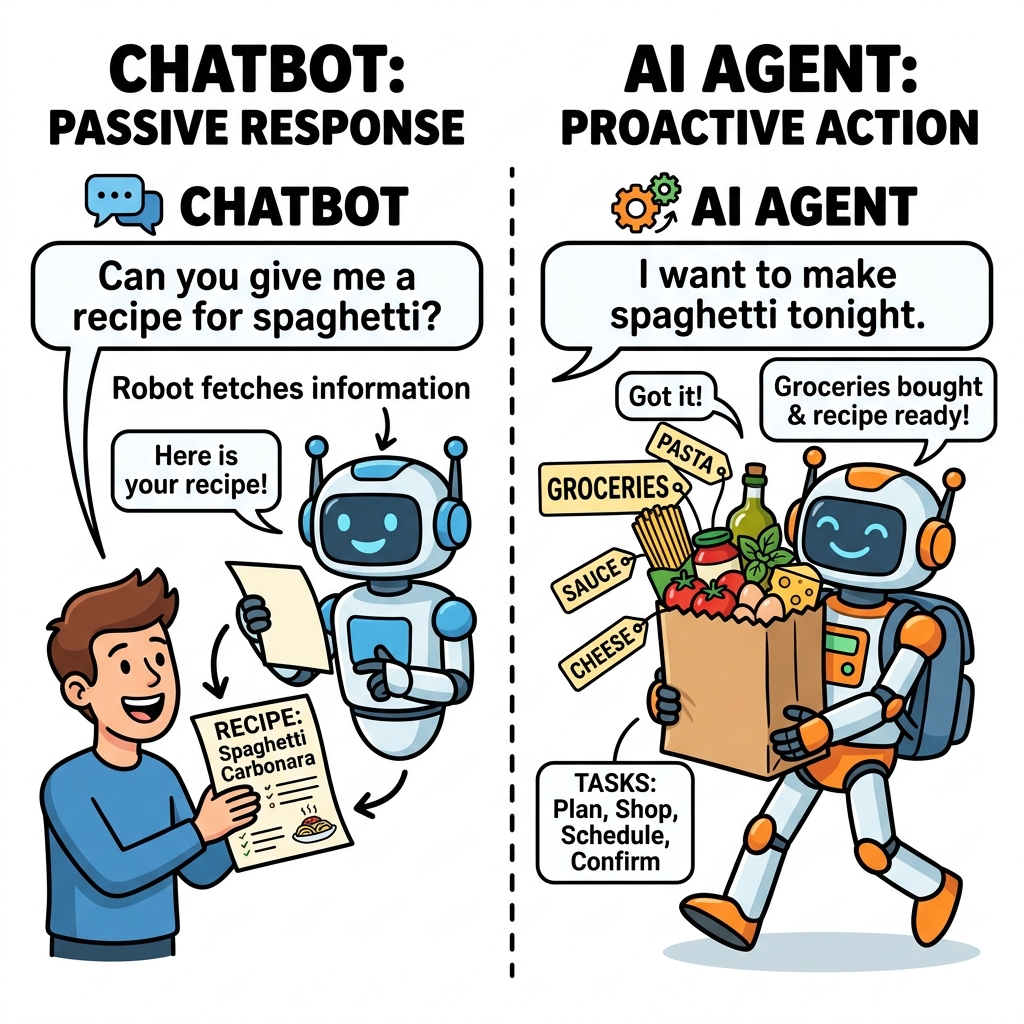
Until recently, interacting with an AI was like talking to a very smart librarian who was locked inside a library. They could answer your questions based on the books they read, but they couldn't actually do anything in the outside world.
That paradigm is shifting. We are moving from the Chatbot Era (where AI generates text) to the Agentic Era (where AI takes actions).
📌 What is an AI Tool?
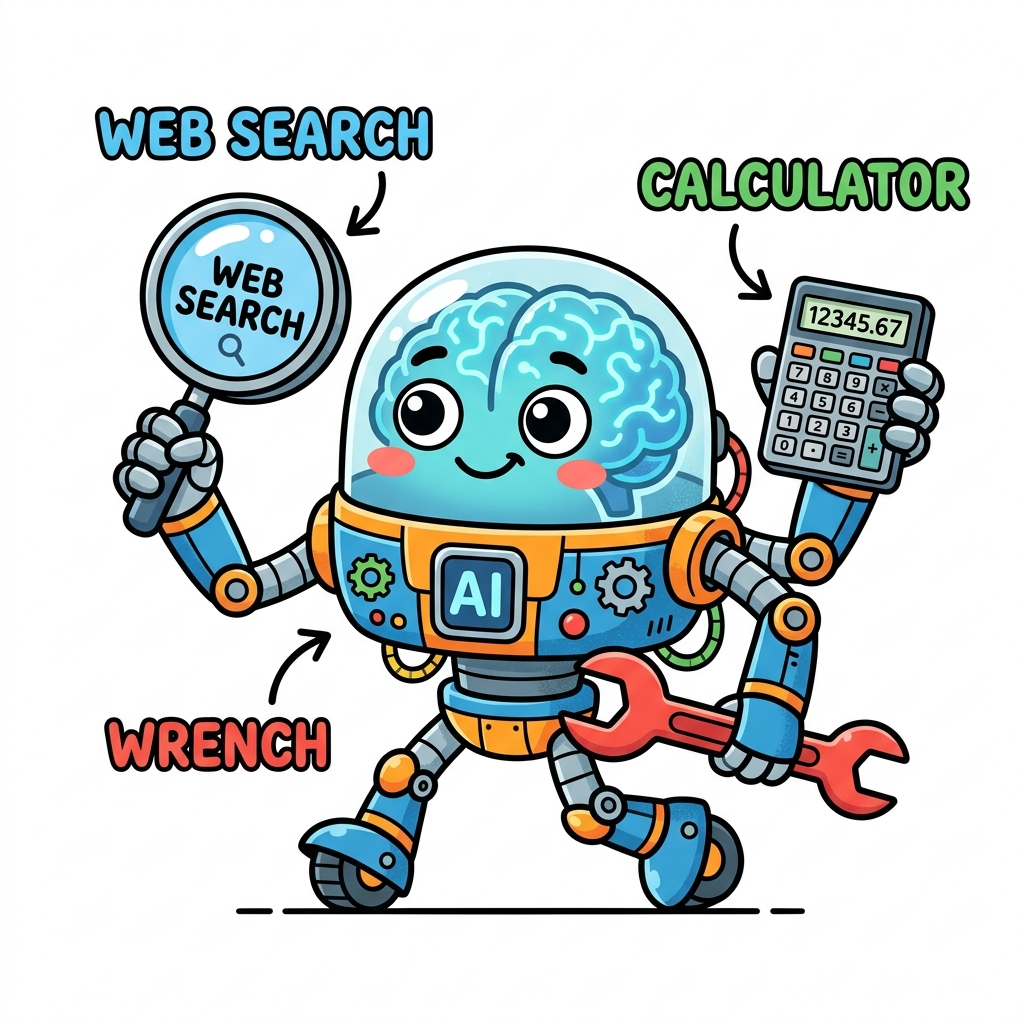
A "Tool" is simply a function or an API that the LLM is allowed to call. Just like a human uses a calculator to do math, an LLM can use tools to compensate for its weaknesses or to interact with the real world.
Common tools include:
- Web Search: To look up real-time information and overcome the knowledge cutoff.
- Code Interpreter: To write and execute Python code to solve complex math or data problems accurately.
- Database Access (SQL): To query a company's internal database for sales figures.
- Action APIs: To send emails, create calendar events, or trigger a webhook.
📌 How does an LLM "use" a tool?
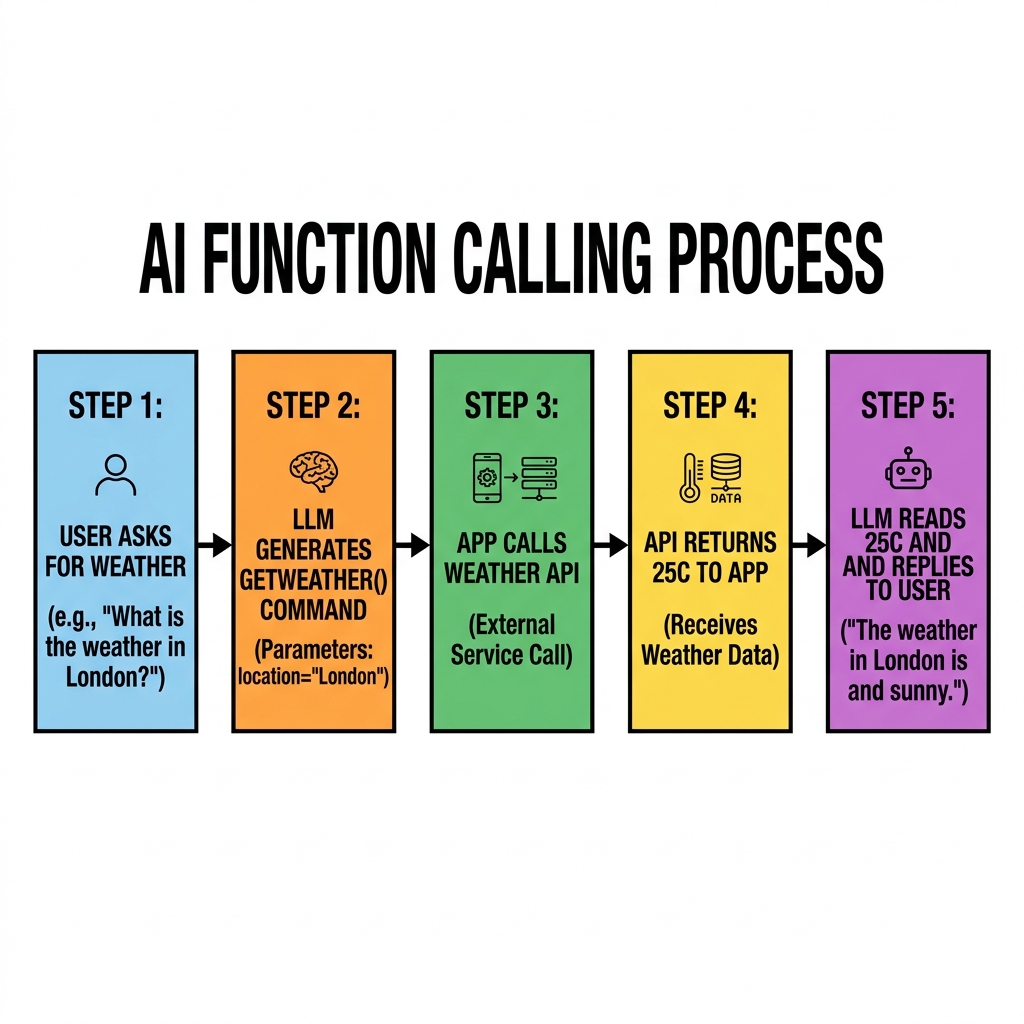
LLMs don't magically execute code themselves. Instead, developers use a feature called Function Calling (or Tool Calling).
You describe your tools to the LLM (e.g., "I have a tool called getWeather(location)"). If the user asks about the weather, the LLM will generate a structured JSON response saying: "Hey application, please run getWeather('Paris') for me." Your app runs the code, gets the result, and feeds it back to the LLM to write a natural response.
Quick Knowledge Check
Test what you just learned about AI Agents and Tools
Question 1 of 1
What is the fundamental difference between a standard Chatbot and an AI Agent?
Loading results...