📌 The HuggingFace Model Card
When you buy a car, you look at the spec sheet: Horsepower, MPG, and safety ratings. When you download a new AI model from HuggingFace, you look at the Model Card. This is the official document written by the researchers that tells you exactly what the AI can (and cannot) do.
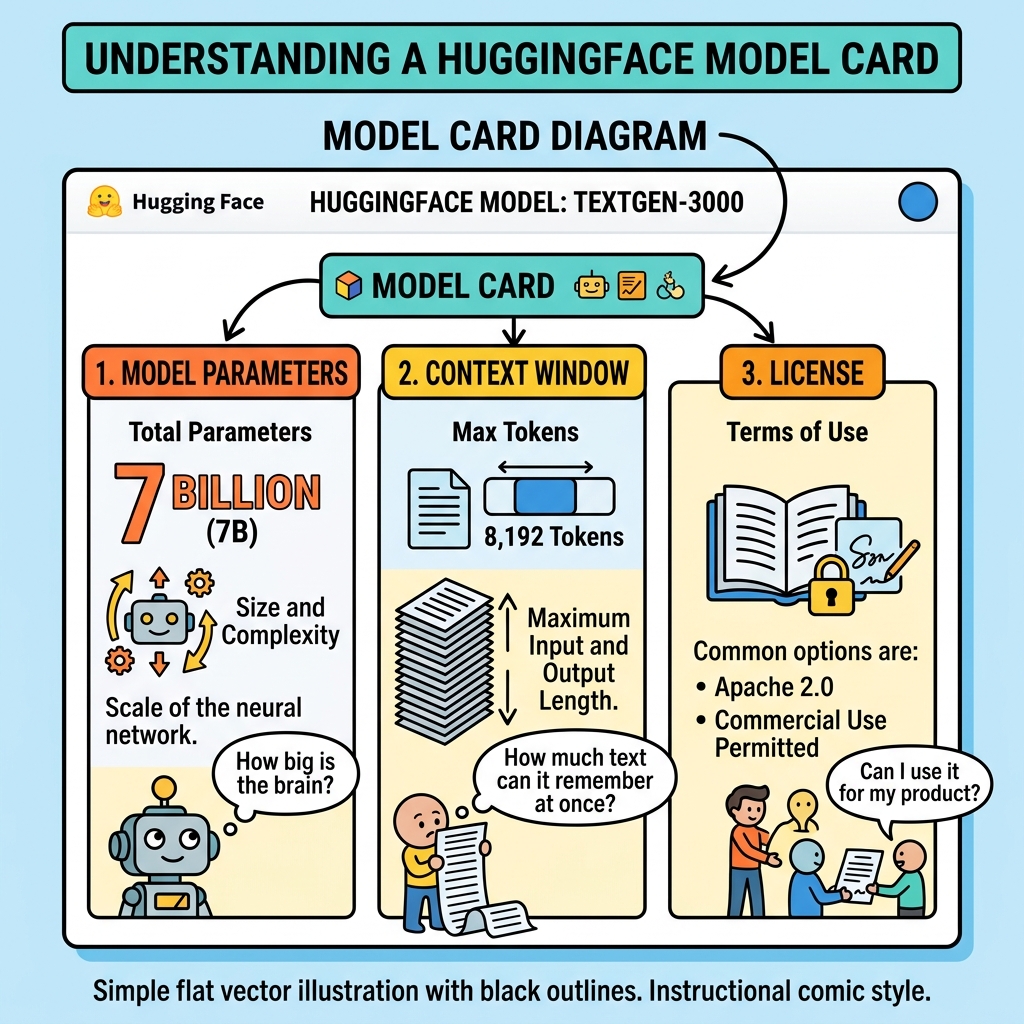
The three most critical specs you must check immediately:
- Parameter Count (e.g., 8B vs 70B): This tells you how much VRAM (hardware memory) you will need to run the model.
- Context Window (e.g., 8k vs 128k tokens): This tells you how large of a document you can feed into the prompt before the AI crashes.
- License (e.g., MIT, Apache 2.0, or Custom): This tells you if you are legally allowed to use this model to build a commercial product for your company.
📌 Decoding the Filename Acronyms
If you search for a model like Llama 3, you will see dozens of different versions. You must know how to decode the acronyms:
- Base vs. Instruct: As we learned in the Fine-Tuning lesson, a "Base" model is just an autocomplete engine. If you want a helpful Q&A assistant, you MUST download the file labeled "Instruct" (or "Chat").
- FP16 vs. Q4: This refers to Quantization. If a file says FP16 (Float16), it is the massive, uncrushed, original brain. If it says
GGUF Q4(4-bit Quantization), it means it has been mathematically crushed to fit onto a standard consumer laptop.
📌 Reading the Benchmarks (The Fine Print)
When a company announces a new model, they always post a flashy chart of benchmark scores to prove their AI is the smartest. The three most common benchmarks you will see on a Model Card are:
- MMLU: The SATs for AI. It tests general knowledge across 57 subjects (Law, Physics, Medicine).
- HumanEval: A brutal test specifically designed to evaluate the AI's ability to write Python code.
- MATH: A test of competition-level mathematical logic.
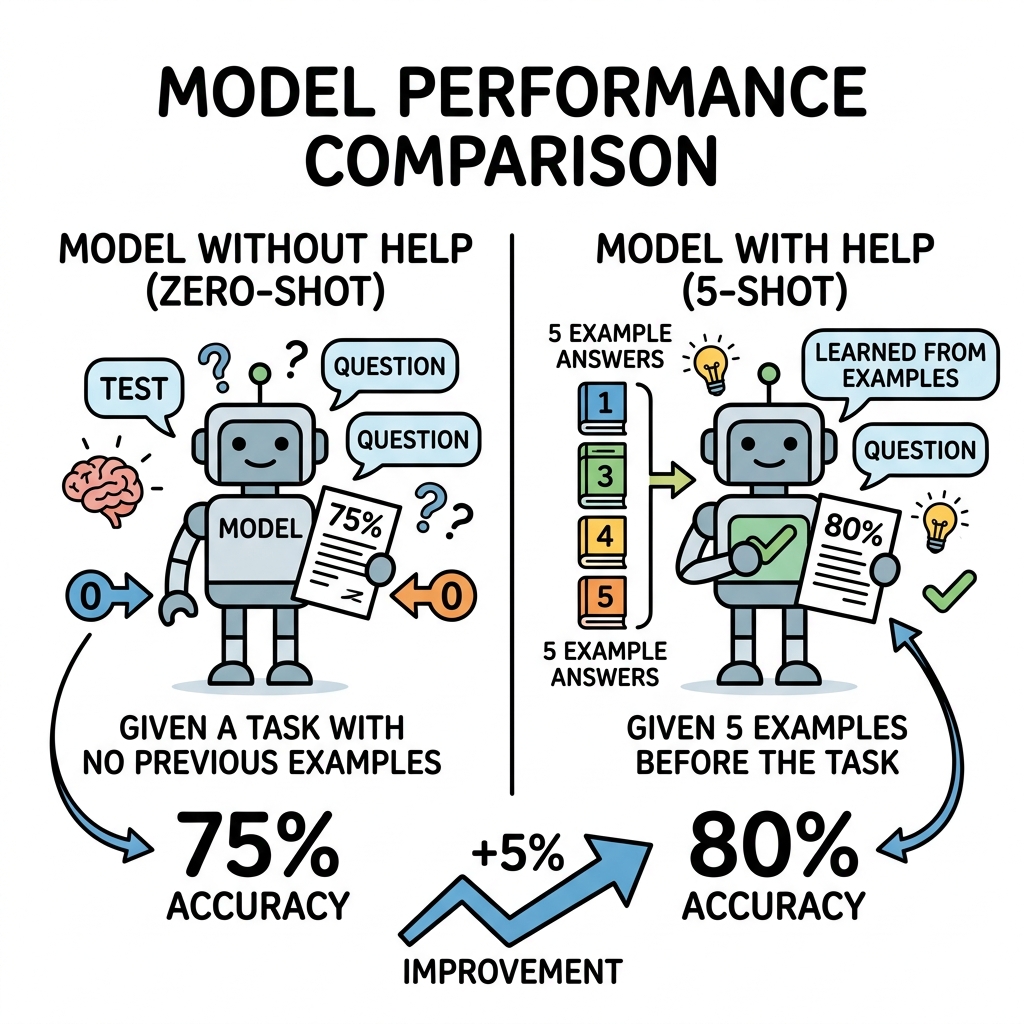
The Fine Print: Zero-Shot vs 5-Shot.
You must read the tiny footnotes at the bottom of the benchmark chart. Did the AI score an 80% using Zero-Shot prompting? (Meaning the AI guessed the answer perfectly on the very first try). Or did they use 5-Shot prompting? (Meaning the engineers gave the AI 5 perfect examples of how to solve the problem before asking the final question).
A model that scores an 80% on a 5-Shot test is actually less intelligent than a model that scores a 78% on a Zero-Shot test!
Quick Knowledge Check
Test what you just learned about Model Cards
Question 1 of 1
You want to build a customer support chatbot. You go to HuggingFace and download a model file named Llama-3-8B-Base.safetensors. When you test it, it fails to answer your questions and just predicts random sentences instead. What did you do wrong?
Loading results...