Testing in JavaScript helps ensure your code behaves as expected. It involves writing small code snippets called tests that automatically verify your functions, logic, and components.
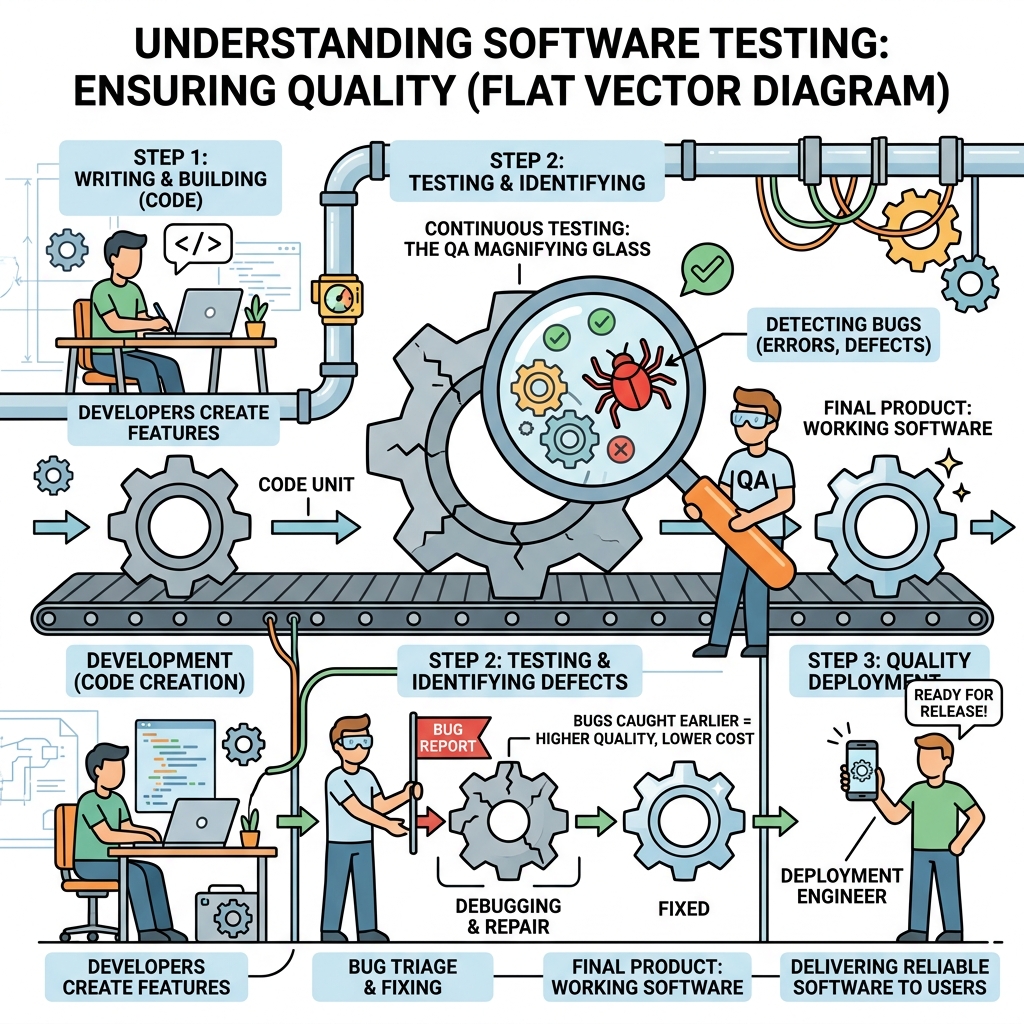
💡 Why Test?
Detect bugs early, improve code reliability, and facilitate safe refactoring.
Types of Testing
- Unit Testing: Test individual functions or modules in isolation.
- Integration Testing: Test how different parts work together.
- End-to-End Testing: Simulate real user scenarios in the full application.
Basic Testing with Assertions
At its core, testing asserts that expected outcomes match actual outcomes. You can use simple if statements or testing libraries.
📌 Deep Dive: Simple Assertion
function add(a, b) {
  return a + b;
}

// Test
if (add(2, 3) === 5) {
  console.log('Test passed');
} else {
  console.error('Test failed');
}Using Jest for Testing
Jest is a popular JavaScript testing framework that simplifies writing and running tests.
📌 Deep Dive: Jest Test Example
const add = (a, b) => a + b;

test('adds 2 + 3 to equal 5', () => {
  expect(add(2, 3)).toBe(5);
});✓ adds 2 + 3 to equal 5 (5 ms)
Common Testing Methods
| Matcher | Purpose |
|---|---|
toBe(value) | Exact equality (===) |
toEqual(value) | Deep equality (objects, arrays) |
toBeTruthy() | Value is truthy |
toThrow() | Function throws an error |
⚠️ Important
Tests should be isolated, fast, and repeatable. Avoid side effects and dependencies on external resources like databases or APIs in unit tests.
Testing Best Practices
- Write tests for both expected and edge cases.
- Name tests clearly to describe the behavior tested.
- Run tests frequently during development.
- Keep tests small and focused on one behavior.
💡 Tip
Use continuous integration (CI) tools to run tests automatically on code changes.
Quick Knowledge Check
Test what you just learned
Question 1 of 2
What is the main purpose of a unit test?
Question 2 of 2
Which Jest matcher would you use to check that a function throws an error?
Loading results...