In JavaScript, objects are collections of related data and functionality. They store data in key-value pairs, where keys are strings (or symbols) and values can be any data type, including other objects or functions.
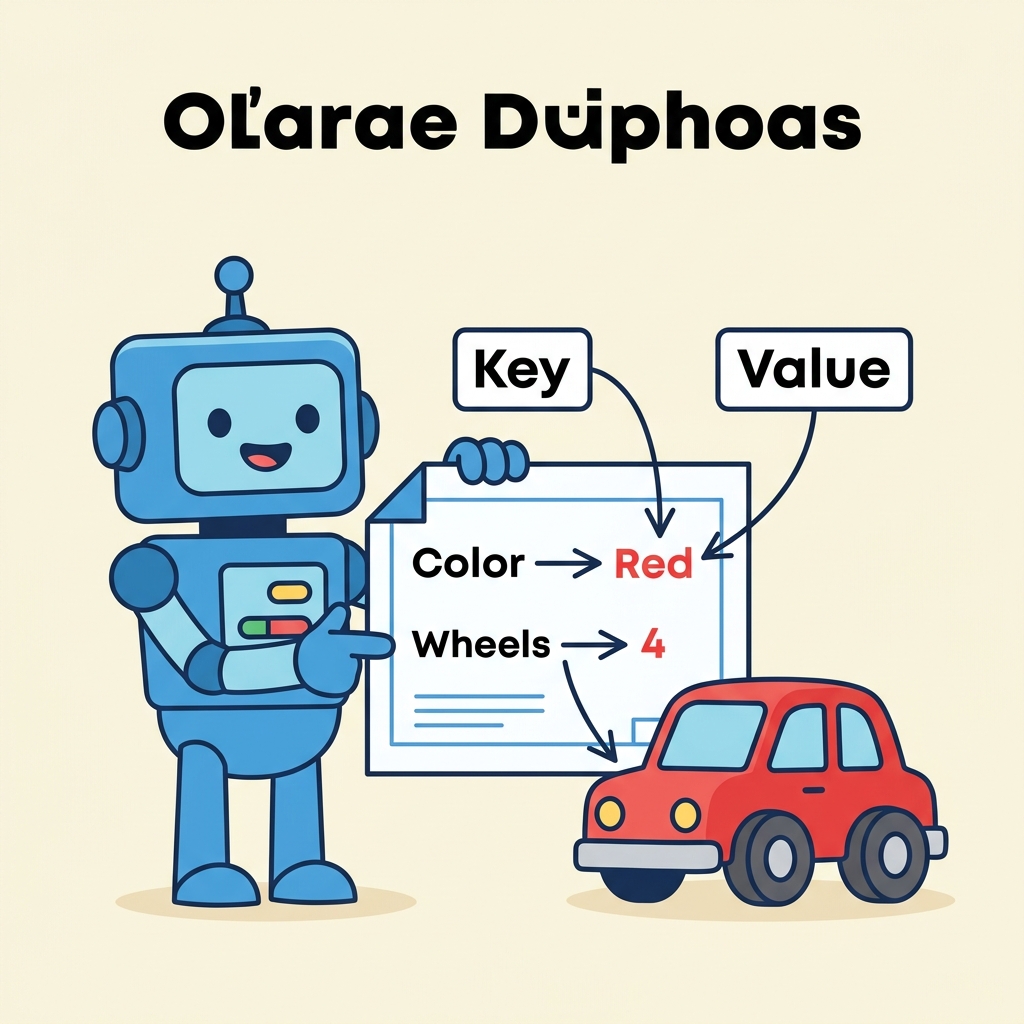
💡 What is an Object?
An object groups properties and methods to represent real-world entities or abstract data structures.
Creating Objects
- Object literal syntax: The most common and concise way.
- Using
new Object(): Less common, more verbose.
📌 Deep Dive: Object Literal Example
const person = {
  name: "Alice",
  age: 30,
  greet: function() {
    return "Hello, " + this.name + "!";
  }
};

console.log(person.name);    // Alice
console.log(person.greet()); // Hello, Alice!Hello, Alice!
Accessing and Modifying Properties
Properties can be accessed or changed using:
object.propertyNameobject["propertyName"](useful with dynamic or special keys)
📌 Deep Dive: Access & Modification
const car = {
  brand: "Toyota",
  year: 2021
};

// Access
console.log(car.brand);      // Toyota
console.log(car["year"]);    // 2021

// Modify
car.year = 2022;
car["color"] = "red";

console.log(car.year);       // 2022
console.log(car.color); // red2021
2022
red
💡 Dynamic Property Access
Bracket notation allows accessing properties with keys stored in variables or with keys that include spaces or special characters.
Objects vs. Arrays
| Objects | Arrays |
|---|---|
| Store data as key-value pairs | Store ordered data as indexed elements |
| Keys are usually strings | Indices are numeric and ordered |
| Used for representing entities or records | Used for lists or collections |
| Access properties via keys | Access elements via indices |
Methods in Objects
Functions inside objects are called methods. They can use this to refer to the current object.
📌 Deep Dive: Methods Using this
const rectangle = {
  width: 10,
  height: 5,
  area: function() {
    return this.width * this.height;
  }
};

console.log(rectangle.area()); // 50Common Object Methods
Object.keys(obj)- Returns an array of keysObject.values(obj)- Returns an array of valuesObject.entries(obj)- Returns an array of [key, value] pairs
📌 Deep Dive: Object Utility Methods
const user = {
  id: 101,
  username: "jsmith",
  active: true
};

console.log(Object.keys(user));   // ["id", "username", "active"]
console.log(Object.values(user)); // [101, "jsmith", true]
console.log(Object.entries(user)); // [["id", 101], ["username", "jsmith"], ["active", true]][101, "jsmith", true]
[["id", 101], ["username", "jsmith"], ["active", true]]
⚠️ Objects are reference types
Assigning or passing objects copies the reference, not the actual object. Changes affect all references.
Quick Knowledge Check
Test what you just learned
Question 1 of 2
How can you access an object property with a key stored in a variable?
Question 2 of 2
What does this refer to inside an object method?
Loading results...