JavaScript uses different data types to represent values. Understanding these types is essential to writing effective code.
JavaScript Data Types Overview
| Type | Description |
|---|---|
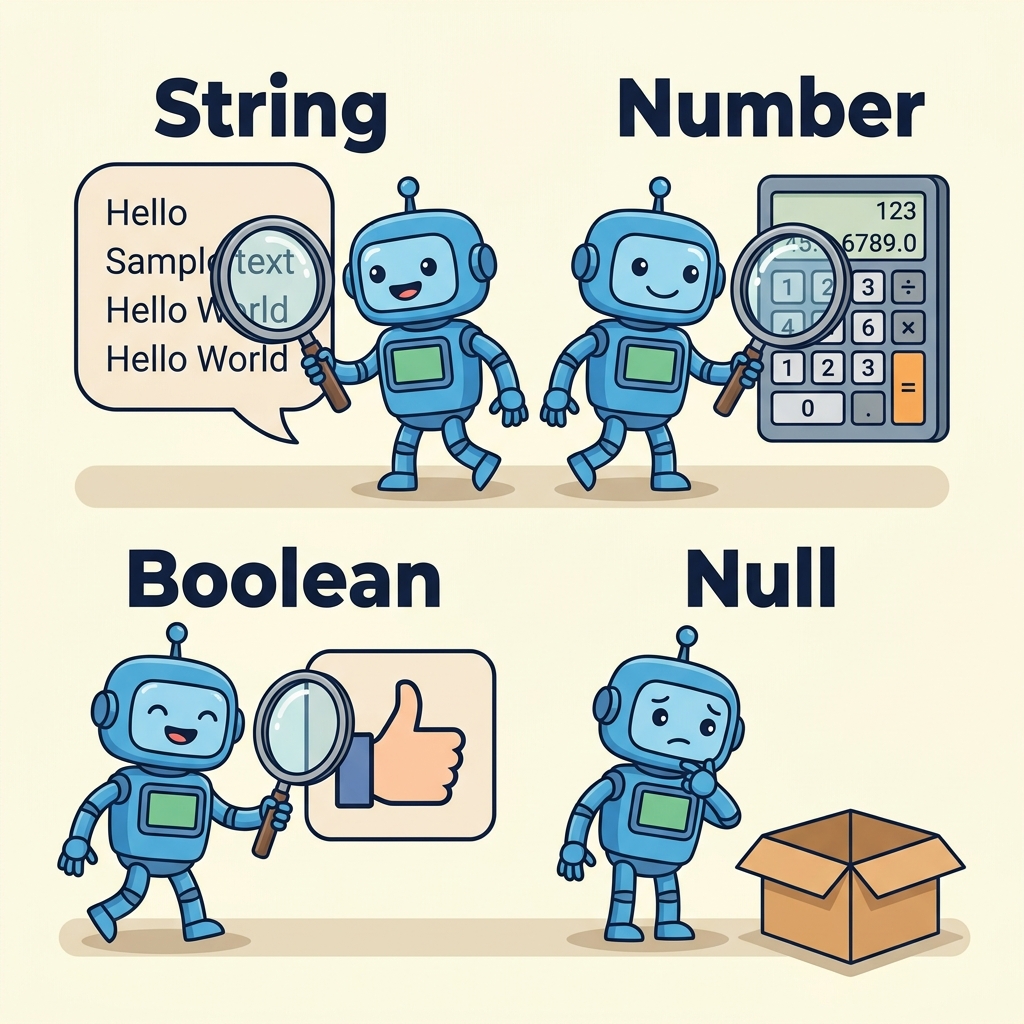
| Number | Represents both integer and floating-point numbers (e.g., 42, 3.14) |
| String | Sequence of characters enclosed in quotes (e.g., "Hello") |
| Boolean | Logical value: true or false |
| Undefined | Variable declared but not assigned a value |
| Null | Represents intentional absence of any object value |
| Symbol | Unique and immutable identifier (used less often) |
| Object | Collection of properties (complex data structures like arrays, functions, objects) |
💡 Primitive vs. Object Types
Primitive types (Number, String, Boolean, Undefined, Null, Symbol) hold simple values. Objects store collections of values and more complex data.
Key Points:
typeofoperator returns the data type of a value.- Strings can be enclosed in single (' '), double (" "), or backticks (` `) for template literals.
- Null is a special value but
typeof nullreturns "object" (a known JavaScript quirk).
📌 Deep Dive: Checking Data Types with typeof
JAVASCRIPT
console.log(typeof 123);        // "number"
console.log(typeof "text");       // "string"
console.log(typeof true);         // "boolean"
console.log(typeof undefined);    // "undefined"
console.log(typeof null);         // "object"
console.log(typeof {a:1});        // "object"
console.log(typeof Symbol());     // "symbol"
Output
"number""string"
"boolean"
"undefined"
"object"
"object"
"symbol"
💡 Null vs Undefined
null means a variable explicitly has no value.
undefined means a variable has been declared but not assigned.
⚠️ typeof null Quirk
typeof null returns "object" due to legacy reasons. Treat null as a primitive representing "no value".
📌 Deep Dive: Primitive vs Object Types
JAVASCRIPT
let num = 42;             // Number (primitive)
let text = "Hello";         // String (primitive)
let list = [1, 2, 3];       // Array (object)
let person = {name: "Joe"}; // Object

console.log(typeof list);    // "object"
console.log(Array.isArray(list)); // true - arrays are special objects
Output
"object"true
💡 Summary
- JavaScript has 7 fundamental data types.
- Primitive types store simple values; objects store collections and complex data.
- Use
typeofto identify types, but be aware of quirks likenull.
Quick Knowledge Check
Test what you just learned
Question 1 of 2
Which of these is a primitive data type in JavaScript?
Question 2 of 2
What does typeof null return?
0/2
Loading results...