In JavaScript, you can dynamically create and remove HTML elements to update the content of your webpage without reloading it.
Creating Elements
Use document.createElement() to create a new element. Then, set its properties or content, and insert it into the DOM using methods like appendChild() or insertBefore().
📌 Deep Dive: Create and Append an Element
const newParagraph = document.createElement('p');
newParagraph.textContent = 'This is a new paragraph.';
document.body.appendChild(newParagraph);Removing Elements
To remove an element, use remove() directly on the element, or use parentNode.removeChild(child) from its parent.
📌 Deep Dive: Remove an Element
const element = document.querySelector('p');
element.remove();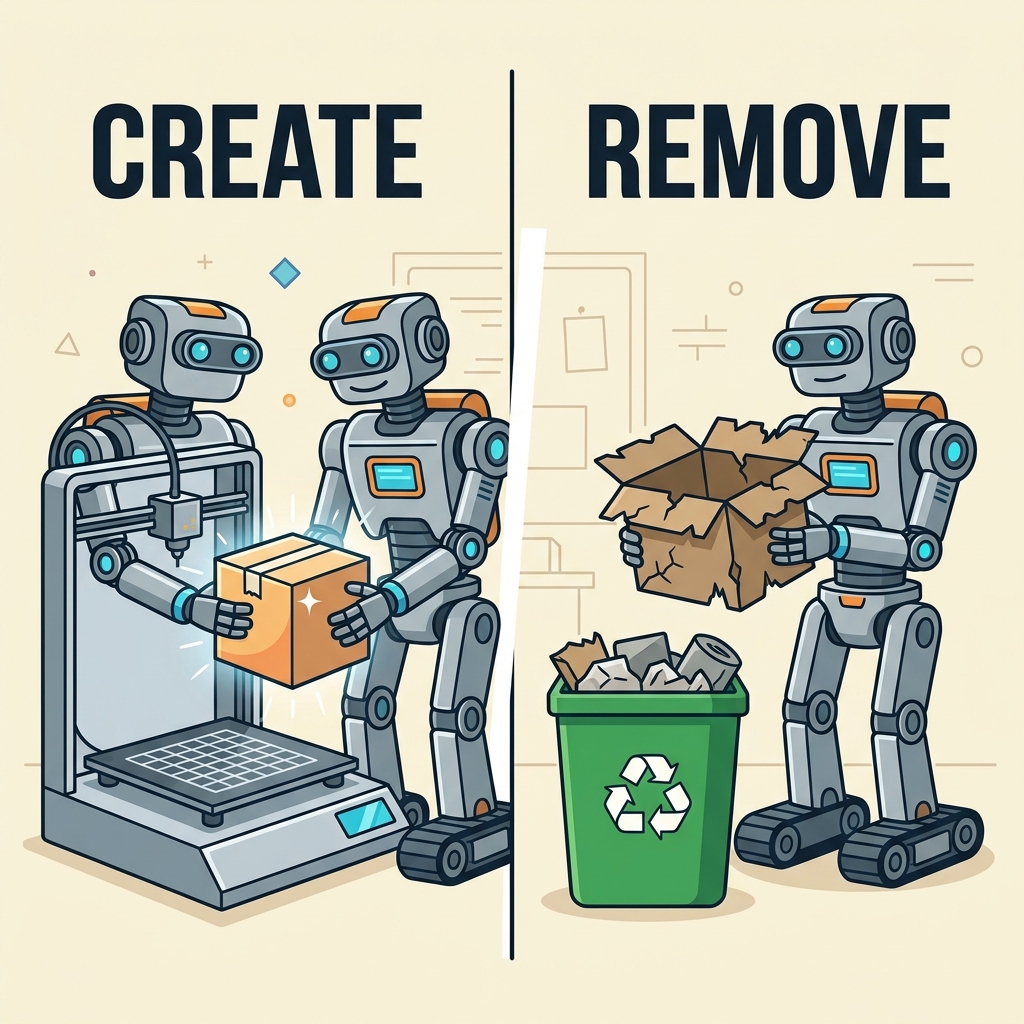
💡 Remember:
Always ensure the element exists before removing it to avoid errors.
| Action | Method |
|---|---|
| Create element | document.createElement(tagName) |
| Add element | parent.appendChild(element) |
| Remove element | element.remove() or parent.removeChild(element) |
⚠️ Important:
Modifying the DOM frequently can affect performance. Batch your changes or use DocumentFragments for many elements.
Quick Knowledge Check
Test what you just learned
Question 1 of 2
Which method is used to create a new HTML element in JavaScript?
Question 2 of 2
How do you remove an element from the DOM?
Loading results...