Traversing the DOM means navigating through elements and nodes in an HTML document using JavaScript. This allows you to access, inspect, and manipulate elements relative to others.
💡 Key Concept
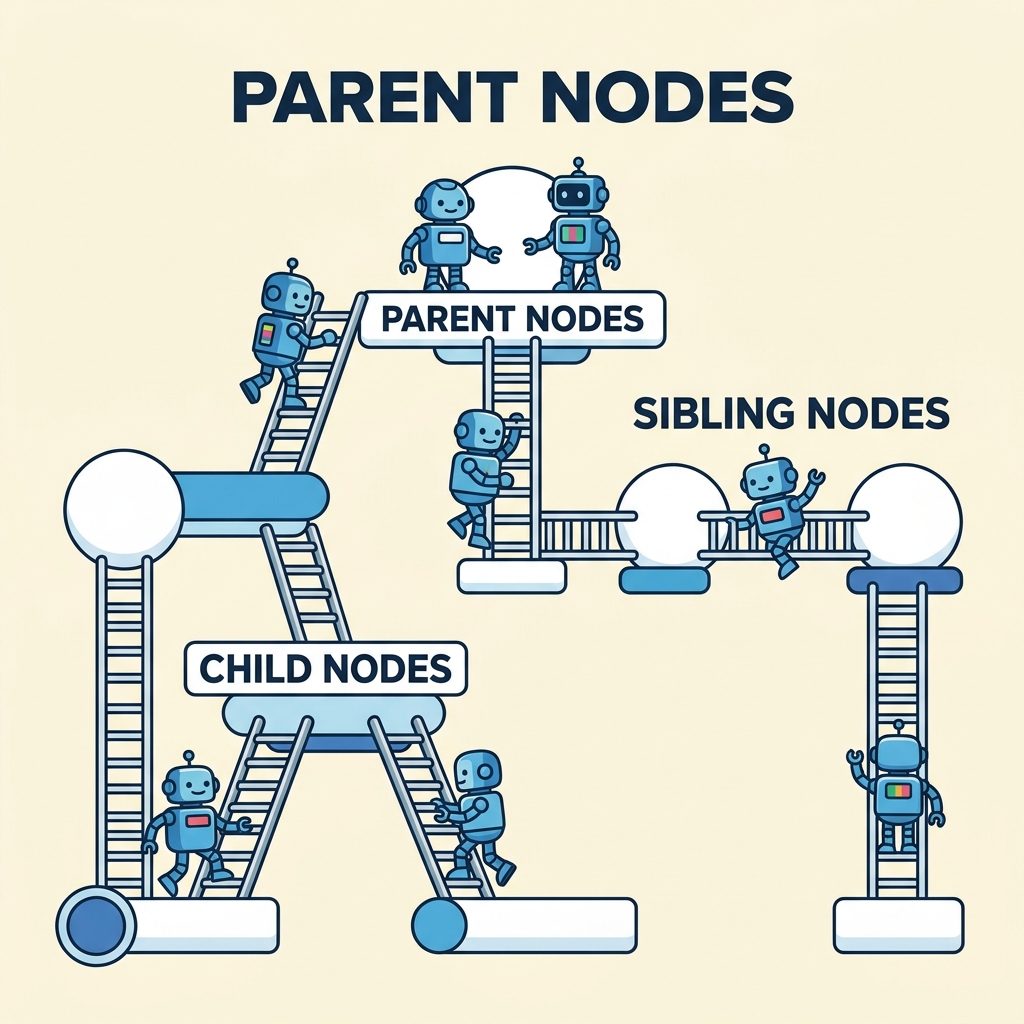
The DOM represents the page structure as a tree of nodes, where each node is an element, text, or comment.
Common DOM Traversal Properties
parentNode– Access the parent of a node.children– Returns child elements (ignores text nodes).childNodes– Returns all child nodes, including text and comment nodes.firstElementChildandlastElementChild– First and last child elements.nextElementSiblingandpreviousElementSibling– Navigate to adjacent sibling elements.
DOM Traversal Properties Comparison
| Property | What it Returns |
|---|---|
| parentNode | Parent node of the element |
| children | HTMLCollection of child elements only |
| childNodes | NodeList of all child nodes (elements, text, comments) |
| firstElementChild | The first child element |
| lastElementChild | The last child element |
| nextElementSibling | The next sibling element |
| previousElementSibling | The previous sibling element |
Practical Examples
📌 Deep Dive: Accessing Parent and Children Elements
JAVASCRIPT
const listItem = document.querySelector('li');
const parent = listItem.parentNode; // - elements console.log(parent.tagName); // "UL" console.log(children.length); // Number of
items
element
const children = parent.children; // HTMLCollection of Output
ULNumber of <li> items
📌 Deep Dive: Navigating Siblings
JAVASCRIPT
const current = document.querySelector('.active');
const next = current.nextElementSibling;
const previous = current.previousElementSibling;

console.log(next);       // Next sibling element or null
console.log(previous);   // Previous sibling element or null
Output
Element or null for each⚠️ Be Careful with Text Nodes
Properties like childNodes include text nodes (whitespace), which can cause unexpected results when traversing. Use children or firstElementChild to work with element nodes only.
Summary
- Use
parentNodeto move up the DOM tree. - Use
childrenandchildNodesto access children; preferchildrenfor elements only. - Navigate siblings with
nextElementSiblingandpreviousElementSibling.
Quick Knowledge Check
Test what you just learned
Question 1 of 2
Which property returns only child elements, excluding text nodes?
Question 2 of 2
What does nextElementSibling return if there is no next sibling?
0/2
Loading results...