In JavaScript, you can modify existing HTML elements dynamically to change their content, attributes, and styles. This allows pages to update without reloading.
Common Ways to Modify Elements
- Change content: Modify text or HTML inside an element.
- Update attributes: Change element attributes like
src,href, orclass. - Modify styles: Adjust inline CSS styles dynamically.
1. Changing Content
Use textContent to change plain text or innerHTML to include HTML markup inside an element.
📌 Deep Dive: Changing Text and HTML Content
const para = document.querySelector('p');

// Change plain text
para.textContent = 'Hello, updated text!';

// Change with HTML
para.innerHTML = 'This is bold text!';2. Updating Attributes
Modify element attributes using setAttribute() or direct property access.
📌 Deep Dive: Modifying Attributes
const img = document.querySelector('img');

// Using setAttribute
img.setAttribute('src', 'new-image.png');

// Using property
img.alt = 'Updated description';3. Changing Styles
Inline styles can be changed via the style property.
📌 Deep Dive: Modifying Inline Styles
const box = document.querySelector('.box');

// Change background color
box.style.backgroundColor = 'lightblue';

// Adjust width
box.style.width = '200px';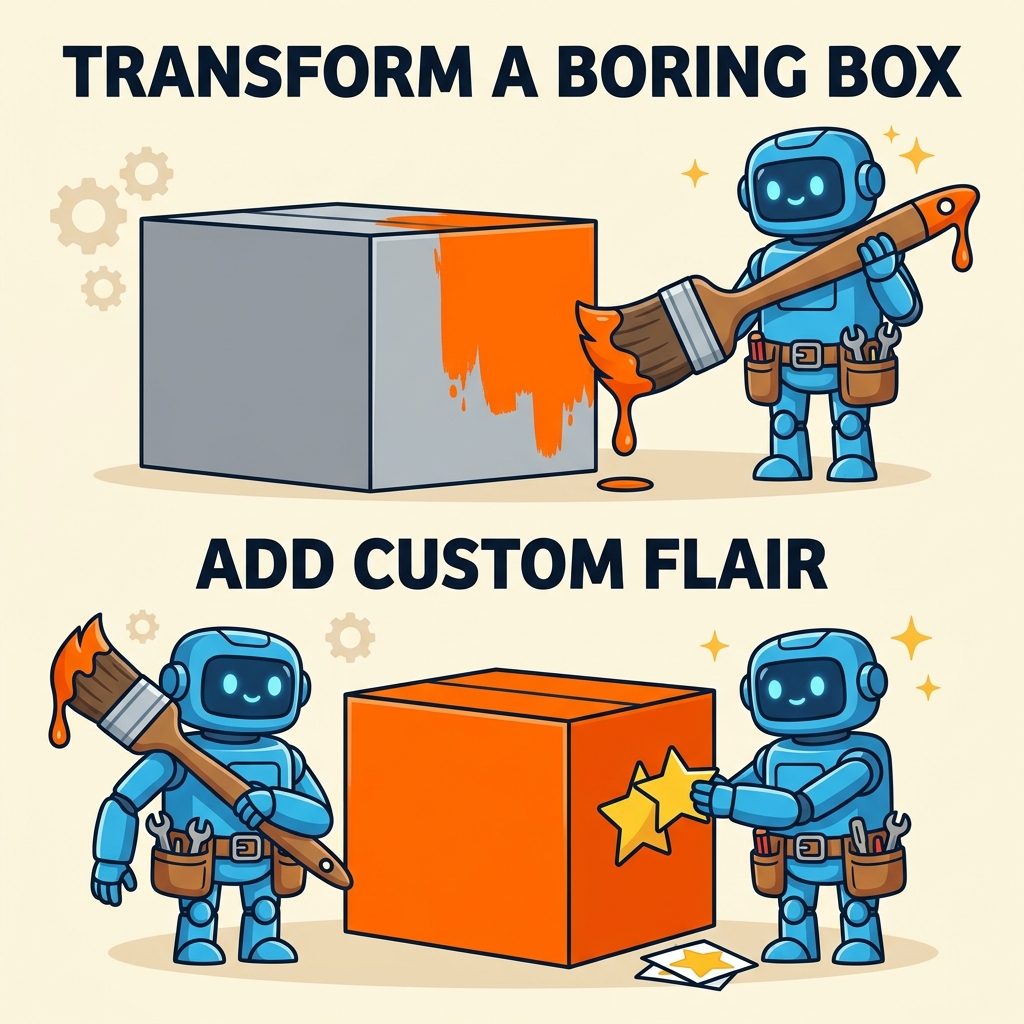
💡 Remember:
Use textContent for text only and innerHTML if you need to insert HTML markup. Be cautious with innerHTML to avoid security risks like XSS.
⚠️ Tip:
Directly setting styles via style only affects inline styles. For more complex style changes, consider toggling CSS classes.
| Action | Method / Property |
|---|---|
| Change text content | element.textContent = 'text' |
| Change HTML content | element.innerHTML = '<span>HTML</span>' |
| Update attribute | element.setAttribute('attr', 'value') |
| Update attribute (property) | element.href = 'url' |
| Modify style | element.style.property = 'value' |
Quick Knowledge Check
Test what you just learned
Question 1 of 2
Which property should you use to change only the text inside an element without adding HTML?
Question 2 of 2
How do you change the background color of an element using JavaScript?
Loading results...