The console object provides several useful methods to output information, debug code, and track program flow directly in the browser's developer console or Node.js terminal.
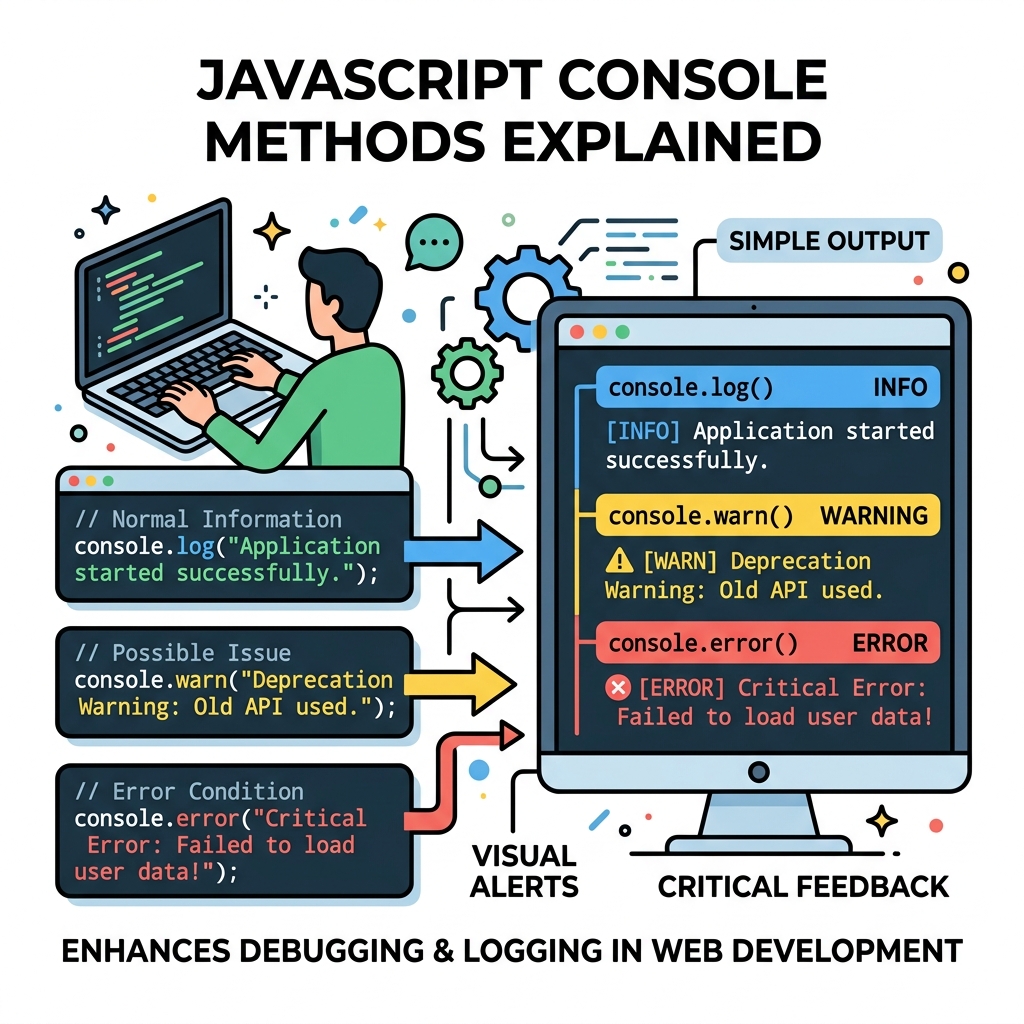
| Method | Purpose |
|---|---|
console.log() | Outputs general information or values. |
console.warn() | Outputs warnings (usually highlighted). |
console.error() | Outputs error messages. |
console.info() | Outputs informational messages (similar to log). |
console.debug() | Outputs debugging messages (may be hidden by default). |
console.table() | Displays data as a formatted table. |
console.group() / console.groupEnd() | Groups related messages. |
console.time() / console.timeEnd() | Measures elapsed time. |
console.assert() | Logs only if an assertion fails. |
💡 Using console methods effectively
Different console methods help categorize output, making it easier to filter and understand logs during debugging.
📌 Deep Dive: Basic Usage of console.log, console.warn, console.error
console.log('Hello, world!');
console.warn('Warning: Deprecated function');
console.error('Error: Something went wrong');(Warning message displayed)
(Error message displayed)
console.table() is especially useful for visualizing arrays or objects in an easy-to-read tabular format.
📌 Deep Dive: Using console.table()
const users = [
  { id: 1, name: 'Alice', age: 28 },
  { id: 2, name: 'Bob', age: 34 },
  { id: 3, name: 'Carol', age: 22 }
];

console.table(users);Grouping related logs with console.group() and console.groupEnd() helps structure console output hierarchically.
📌 Deep Dive: Grouping Console Messages
console.group('User Data');
console.log('Name: Alice');
console.log('Age: 28');
console.groupEnd();Name: Alice
Age: 28
Measuring execution time can be done using console.time() and console.timeEnd(), useful for performance checks.
📌 Deep Dive: Measuring Time with console.time()
console.time('loop');
for(let i = 0; i < 100000; i++) {
  // some operation
}
console.timeEnd('loop');⚠️ Avoid leaving console logs in production
Excessive console output can slow down applications and reveal sensitive information. Remove or disable them before deploying your code.
Quick Knowledge Check
Test what you just learned
Question 1 of 2
Which console method displays data in a structured table format?
Question 2 of 2
What is the purpose of console.time() and console.timeEnd()?
Loading results...