In JavaScript, a callback is a function passed as an argument to another function, which is then executed inside the outer function to complete some kind of routine or action.
💡 Why use Callbacks?
Callbacks allow you to control the order of execution, handle asynchronous operations, and create reusable, modular code.
How Callbacks Work
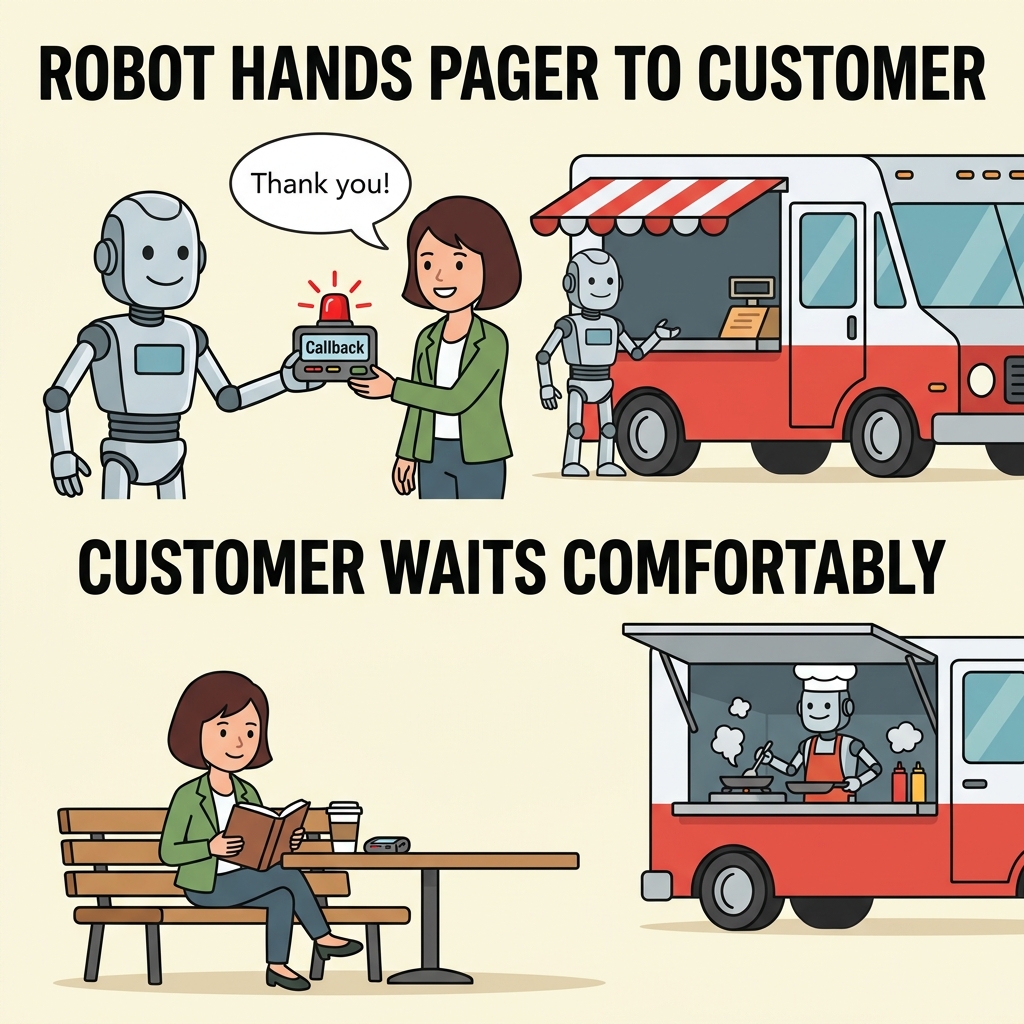
Instead of running immediately, a callback function is invoked after a task completes, often used for asynchronous tasks like fetching data or event handling.
📌 Deep Dive: Simple Callback Example
function greet(name, callback) {
  console.log('Hello, ' + name + '!');
  callback();
}

function sayGoodbye() {
  console.log('Goodbye!');
}

greet('Alice', sayGoodbye);Callbacks with Asynchronous Functions
Callbacks are essential for asynchronous operations, such as timers or network requests, to handle actions that happen later.
📌 Deep Dive: Using Callback with setTimeout
function fetchData(callback) {
  setTimeout(() => {
    callback('Data loaded');
  }, 1000);
}

fetchData(function(message) {
  console.log(message);
});💡 Callback Naming
By convention, callback parameters are often named callback, cb, or more descriptive names like onComplete.
| Callback | Regular Function Call |
|---|---|
| Passed as an argument | Called directly |
| Executed inside another function | Executed immediately |
| Often used for async tasks | Used for synchronous tasks |
⚠️ Avoid Callback Hell
Excessive nested callbacks can make code hard to read and maintain. Modern JavaScript often uses Promises or async/await to handle this.
Summary
- A callback is a function passed to another function to be executed later.
- They are fundamental for asynchronous programming in JavaScript.
- Proper naming and structure improve readability and maintainability.
Quick Knowledge Check
Test what you just learned
Question 1 of 2
What is a callback function in JavaScript?
Question 2 of 2
Which problem can arise from using many nested callbacks?
Loading results...