JavaScript runs in two main environments: Browser and Node.js. Understanding their differences helps you write code suitable for each platform.
| Aspect | Browser | Node.js |
|---|---|---|
| Environment | Client-side (web browsers) | Server-side (runtime on machines) |
| APIs | DOM, BOM, Fetch, Window | File system, Network, Process, OS |
| Global Object | window | global |
| Module System | ES Modules, script tags | CommonJS (require), ES Modules |
| Use Cases | Interactive web pages, UI | Backend servers, scripts, tools |
| Security | Sandboxed, restricted access | Full system access |
While the core JavaScript language remains the same, the available APIs and context differ significantly.
💡 Global Object Differences
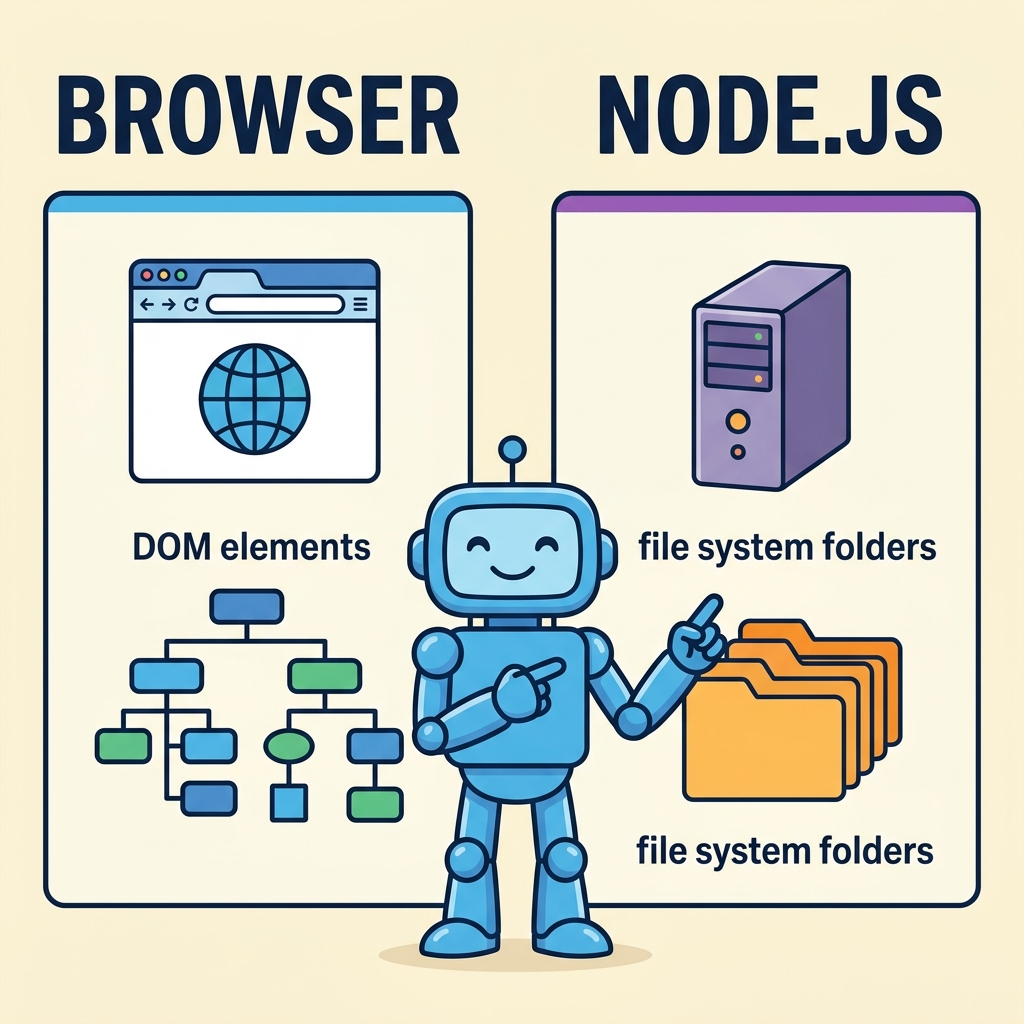
In browsers, the global object is window, which includes DOM and Web APIs. In Node.js, it's global, providing access to system-level modules.
Browser JavaScript can manipulate HTML elements and respond to user events, but cannot access the file system or run background processes. Node.js is designed for server-side tasks like reading files, creating servers, and handling databases.
📌 Deep Dive: Accessing Global Object
console.log(window); // Browser global object
console.log(global); // Node.js global objectNode.js: Global object with system APIs
⚠️ API Availability
Don't assume browser APIs like document or fetch are available in Node.js, or Node.js APIs like fs are available in browsers.
To summarize:
- Browser JavaScript is optimized for UI interactions.
- Node.js is built for backend and scripting tasks.
- They share the same JavaScript language but differ in environment and APIs.
Quick Knowledge Check
Test what you just learned
Question 1 of 2
Which global object is used in Node.js?
Question 2 of 2
Which environment allows direct access to the file system?
Loading results...