📌 The Scale of Cosine Similarity
In a previous lesson, we learned that Cosine Similarity is the industry standard for text search because it measures the angle between vectors, ignoring how long the document is. But what does the output actually look like?
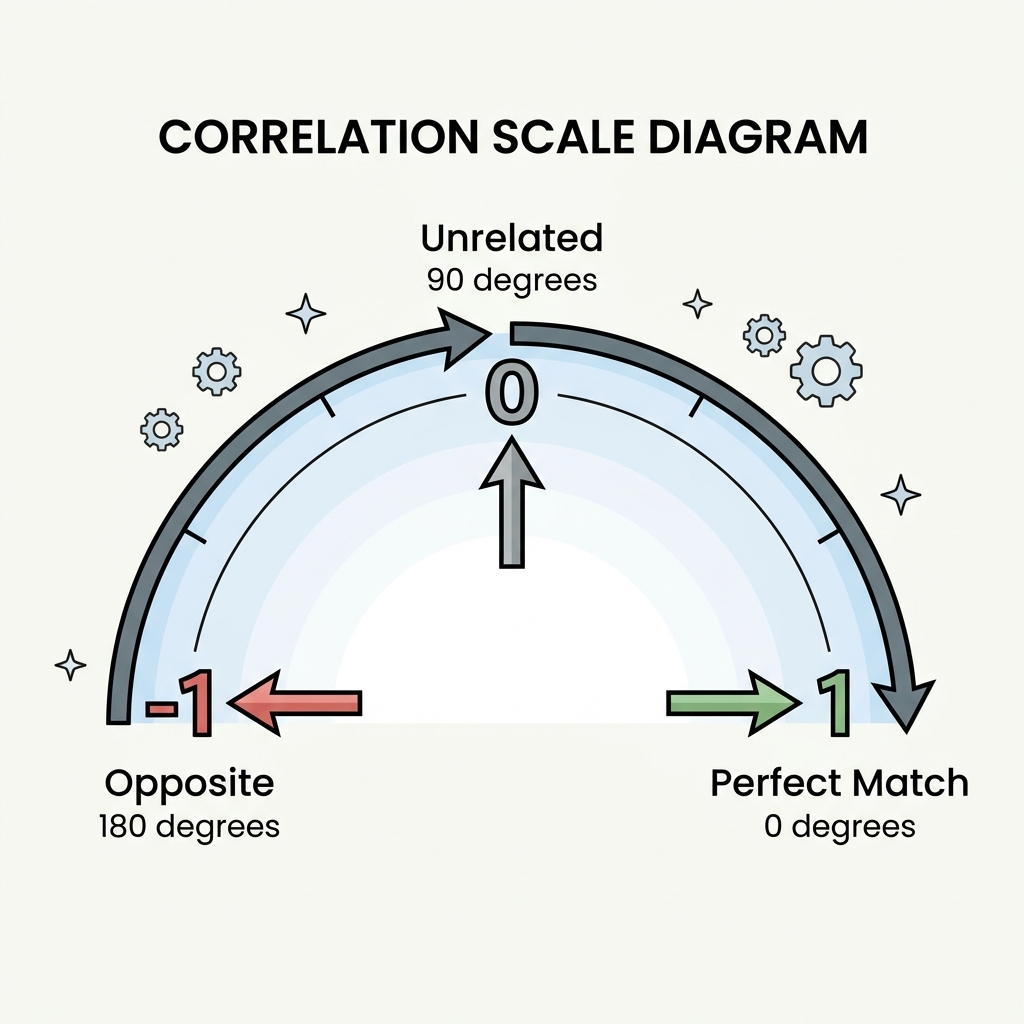
Cosine Similarity always returns a number between -1 and 1.
- 1 (Exact Match): The angle is 0 degrees. The vectors are pointing in the exact same direction. (e.g., "Dog" and "Canine").
- 0 (Orthogonal/Unrelated): The angle is 90 degrees. The concepts have absolutely nothing to do with each other. (e.g., "Dog" and "Coffee Mug").
- -1 (Exact Opposite): The angle is 180 degrees. The concepts mean the exact opposite. (e.g., "Hot" and "Cold").
📌 Euclidean Distance: When Magnitude Matters
While text models prefer Cosine Similarity, other fields of AI strongly prefer Euclidean Distance (L2).
Because Euclidean measures the physical, straight-line distance, it cares deeply about the length (magnitude) of the vector. This is highly useful in Computer Vision.
If you are embedding images, the "direction" might represent the color red, but the "magnitude" might represent how bright the red is. In this case, you don't want to ignore the magnitude! A dark red pixel and a bright neon red pixel should be considered far apart, making Euclidean distance the perfect metric.
📌 The Dot Product CPU Shortcut
If you look at the actual math equation for Cosine Similarity, you will notice something interesting: it uses the Dot Product!
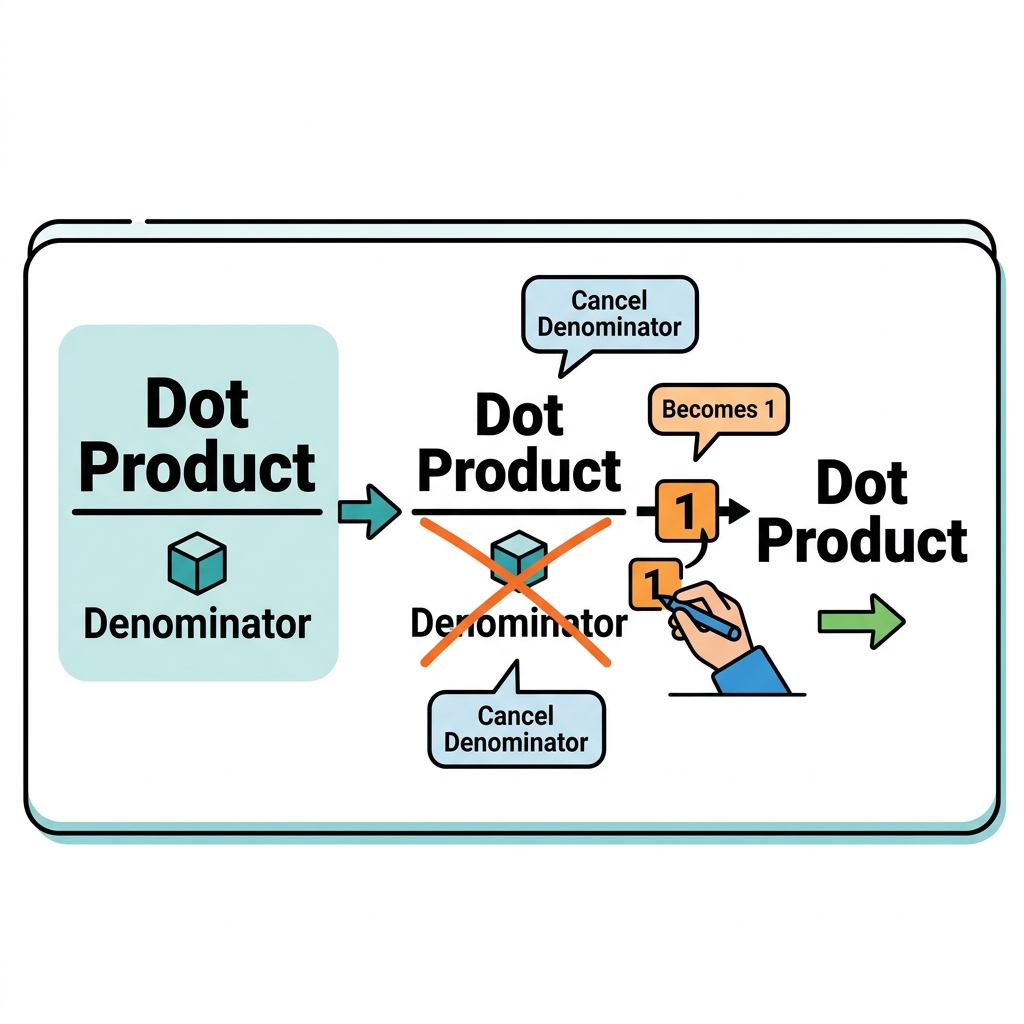
Cosine Similarity = (Vector A • Vector B) / (Length of A * Length of B)
The top part of that equation is the Dot Product. The bottom part (dividing by the lengths) requires a lot of extra CPU power.
The Shortcut: Normalized Vectors
Database engineers realized that if you mathematically force every single vector to have a length of exactly 1.0 (this is called "normalizing"), the bottom of the equation becomes 1 * 1.
When you divide by 1, the equation simply becomes: Cosine = Dot Product.
This is why OpenAI's embedding API normalizes all vectors by default. It allows your Vector Database to just calculate the Dot Product (which is incredibly fast and cheap for computer processors) while giving you the exact same perfect result as Cosine Similarity!
Quick Knowledge Check
Test what you just learned about the Dot Product
Question 1 of 1
Why do Vector Databases often use the Dot Product instead of Cosine Similarity if the vectors are "normalized" (length = 1.0)?
Loading results...