JavaScript's try...catch...finally structure lets you handle errors gracefully during code execution. It helps prevent your program from crashing by catching exceptions and running recovery code.
How It Works
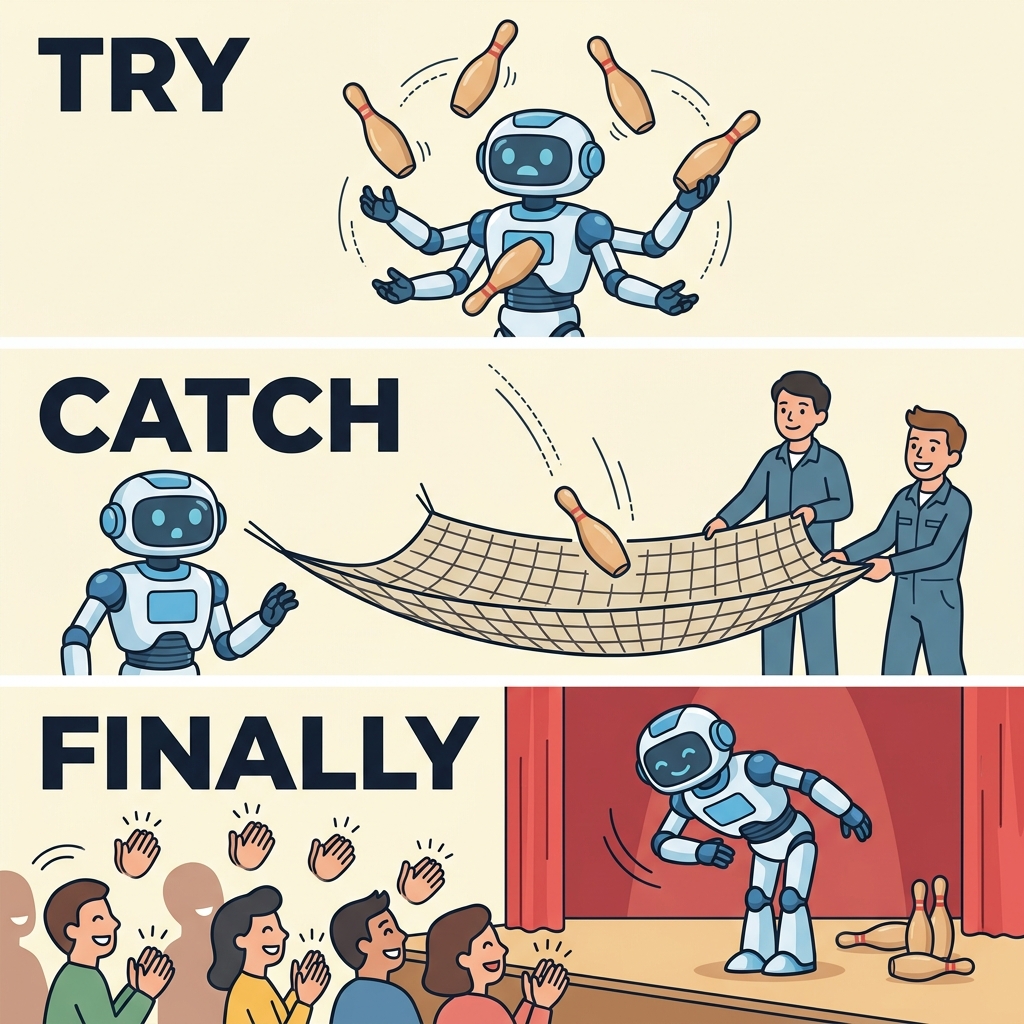
- try: Wraps the code block that might throw an error.
- catch: Runs if an error occurs inside
try. Receives the error object. - finally: Runs after
tryandcatch, regardless of success or failure.
📌 Deep Dive: Basic Try-Catch
JAVASCRIPT
try {
  // Code that may throw an error
  let result = riskyOperation();
  console.log('Result:', result);
} catch (error) {
  console.log('Caught an error:', error.message);
}
Output (if error)
Caught an error: [error message]Purpose of Each Block
Try, Catch & Finally Roles
| Block | Role |
|---|---|
try | Run code that might throw an error |
catch | Handle the error if one occurs |
finally | Run cleanup or final code no matter what |
📌 Deep Dive: Try-Catch-Finally
JAVASCRIPT
try {
  throw new Error('Oops!');
} catch (error) {
  console.log('Error caught:', error.message);
} finally {
  console.log('This runs always, cleanup here.');
}
Output
Error caught: Oops!This runs always, cleanup here.
💡 Important
The catch block only runs if an error occurs inside try. The finally block runs regardless of errors.
Common Use Cases
- Handling unexpected runtime errors without stopping the whole program.
- Cleaning up resources (like closing files or network connections) in
finally. - Providing user-friendly error messages.
⚠️ Avoid Empty Catch Blocks
Don't leave catch empty or ignore errors silently—it can hide problems making debugging harder.
Quick Syntax Summary
try {
  // risky code
} catch (error) {
  // error handling
} finally {
  // always runs
}Quick Knowledge Check
Test what you just learned
Question 1 of 2
What does the finally block do in a try-catch-finally statement?
Question 2 of 2
Which block catches and handles errors thrown inside the try block?
0/2
Loading results...