In JavaScript, you can create and throw your own custom errors to handle specific problems more clearly and provide meaningful feedback.
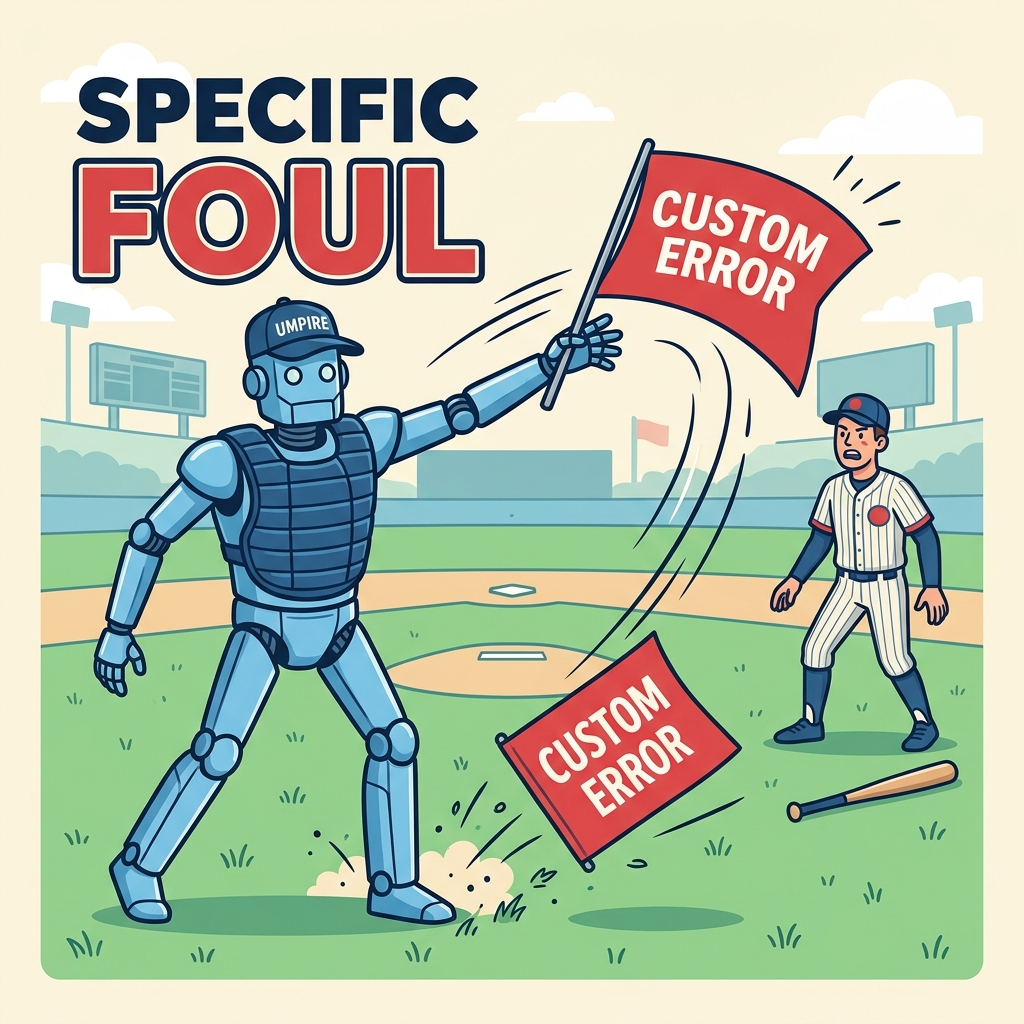
💡 Why Throw Custom Errors?
Built-in errors like TypeError or ReferenceError might not always clearly communicate what went wrong. Custom errors help you identify and handle specific issues in your code.
How to Throw a Custom Error
You can throw a new error using the throw keyword with an instance of the built-in Error class, optionally setting a custom message:
📌 Deep Dive: Basic Custom Error Throwing
function checkAge(age) {
  if (age < 18) {
    throw new Error('Must be at least 18 years old');
  }
  return 'Access granted';
}

try {
  checkAge(15);
} catch (e) {
  console.log(e.name + ': ' + e.message);
}Creating Custom Error Classes
For more clarity and better error handling, create a custom error class by extending the built-in Error:
📌 Deep Dive: Custom Error Class
class ValidationError extends Error {
  constructor(message) {
    super(message);
    this.name = 'ValidationError';
  }
}

function validateUsername(name) {
  if (name.length < 5) {
    throw new ValidationError('Username must be at least 5 characters');
  }
  return true;
}

try {
  validateUsername('abc');
} catch (e) {
  console.log(e.name + ': ' + e.message);
}💡 Key Points
- Extend
Errorto create a custom error class. - Call
super(message)to set the error message. - Set a meaningful
nameproperty for easier identification.
When to Use Custom Errors
- To distinguish error types in
catchblocks. - To provide more descriptive error messages.
- To improve debugging and maintenance.
| Built-in Error | Custom Error |
|---|---|
TypeError, ReferenceError, etc. | User-defined classes extending Error |
| General messages | Specific, descriptive messages |
| Limited identification | Custom name property |
⚠️ Best Practice Warning
Always throw instances of Error or subclasses, not plain strings or objects. This ensures consistent stack traces and error handling.
Quick Knowledge Check
Test what you just learned
Question 1 of 2
What keyword is used to throw a custom error in JavaScript?
Question 2 of 2
How do you properly create a custom error class?
Loading results...