The DOM (Document Object Model) is a programming interface for web documents. It represents the page so that programs can change the document structure, style, and content dynamically.
💡 What is the DOM?
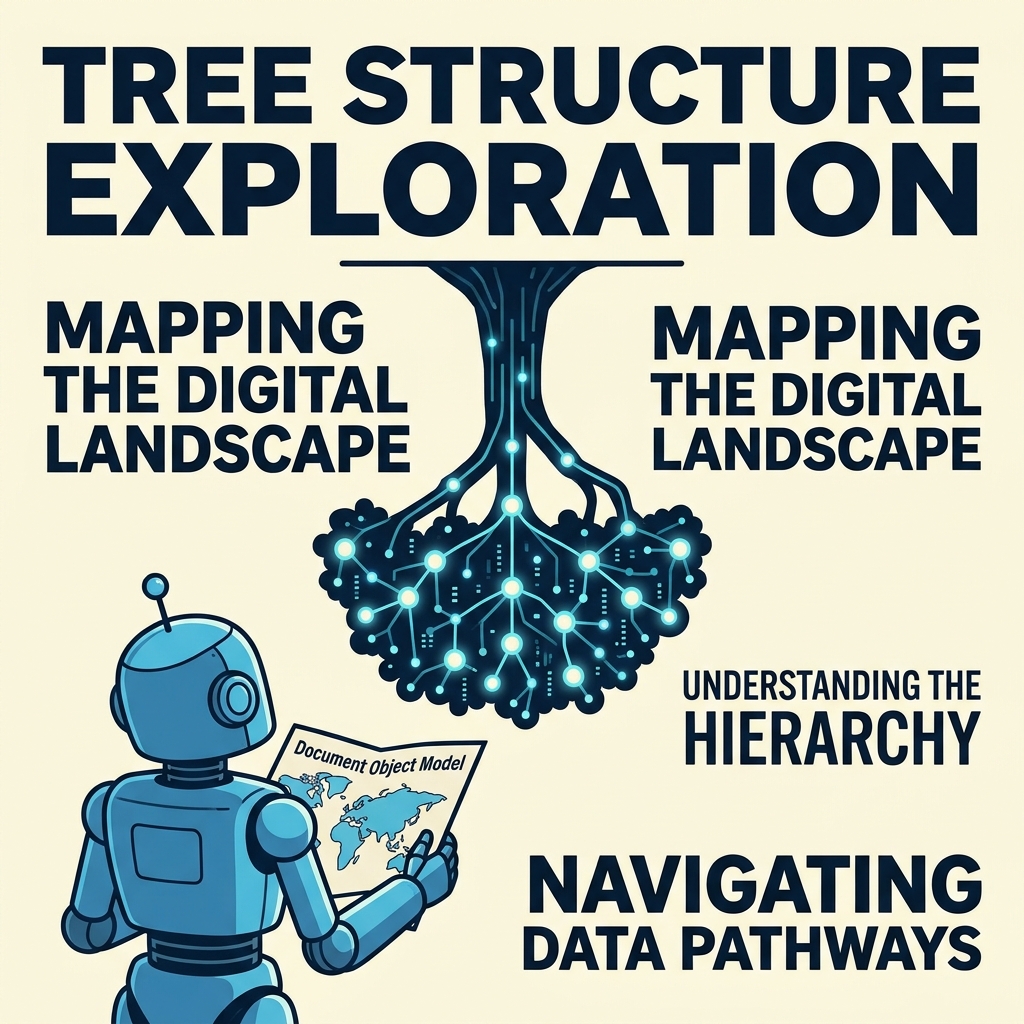
The DOM is a tree-like representation of HTML elements, where each node corresponds to an object representing parts of the document.
Key Concepts
- Document: The root node representing the whole HTML document.
- Elements: HTML tags like <div>, <p>, <a> represented as nodes.
- Nodes: Every part of the document (elements, text, comments) is a node.
- Attributes: Properties of elements accessible through the DOM.
Accessing DOM Elements
You can access elements using JavaScript methods:
| Method | Use |
|---|---|
document.getElementById('id') | Get element by its unique ID. |
document.getElementsByClassName('class') | Get all elements with a specific class. |
document.getElementsByTagName('tag') | Get all elements with a specific tag name. |
document.querySelector('selector') | Get the first element matching a CSS selector. |
document.querySelectorAll('selector') | Get all elements matching a CSS selector. |
Manipulating DOM Elements
Once you have a reference to a DOM element, you can:
- Change its content using
element.textContentorelement.innerHTML. - Modify attributes using
element.setAttribute()or direct property access. - Change styles via
element.style. - Add or remove elements dynamically.
📌 Deep Dive: Changing Text Content
const heading = document.getElementById('title');
heading.textContent = 'New Heading Text';
Traversing the DOM
The DOM allows navigation between elements:
element.parentNode- access the parent element.element.children- access child elements.element.nextElementSibling/element.previousElementSibling- access adjacent elements.
💡 Live HTML reflects the DOM
Browser renders what the DOM represents, so changes to the DOM immediately update the page.
Why the DOM is Important
- It bridges HTML and JavaScript to make web pages interactive.
- Allows dynamic updates without reloading the page.
- Enables manipulation of structure, styling, and content programmatically.
⚠️ Remember
Manipulating the DOM frequently or inefficiently can impact performance. Use techniques like caching elements and minimizing changes.
Quick Knowledge Check
Test what you just learned
Question 1 of 2
Which method returns the first element matching a CSS selector?
Question 2 of 2
How do you change the text content of an element referenced by a variable el?
Loading results...