Template literals are a modern and powerful way to create strings in JavaScript. They use backticks (`) instead of quotes and allow embedded expressions and multi-line strings easily.
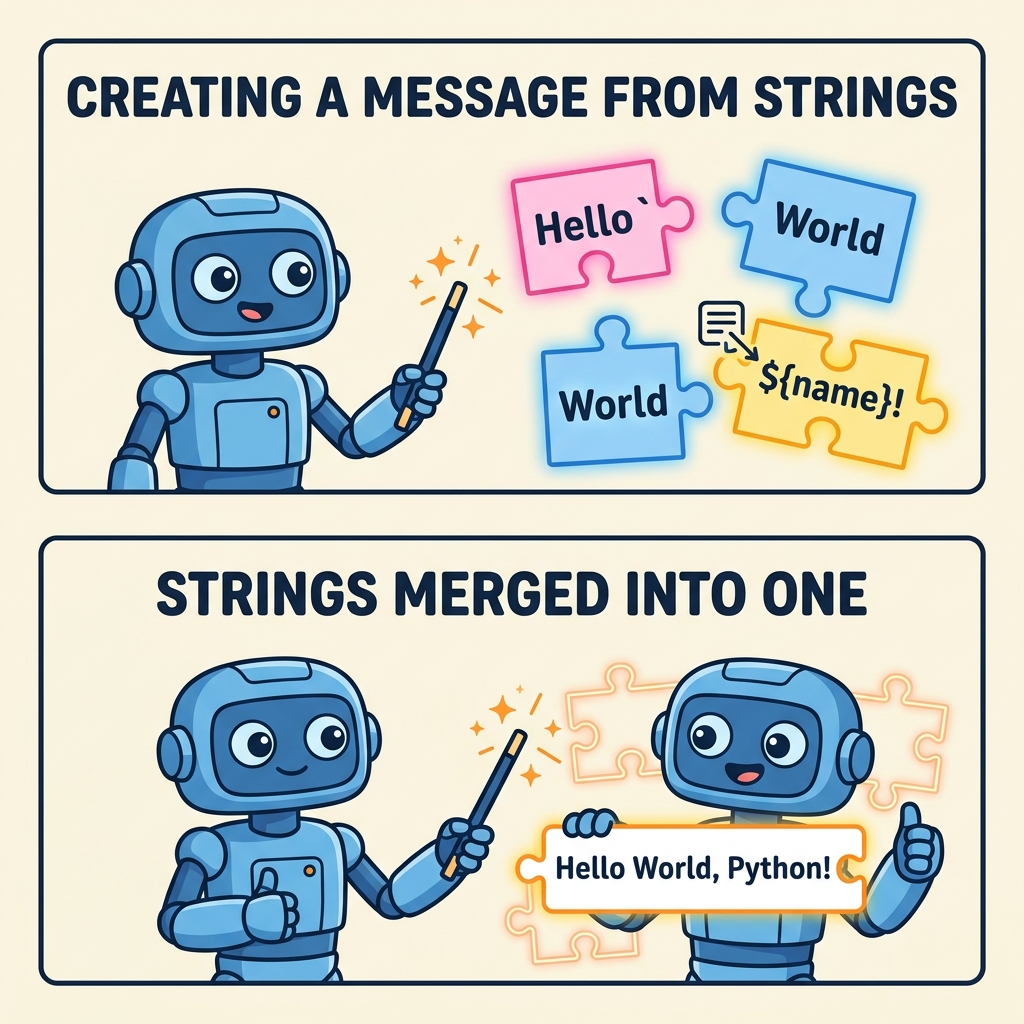
💡 Key Features of Template Literals
- Use backticks
`...`instead of single or double quotes. - Support for string interpolation with
${expression}. - Allow multi-line strings without concatenation or escape characters.
Comparison: Template Literals vs. Traditional Strings
| Feature | Traditional Strings | Template Literals |
|---|---|---|
| Syntax | Single or double quotes ('...' or "...") | Backticks (`...`) |
| String Interpolation | Concatenation using + | Embedded expressions using ${...} |
| Multi-line Strings | Use
or concatenation | Directly multi-line without extra characters |
📌 Deep Dive: Using Template Literals
JAVASCRIPT
const name = 'Alice';
const age = 30;

// String interpolation
const greeting = `Hello, my name is ${name} and I am ${age} years old.`;

// Multi-line string
const multiLine = `This is line 1
This is line 2
This is line 3.`;

console.log(greeting);
console.log(multiLine);
Output
Hello, my name is Alice and I am 30 years old.
This is line 1
This is line 2
This is line 3.⚠️ Expression Evaluation
Expressions inside ${...} are evaluated immediately. Avoid complex logic inside template literals to keep code readable.
Template literals are especially useful when constructing dynamic strings or working with HTML templates, making code cleaner and easier to maintain.
Quick Knowledge Check
Test what you just learned
Question 1 of 2
Which symbol is used to define a template literal?
Question 2 of 2
Which syntax is used to correctly interpolate a variable name within a template literal string?
0/2
Loading results...