Template literals are a modern way to work with strings in JavaScript. They allow easier string creation with embedded expressions and multi-line formatting.
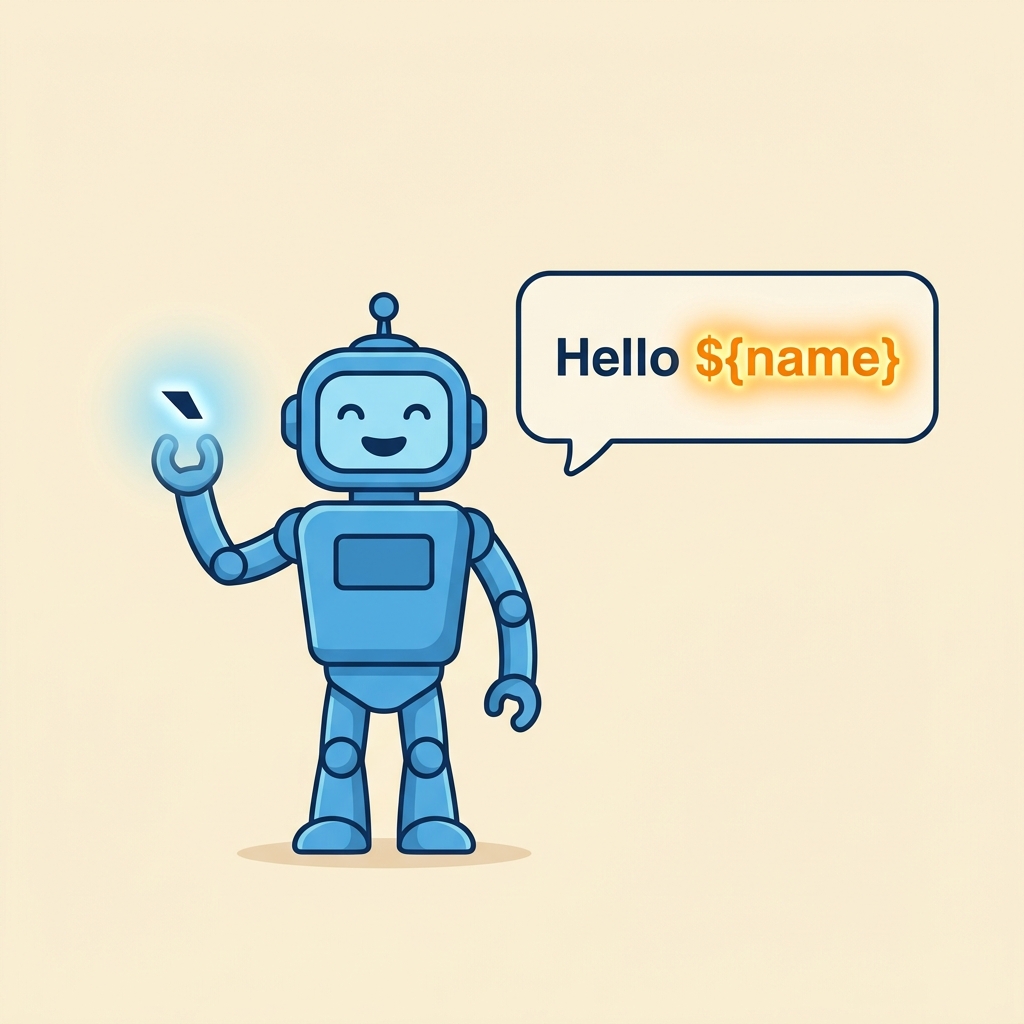
💡 What are Template Literals?
Strings enclosed by backticks `...` instead of single or double quotes. They support:
- Embedding variables and expressions with
${...} - Multi-line strings without escape characters
Basic Syntax
📌 Deep Dive: Creating a Template Literal
const name = "Alice";
const greeting = `Hello, ${name}!`;
console.log(greeting);Embedding Expressions
You can include any JavaScript expression inside ${...}, not just variables.
📌 Deep Dive: Expression Evaluation
const a = 5;
const b = 10;
console.log(`Sum: ${a + b}`);
console.log(`Uppercase: ${"hello".toUpperCase()}`);Uppercase: HELLO
Multi-line Strings
Template literals preserve new lines and spacing without needing escape characters.
📌 Deep Dive: Multi-line Template Literal
const message = `This is line one.
This is line two.
And this is line three.`;
console.log(message);This is line two.
And this is line three.
| Feature | Template Literals | Traditional Strings |
|---|---|---|
| Delimiters | Backticks `...` | Single '...' or Double "..." quotes |
| Expression Embedding | Yes, using ${...} | No, use concatenation |
| Multi-line Strings | Supported directly | Need escape sequences \
|
| Readability | Cleaner for complex strings | Harder with concatenation |
⚠️ Important
Template literals must use backticks (`), not single or double quotes. Using wrong quotes disables expression evaluation.
Use template literals whenever you want readable, flexible strings with embedded values or multi-line formatting.
Quick Knowledge Check
Test what you just learned
Question 1 of 2
Which character is used to define a template literal?
Question 2 of 2
How do you embed a variable name inside a template literal?
Loading results...