Strings in JavaScript are sequences of characters used to represent text. They are one of the most common data types and can be created using single quotes ('...' ), double quotes ("..."), or backticks (`...`).
💡 Creating Strings
All of these lines define the same string:
let single = 'Hello';let double = "Hello";let backtick = `Hello`;(allows embedding expressions)
Strings are immutable, meaning once created, their characters cannot be changed directly.
⚠️ Strings are Immutable
You cannot change a character inside a string by assigning to an index. Instead, create a new string if you want to modify it.
| Feature | Description |
|---|---|
| Immutable | Strings cannot be changed after creation |
| Indexed | Characters can be accessed by zero-based index (e.g., str[0]) |
| Length | Strings have a length property telling how many characters they contain |
| Methods | Strings come with many useful methods for manipulation and inspection |
Accessing characters and length example:
📌 Deep Dive: Access & Length
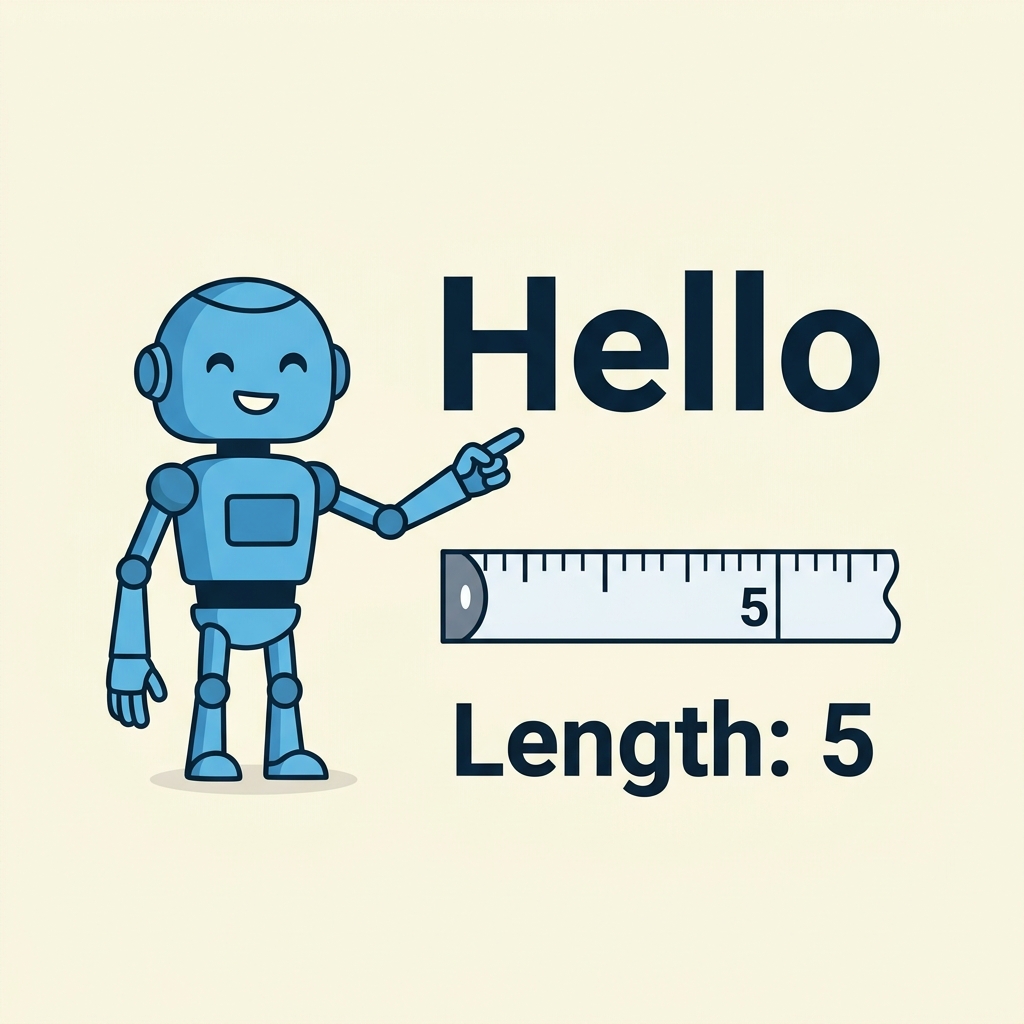
const greeting = "Hello";
console.log(greeting[0]);       // H
console.log(greeting.length);   // 5
console.log(greeting[greeting.length - 1]); // o5
o
Strings can include special characters using escape sequences:
\t- tab\\- backslash\"or\'- quotes inside strings
📌 Deep Dive: Escape Sequences
const multiLine = "Line 1
Line 2";
const quote = "She said, \"Hello!\"";
console.log(multiLine);
console.log(quote);Line 2
She said, "Hello!"
Template literals (backtick strings) allow embedding expressions and multiline strings easily:
📌 Deep Dive: Template Literals
const name = "Alice";
const age = 25;
const message = `My name is ${name} and I am ${age} years old.`;
console.log(message);💡 String Concatenation
Use the + operator to combine strings:
'Hello, ' + 'world!' results in 'Hello, world!'
Common useful string methods:
str.toUpperCase()- returns uppercase versionstr.toLowerCase()- returns lowercase versionstr.indexOf(substring)- finds position of substring or -1 if not foundstr.includes(substring)- returnstrueif substring foundstr.slice(start, end)- extracts a part of the stringstr.trim()- removes whitespace from both ends
📌 Deep Dive: String Methods
const phrase = "  JavaScript is fun!  ";
console.log(phrase.trim());                 // "JavaScript is fun!"
console.log(phrase.toUpperCase());          // "  JAVASCRIPT IS FUN!  "
console.log(phrase.indexOf("is"));          // 12
console.log(phrase.includes("script"));     // false (case-sensitive)
console.log(phrase.slice(2, 12)); // "JavaScript"" JAVASCRIPT IS FUN! "
12
false
"JavaScript"
⚠️ Case Sensitivity
String methods like indexOf and includes are case-sensitive. Use toLowerCase() or toUpperCase() to normalize case if needed.
Quick Knowledge Check
Test what you just learned
Question 1 of 2
How do you create a string that includes the text: Hello World?
Question 2 of 2
What will 'Hello'.length return?
Loading results...