In JavaScript, understanding scope and closures is fundamental to controlling variable accessibility and function behavior. Let's explore these concepts clearly and practically.
1. What is Scope?
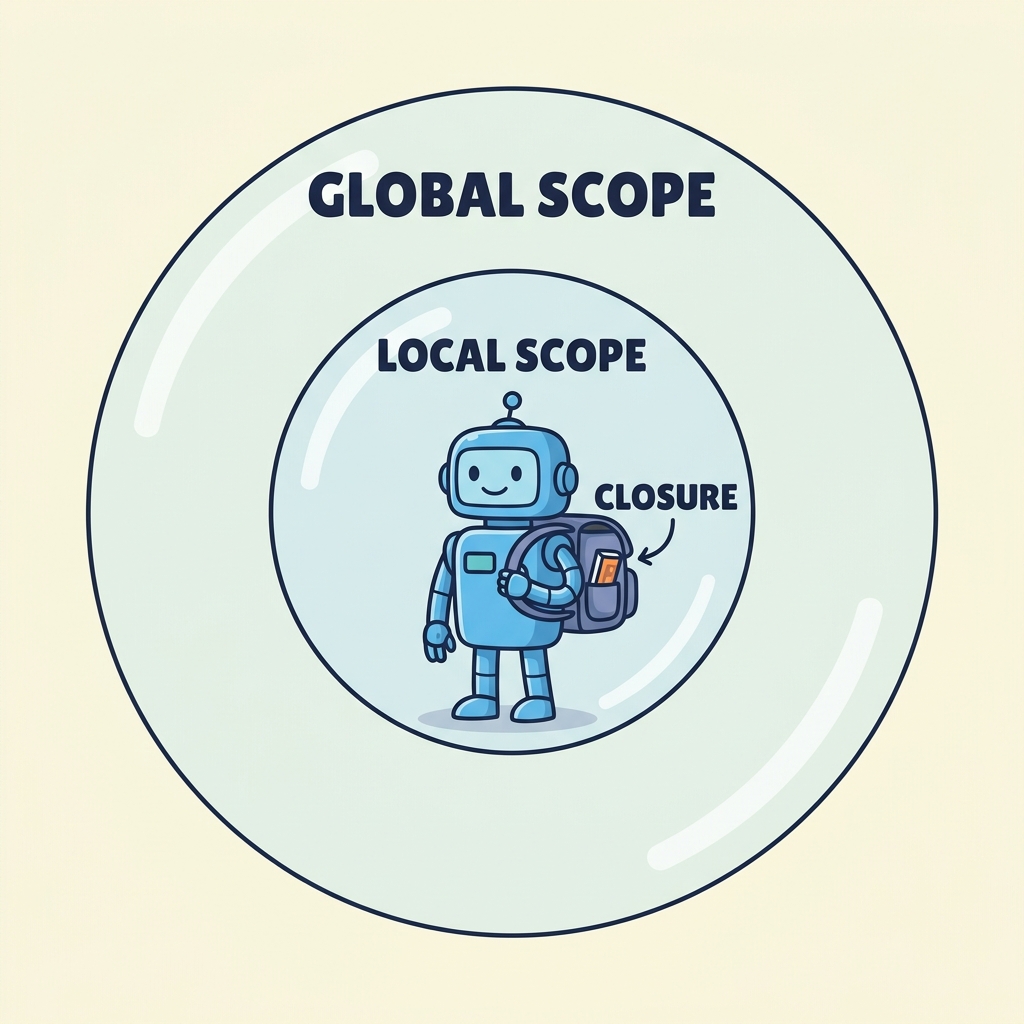
Scope determines where variables and functions are accessible in your code. JavaScript has two main types of scope:
- Global Scope: Variables declared outside any function or block are globally accessible.
- Local Scope: Variables declared inside a function or block are only accessible within that function or block.
| Scope Type | Where Accessible |
|---|---|
| Global | Anywhere in the code |
| Function | Only inside the function |
Block (let, const) | Inside the block (e.g., loops, if-statements) |
2. Scope Chain
If a variable is not found in the local scope, JavaScript looks up in the outer scopes until it reaches the global scope. This lookup process is called the scope chain.
3. Closures
A closure happens when a function "remembers" and can access variables from its outer scope even after that outer function has finished executing.
💡 Closure Key Point
A closure allows a function to retain access to its lexical environment, enabling powerful patterns like data privacy and function factories.
📌 Deep Dive: Simple Closure Example
function outer() {
  let count = 0;
  return function inner() {
    count++;
    console.log(count);
  };
}

const counter = outer();
counter(); // 1
counter(); // 2
counter(); // 3
2
3
Here, inner forms a closure that keeps access to count even after outer has returned.
4. Practical Uses of Closures
- Data Encapsulation: Hide variables from the global scope.
- Partial Application & Currying: Pre-fill function arguments.
- Function Factories: Create functions with customized behavior.
5. Important Notes on Closures
⚠️ Avoid Common Pitfall
When using closures inside loops, capture variables correctly to avoid unexpected results (usually solved via let or IIFEs).
📌 Deep Dive: Closure in Loop
// Using let to capture current i
for (let i = 0; i < 3; i++) {
  setTimeout(() => console.log(i), 100);
}
// Outputs 0, 1, 2

// Using var causes all to log 3
for (var j = 0; j < 3; j++) {
  setTimeout(() => console.log(j), 100);
}
// Outputs 3, 3, 3
1
2
3
3
3
Use let to create block-scoped variables ensuring closures capture the correct value.
💡 Summary
Scope controls variable visibility. Closures allow functions to remember their environment, enabling powerful techniques for managing state and behavior in JavaScript.
Quick Knowledge Check
Test what you just learned
Question 1 of 2
What does a closure allow a function to do?
Question 2 of 2
Which keyword helps avoid closure pitfalls inside loops by creating block scope?
Loading results...