In JavaScript, functions can send back a value after they finish running. This value is called the return value. It allows the function to output a result that can be used elsewhere in your code.
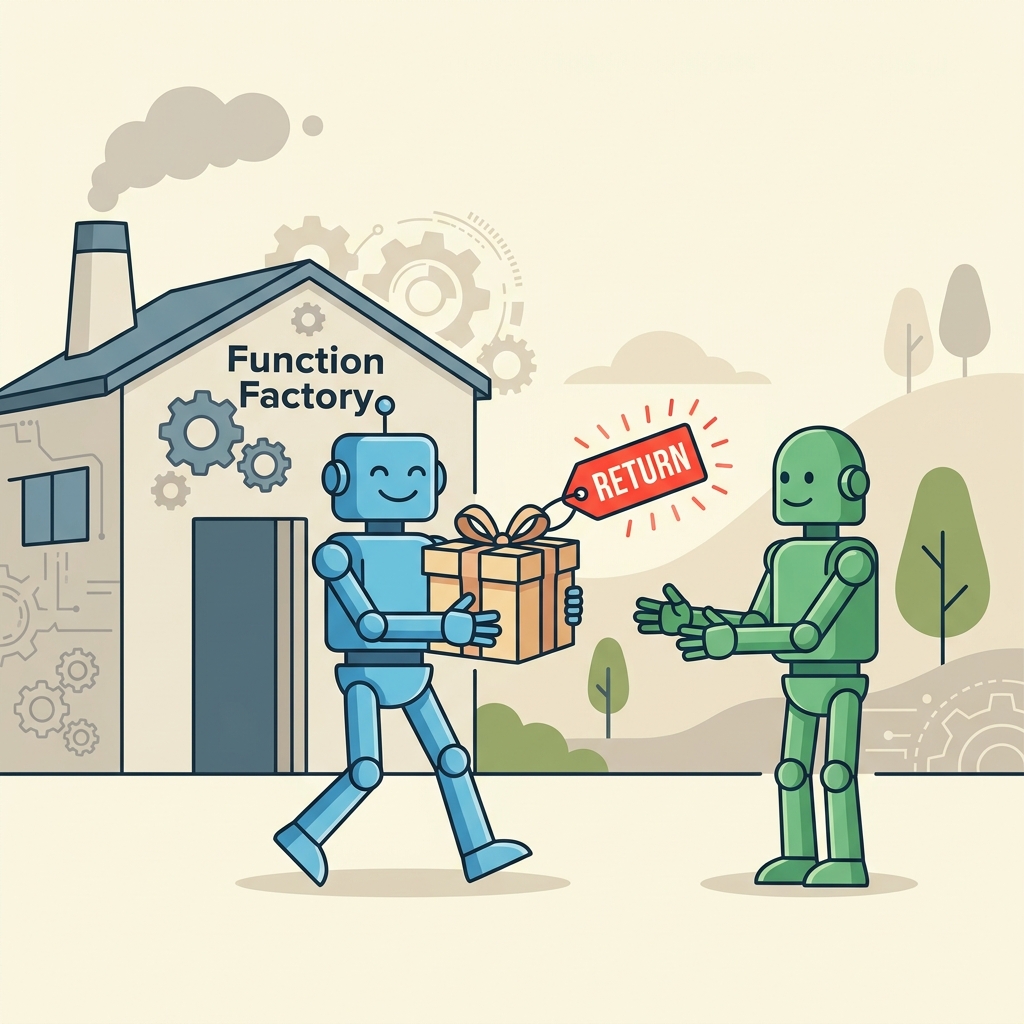
💡 What is a Return Value?
A return value is the output a function produces, which you can assign to variables or use in expressions.
To specify a return value, use the return keyword followed by the value you want to send back.
📌 Deep Dive: Returning a Value from a Function
function square(num) {
  return num * num;
}

const result = square(4);
console.log(result); // 16If a function does not explicitly return a value, it returns undefined by default.
⚠️ No Return Means Undefined
Functions without a return statement return undefined. This can lead to bugs if you expect a value.
📌 Deep Dive: Function Without Return
function greet(name) {
  console.log('Hello, ' + name);
}

const greeting = greet('Alice');
console.log(greeting); // undefinedYou can return any type of value: numbers, strings, objects, arrays, functions, or even other functions.
| Returned Value | Example |
|---|---|
| Number | return 42; |
| String | return "Hello"; |
| Array | return [1, 2, 3]; |
| Object | return {name: "Alice"}; |
| Function | return function() { return 5; }; |
You can also use return without a value to immediately exit a function.
📌 Deep Dive: Early Return to Exit Function
function checkAge(age) {
  if (age < 18) {
    return; // exits function early
  }
  console.log('Access granted');
}

checkAge(16); // no output
checkAge(21); // Access granted💡 Summary
- The
returnstatement sends a value back from a function. - Without
return, functions returnundefined. - You can return any type of data.
- Using
returnalso stops function execution immediately.
Quick Knowledge Check
Test what you just learned
Question 1 of 2
What does a function return if it has no return statement?
Question 2 of 2
What does the return statement do inside a function?
Loading results...