JavaScript engines are programs that execute JavaScript code. They parse, compile, and run JS scripts, turning human-readable code into machine instructions.
Every browser and environment has its own engine, optimized for performance and features.
| Engine | Used In | Key Features |
|---|---|---|
| V8 | Google Chrome, Node.js | Just-In-Time (JIT) compilation, fast garbage collection |
| SpiderMonkey | Mozilla Firefox | First JS engine, supports advanced optimizations |
| JavaScriptCore (Nitro) | Safari | Efficient JIT, integrated tightly with WebKit |
| Chakra | Microsoft Edge (legacy) | JIT and concurrency features |
How V8 works: V8 compiles JavaScript directly to native machine code before executing it. It uses two compilers:
- Ignition: the interpreter for quick startup
- TurboFan: optimizing compiler for hot code sections
💡 Why engines matter
Engine performance impacts page load speed, runtime efficiency, and responsiveness of JavaScript applications.
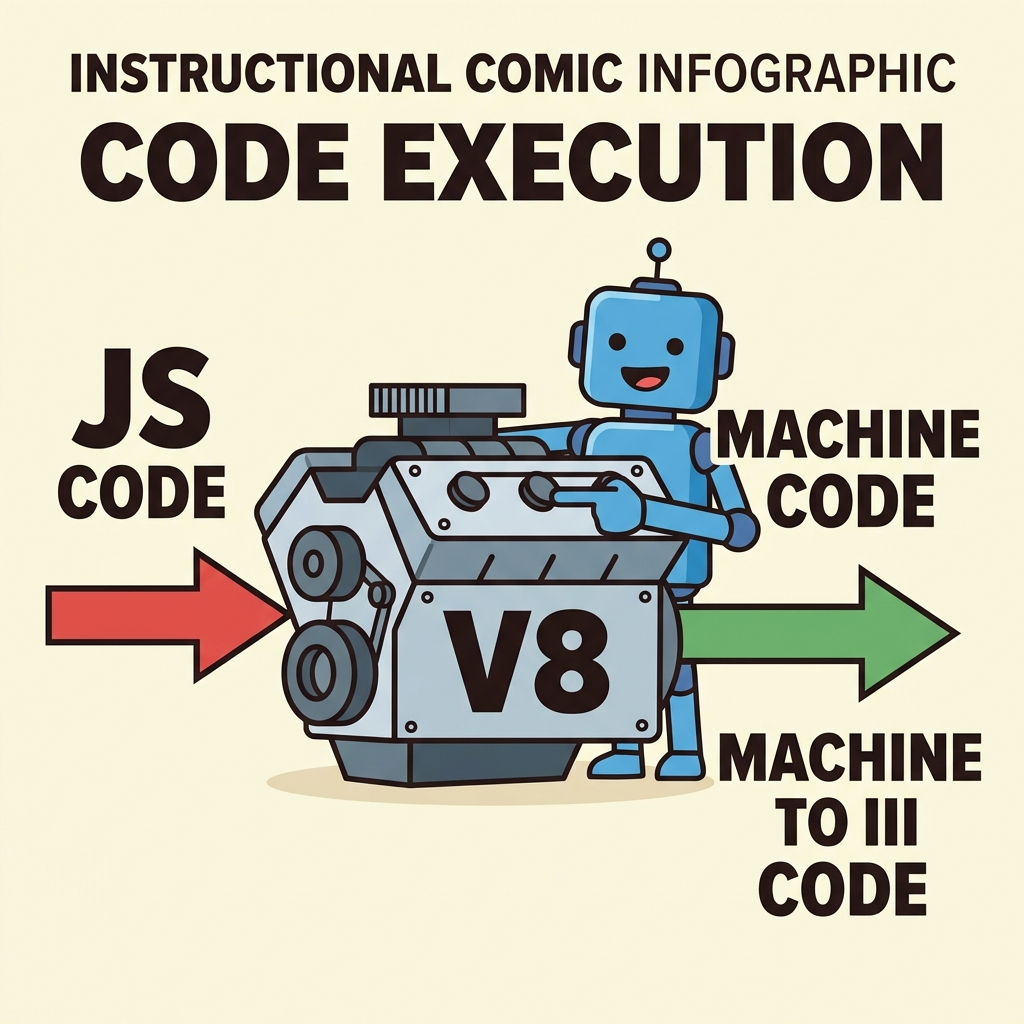
Other engines follow similar principles, combining parsing, interpreting, and optimizing compilation to achieve fast execution.
⚠️ Engine Differences Affect Code Behavior
Subtle implementation differences between engines can cause minor behavior variations, especially in edge cases or newer language features.
📌 Deep Dive: V8 Engine Compilation Stages
// Sample function optimized by V8
function square(n) {
  return n * n;
}

// V8 initially interprets with Ignition,
// then compiles to optimized machine code with TurboFan after repeated calls.
for (let i = 0; i < 10000; i++) {
  square(i);
}
Summary: JavaScript engines like V8 power modern JS by compiling and optimizing code dynamically to achieve high performance across browsers and environments.
Quick Knowledge Check
Test what you just learned
Question 1 of 2
Which JavaScript engine is used in Google Chrome and Node.js?
Question 2 of 2
What is the role of the TurboFan compiler in V8?
Loading results...