Prettier is an opinionated code formatter that automatically enforces a consistent style for your JavaScript code. It removes the hassle of manually formatting code and helps maintain readability across your projects.
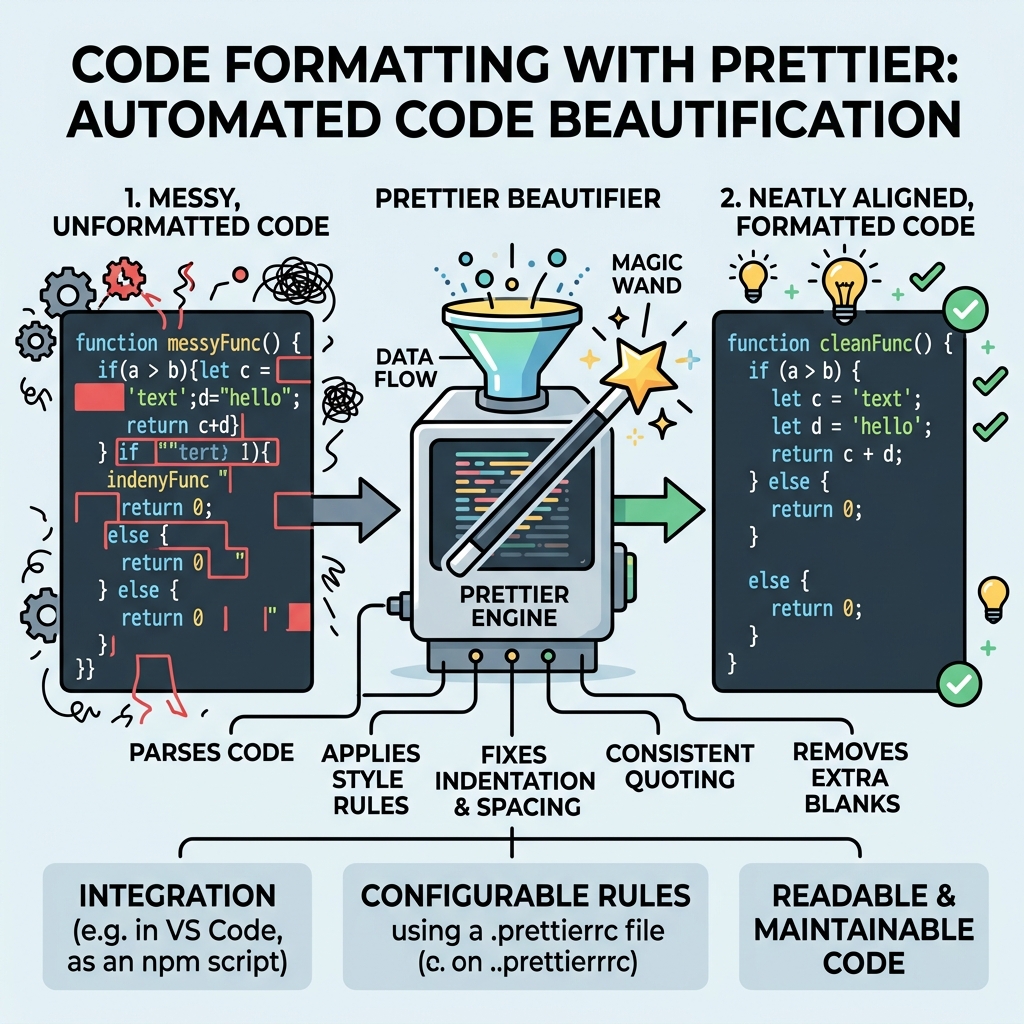
💡 What Prettier Does
Prettier formats your code by parsing it and reprinting it with its own rules. This includes indentation, line breaks, spacing, semicolons, quotes, and more.
Why Use Prettier?
- Consistency: Avoid debates about code style in teams.
- Saves Time: No more manual formatting or style reviews.
- Integrations: Works with most editors, CI pipelines, and git hooks.
💡 Prettier supports more than JavaScript!
It also formats TypeScript, JSON, CSS, Markdown, and many other file types.
How to Use Prettier
- Install via npm or yarn:
npm install --save-dev prettier - Format a file from the command line:
npx prettier --write filename.js - Integrate with your code editor (e.g., VSCode extension) for automatic formatting on save.
- Create a
.prettierrcconfig file to customize rules.
⚠️ Formatting Does Not Fix Logic
Prettier only changes the style of your code, not its behavior or logic. Always test your code after formatting.
Common Prettier Options
| Option | Description |
|---|---|
printWidth | Maximum line length before breaking (default 80) |
tabWidth | Number of spaces per indentation level (default 2) |
semi | Add semicolons at ends of statements (true/false) |
singleQuote | Use single quotes instead of double quotes (true/false) |
trailingComma | Print trailing commas where valid (e.g., "es5", "all", "none") |
Example: Before and After Prettier
📌 Deep Dive: Formatting JavaScript Code
function greet (name){console.log("Hello, "+name+"!")}💡 Editor Integration
Most editors support formatting on save via Prettier plugins—install and enable this to format code automatically as you write.
⚠️ Conflicts with ESLint?
Use eslint-config-prettier to disable ESLint rules that might conflict with Prettier formatting.
Summary
- Prettier standardizes code style automatically.
- It supports many languages and integrates easily into workflows.
- Customize via config files, but defaults work well for most projects.
Quick Knowledge Check
Test what you just learned
Question 1 of 2
What is the main purpose of Prettier?
Question 2 of 2
Which configuration option controls the maximum line length in Prettier?
Loading results...