Mastering JavaScript begins with solid habits and a clear path forward. This lesson highlights essential best practices and suggests next steps for continued growth.
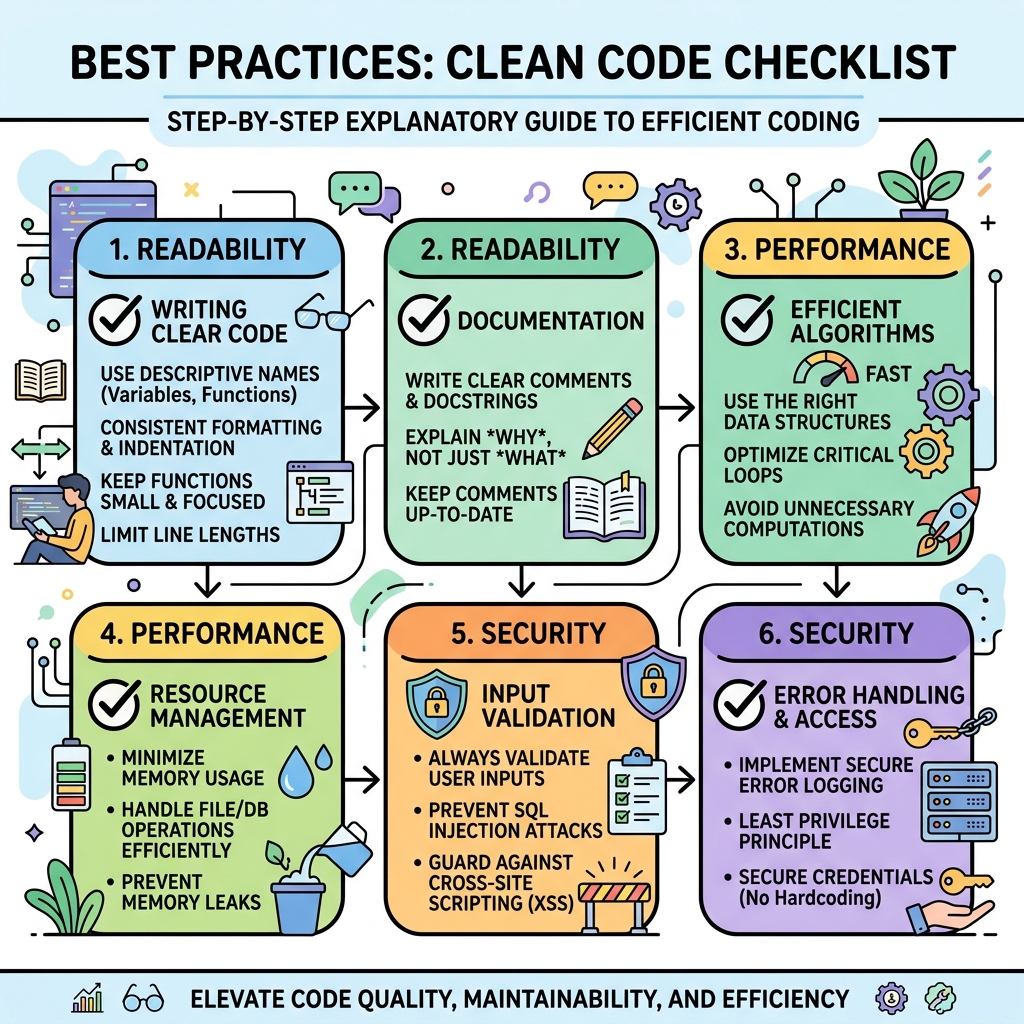
💡 Write Clean, Readable Code
Use consistent indentation, meaningful variable names, and comments when necessary. Readable code is easier to maintain and debug.
💡 Prefer const and let over var
const for values that don’t change and let for variables that do. This reduces bugs caused by hoisting and scope confusion.
💡 Use Strict Equality ===
Always use === and !== to avoid unexpected type coercion and improve code predictability.
== vs ===| Operator | Behavior |
|---|---|
== | Compares values after type coercion (can cause bugs) |
=== | Compares values and types strictly (recommended) |
💡 Modularize Your Code
Break your code into reusable functions and modules. This improves maintainability and testing.
⚠️ Avoid Global Variables
Global variables can collide and cause hard-to-debug issues. Use local scope or modules instead.
💡 Handle Errors Gracefully
Use try...catch blocks, validate inputs, and provide meaningful messages to improve user experience.
💡 Embrace Modern JavaScript Features
Learn ES6+ features such as arrow functions, template literals, destructuring, and promises for cleaner and more efficient code.
💡 Test Your Code
Write simple tests for your functions and use debugging tools to catch mistakes early.
💡 Next Steps
- Explore asynchronous JavaScript: callbacks, promises, async/await
- Learn about JavaScript frameworks like React, Vue, or Angular
- Practice building small projects to apply concepts
- Read documentation and stay updated with modern JavaScript standards
📌 Deep Dive: Using const and let Properly
const name = "Alice"; // won't change
let age = 25;           // can update

age = 26;               // valid reassignment

// Avoid this:
var city = "New York";  // function-scoped, can cause bugs
📌 Deep Dive: Strict Equality vs Loose Equality
console.log(5 == "5");  // true (type coercion)
console.log(5 === "5"); // false (no coercion)false
💡 Remember: Consistent, clean, and modern coding practices set the foundation for becoming a confident JavaScript developer.
Quick Knowledge Check
Test what you just learned
Question 1 of 2
Which equality operator is recommended to avoid unexpected type coercion?
Question 2 of 2
What is the best keyword to declare a variable that should not be reassigned?
Loading results...