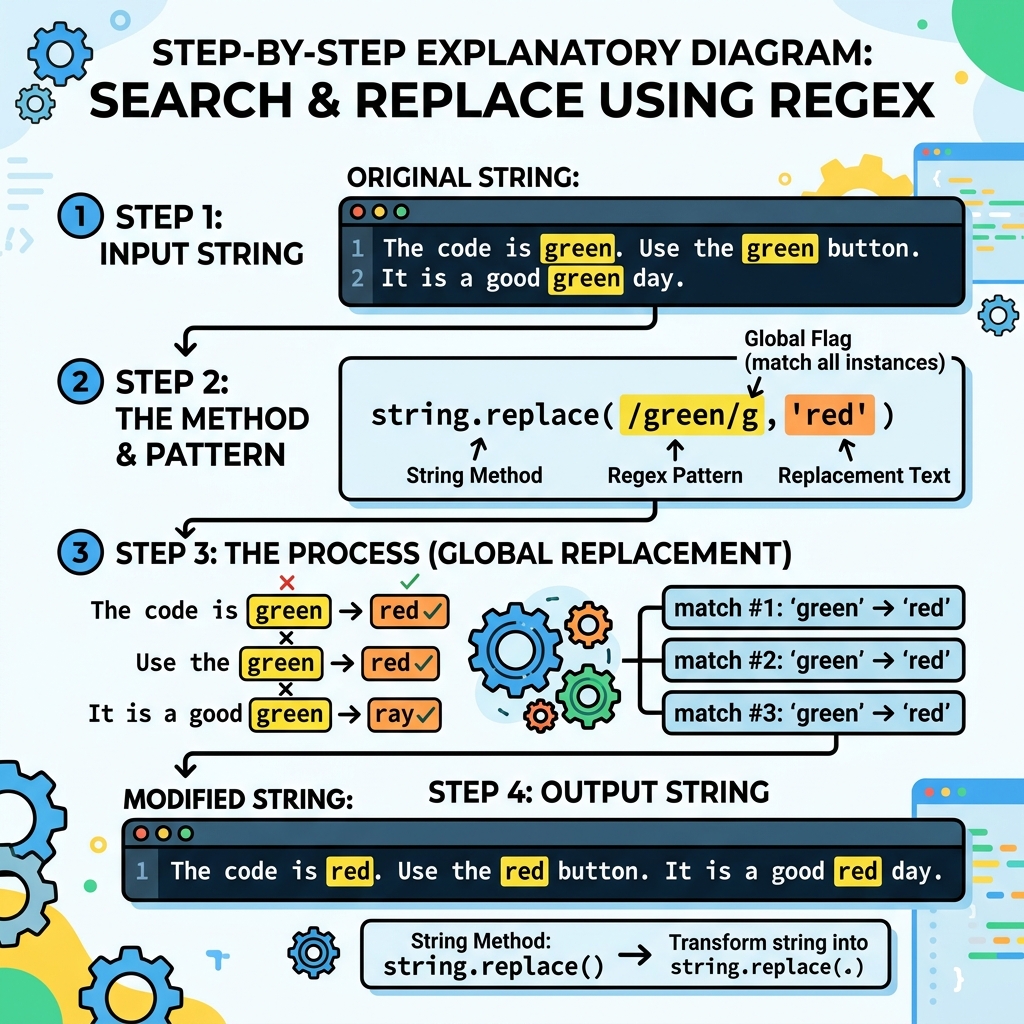
In JavaScript, searching and replacing text within strings is commonly done using the String.prototype.replace() method. It allows you to find a pattern in a string and replace it with a new substring.
💡 Important:
The replace() method does not change the original string; it returns a new string with the replacements.
Basic Syntax
str.replace(searchValue, newValue)
searchValue: A substring or a regular expression to find.newValue: The replacement string or a function to generate it.
📌 Deep Dive: Simple Replace
const greeting = "Hello World";
const newGreeting = greeting.replace("World", "JavaScript");
console.log(newGreeting);Replacing All Occurrences
By default, replace() only replaces the first match. To replace all occurrences, use a global regular expression with the g flag.
📌 Deep Dive: Replace All
const text = "one fish, two fish, red fish, blue fish";
const result = text.replace(/fish/g, "cat");
console.log(result);⚠️ Case Sensitivity
Regular expressions are case-sensitive by default. Use the i flag for case-insensitive replacements, e.g., /pattern/gi.
Using a Function as Replacement
You can supply a function as the second argument to replace(). This function receives matched substrings and can dynamically determine the replacement.
📌 Deep Dive: Function Replacement
const prices = "Apples: $5, Oranges: $7";
const updatedPrices = prices.replace(/\$(\d+)/g, (match, p1) => {
  return `$${Number(p1) * 2}`;
});
console.log(updatedPrices);| Method | Behavior |
|---|---|
replace("a", "b") | Replaces first occurrence of "a". |
replace(/a/g, "b") | Replaces all occurrences of "a". |
replace(/a/gi, "b") | Replaces all occurrences of "a", case-insensitive. |
replace(/a/g, (match) => ...) | Replaces all with dynamic replacement via function. |
💡 Tips for Effective Search & Replace
- Use regular expressions for flexible pattern matching.
- Remember that strings are immutable;
replace()returns a new string. - Escape special regex characters when searching for literal strings.
Quick Knowledge Check
Test what you just learned
Question 1 of 2
What does str.replace(/cat/g, "dog") do?
Question 2 of 2
Which argument types does replace() accept?
Loading results...