When working with asynchronous JavaScript (Promises, async/await), errors don't behave like synchronous code. Handling these errors correctly is vital to avoid unhandled rejections and bugs.
Common Ways to Handle Async Errors
- Using
.catch()with Promises: Attach acatchmethod to handle rejected Promises. - Try–Catch with async/await: Wrap
awaitcalls insidetryblocks and handle errors incatch.
| Approach | Error Handling |
|---|---|
| Promise |
promiseFunction().then(...).catch(error => ...)
|
| Async/Await |
try { await asyncFunction(); } catch(error) { ... }
|
📌 Deep Dive: Handling Errors with async/await
async function fetchData() {
  try {
    const response = await fetch('https://api.example.com/data');
    if (!response.ok) {
      throw new Error('Network response was not ok');
    }
    const data = await response.json();
    console.log(data);
  } catch (error) {
    console.error('Fetch error:', error.message);
  }
}

fetchData();📌 Deep Dive: Handling Errors with Promises and catch
fetch('https://api.example.com/data')
  .then(response => {
    if (!response.ok) {
      throw new Error('Network response was not ok');
    }
    return response.json();
  })
  .then(data => console.log(data))
  .catch(error => console.error('Fetch error:', error.message));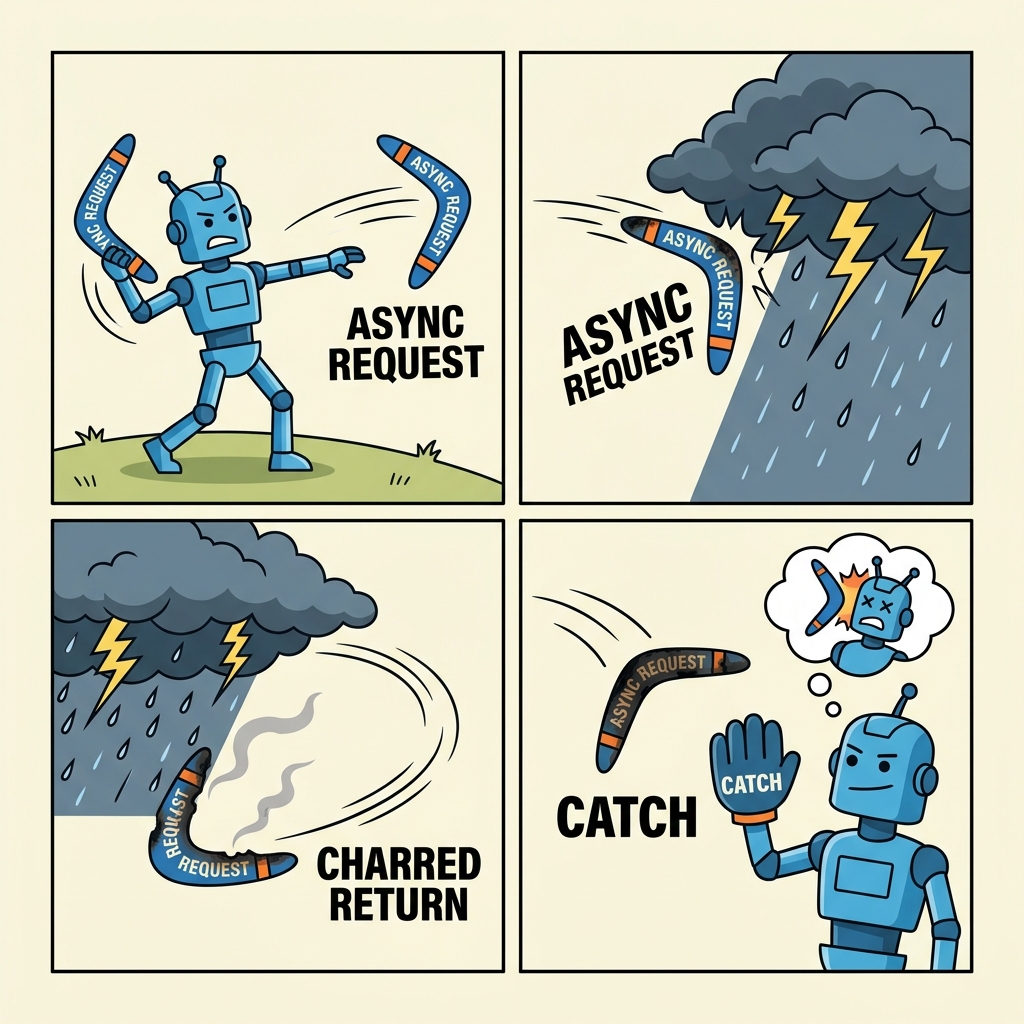
💡 Important:
Always handle errors explicitly. Unhandled Promise rejections often lead to silent failures and hard-to-debug issues.
⚠️ Common Pitfall:
Do NOT forget to use await inside try when using async/await. Missing await causes errors to be unhandled outside.
Handling Multiple Async Errors
When awaiting multiple Promises, use Promise.allSettled() to handle all results including errors without failing fast:
📌 Deep Dive: Using Promise.allSettled()
const promises = [
  Promise.resolve('Success 1'),
  Promise.reject(new Error('Failure 2')),
  Promise.resolve('Success 3')
];

Promise.allSettled(promises).then(results => {
  results.forEach((result, index) => {
    if (result.status === 'fulfilled') {
      console.log(`Promise ${index + 1} succeeded with`, result.value);
    } else {
      console.error(`Promise ${index + 1} failed with`, result.reason);
    }
  });
});Promise 2 failed with Error: Failure 2
Promise 3 succeeded with Success 3
💡 Summary:
- Use
.catch()for Promise error handling andtry/catchwhen using async/await. - Always check for response errors explicitly (e.g.,
response.ok). - For multiple Promises,
Promise.allSettled()helps handle all results safely.
Quick Knowledge Check
Test what you just learned
Question 1 of 2
Which method is best for catching errors when using async/await?
Question 2 of 2
What does Promise.allSettled() do?
Loading results...