In JavaScript, escape characters allow you to include special characters in strings that are otherwise difficult or impossible to type directly.
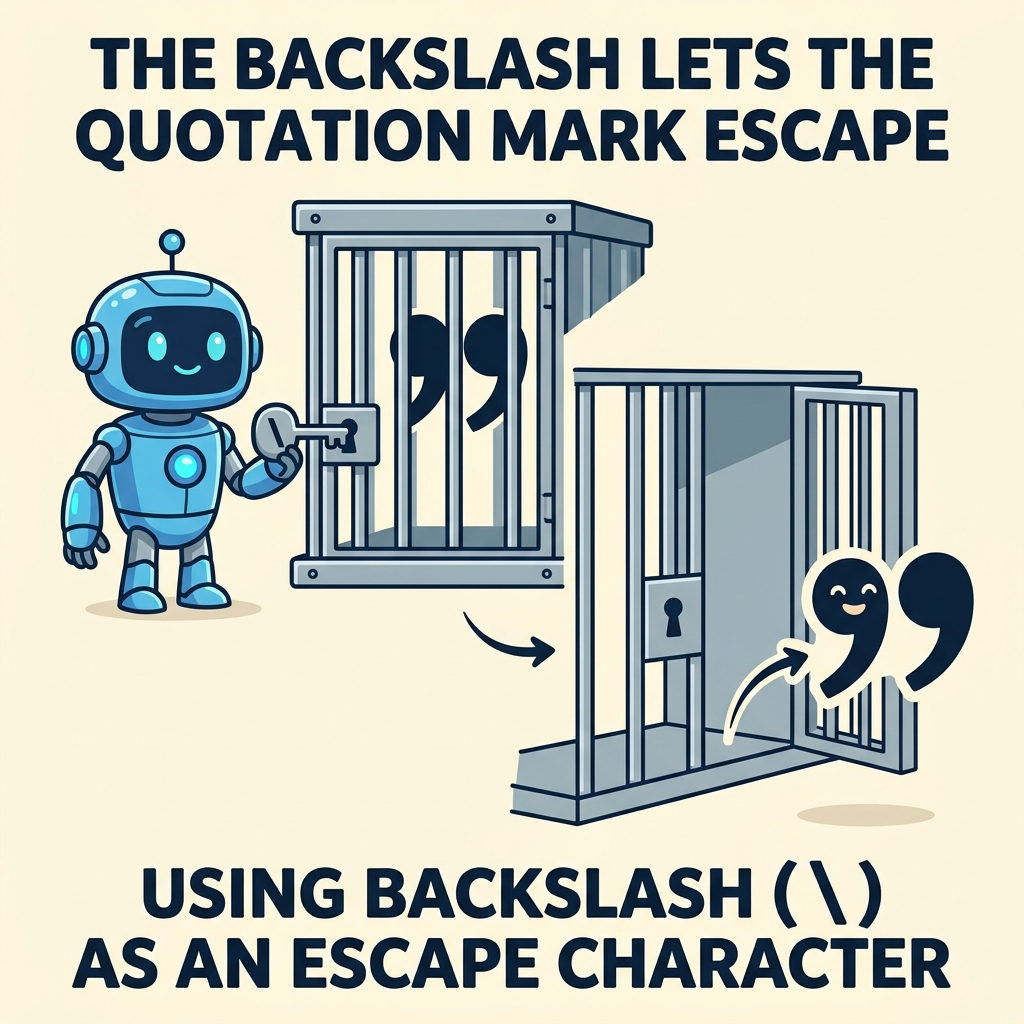
💡 What are Escape Characters?
Escape characters start with a backslash \\ followed by a character that has a special meaning, enabling insertion of characters like quotes, newlines, or tabs into strings.
Common use cases for escape characters include:
- Including quotes inside strings without ending the string early
- Adding new lines or tabs inside strings
- Inserting Unicode or special symbols
| Escape Sequence | Result |
|---|---|
\\' | Single quote: ' |
\\" | Double quote: " |
\\\\ | Backslash: \ |
\
| New line (line break) |
\\t | Tab space |
\\r | Carriage return |
\\uXXXX | Unicode character (hex code) |
📌 Deep Dive: Using Quotes Inside Strings
const quote = 'It\'s a sunny day';
const dialog = "He said, \"Hello!\"";He said, "Hello!"
📌 Deep Dive: New Lines and Tabs
const multiline = "Line 1
Line 2
\tIndented line 3";
console.log(multiline);Line 2
Indented line 3
⚠️ Keep in Mind
Without escape characters, including quotes or special whitespace in strings can cause syntax errors or unexpected output.
You can also insert Unicode characters using \\u followed by a 4-digit hexadecimal code. For example, \\u2764 inserts a heart symbol ❤.
📌 Deep Dive: Unicode Escape
const heart = "\u2764";
console.log(heart);💡 Summary
- Use
\\'or\\"to include quotes inside strings. \adds a new line, and\\tadds a tab.- Unicode escapes
\\uXXXXallow special characters by hex code. - Escape sequences start with a backslash
\\followed by a character.
Quick Knowledge Check
Test what you just learned
Question 1 of 2
Which escape character allows you to insert a new line inside a string?
Question 2 of 2
How would you include a double quote character inside a double-quoted string?
Loading results...