When programming in Python, you'll often work with different types of data—numbers, text, lists, and more. Sometimes, you need to switch data from one type to another to perform specific operations or to prepare data for output and processing. This powerful ability to change a variable’s type is called type conversion, or typecasting.
Understanding how and when to convert data types is fundamental for writing flexible and error-free Python code. In this lesson, we’ll explore the essentials of type conversion, including built-in functions, implicit vs explicit conversion, common pitfalls, and practical examples.
Why Do We Need Type Conversion?
Imagine you receive input from a user or a file, and it’s in the form of a string. You want to perform arithmetic operations on it. Since strings and numbers behave differently, Python won’t allow you to directly add a string to a number. This is where type conversion saves the day by transforming data into compatible types.
💡 Why Python is strict about types?
Python is a strongly typed language, meaning it doesn’t automatically convert incompatible types. This prevents unexpected bugs by forcing you to be explicit about conversions, making your code clearer and safer.
Implicit vs Explicit Type Conversion
Type conversion can happen in two ways in Python:
- Implicit Conversion (Coercion): Python automatically converts one data type to another when it's safe to do so.
- Explicit Conversion (Typecasting): You manually convert a value from one type to another using built-in functions.
Implicit Conversion Example
Python often converts integers to floats during arithmetic operations to avoid losing precision:
📌 Deep Dive: Implicit Conversion
num_int = 10
num_float = 3.5

result = num_int + num_float
print(result)
print(type(result))Here, Python converted num_int (an integer) to float before adding it to num_float. This automatic behavior is implicit conversion.
Explicit Conversion Example
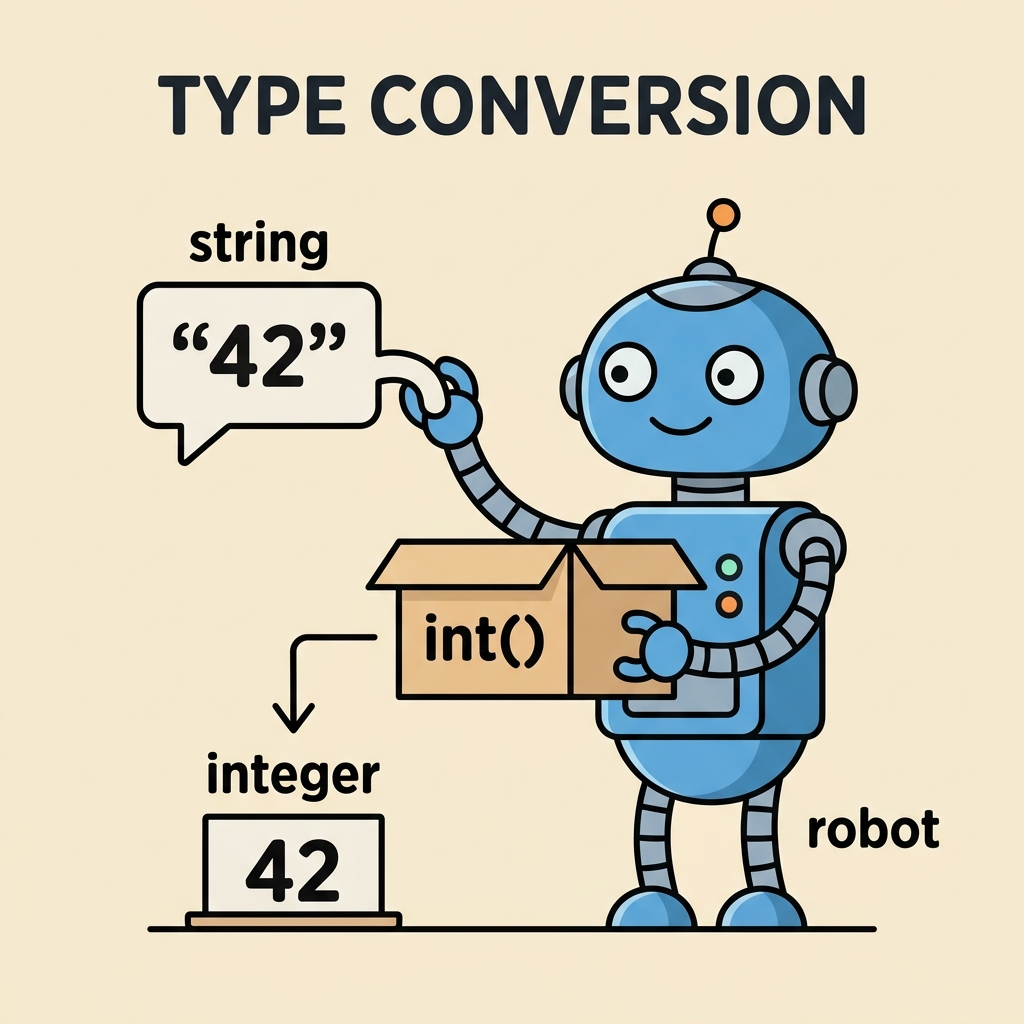
Explicit conversion is needed when Python cannot safely or automatically convert types. You use typecasting functions like int(), str(), or float() to convert data.
📌 Deep Dive: Explicit Conversion
age_str = "25"
age_int = int(age_str)

print(age_int + 5)
print(type(age_int))By converting the string "25" to an integer, we can perform arithmetic operations without errors.
Common Built-in Conversion Functions
Python provides several handy functions for explicit type conversion:
| Function | Description |
|---|---|
int() | Converts a value to an integer (if possible), truncating floats, or parsing numeric strings. |
float() | Converts a value to a floating-point number. |
str() | Converts a value to a string representation. |
bool() | Converts a value to a Boolean True or False. |
list() | Converts an iterable (like a string or tuple) into a list. |
tuple() | Converts an iterable into a tuple. |
set() | Converts an iterable into a set (unique elements). |
Examples of Type Conversion in Action
Let's explore practical scenarios where you might need to convert types:
Converting Strings to Numbers
You often get numeric input as strings, especially from user input or files. To do math, convert them first:
📌 Deep Dive: String to Integer and Float
num_str1 = "10"
num_str2 = "3.14"

num_int = int(num_str1)
num_float = float(num_str2)

print(num_int + 5)
print(num_float * 2)Converting Numbers to Strings
When you want to combine numbers with text (e.g., printing or concatenating), convert numbers to strings to avoid errors:
📌 Deep Dive: Number to String Conversion
score = 100
message = "Your score is: " + str(score)
print(message)Converting Between Collections
Sometimes you want to change the type of a collection for certain operations:
- List to Tuple: Make a list immutable.
- Tuple to List: Make a tuple mutable.
- List to Set: Remove duplicates.
📌 Deep Dive: Collection Type Conversion
data_list = [1, 2, 2, 3, 4]
data_tuple = tuple(data_list)
data_set = set(data_list)

print(data_tuple)
print(data_set)Rules and Caveats for Type Conversion
While type conversion is straightforward in many cases, be aware of some important points:
- Invalid conversions raise errors: Trying to convert a non-numeric string to int or float raises a
ValueError. - Boolean conversion: Zero, empty sequences, and
Noneconvert toFalse, everything else converts toTrue. - Precision loss: Converting floats to integers truncates the decimal part (does not round).
- String formatting: Use
str()for simple conversions; for formatted output, considerformat()or f-strings.
⚠️ Watch out for conversion errors!
Always validate or sanitize data before converting. For example, int("3.14") will produce an error. You must convert to float first, then to int if needed.
Type Conversion Functions at a Glance
Here’s a quick summary of commonly used conversion functions and their behavior:
| Function | Input Example | Output Example | Notes |
|---|---|---|---|
int() | "42", 3.99 | 42, 3 | Truncates floats, strings must be whole numbers |
float() | "3.14", 10 | 3.14, 10.0 | Converts strings and ints to float |
str() | 10, 3.14, True | "10", "3.14", "True" | Converts any value to string |
bool() | 0, "", [], None, 1 | False, False, False, False, True | Empty or zero values become False |
Behind the Scenes: How Python Handles Type Conversion
Python uses an internal mechanism to handle type conversion which can be summarized into two categories:
- Conversion functions: These convert explicitly by calling type constructors like
int(),float(), etc. - Operator overloading: Python operators internally invoke conversion routines to maintain type compatibility.
This architecture allows Python to be flexible and safe while allowing you to control the actual conversions.
Practical Tips for Using Type Conversion
- When receiving user input with
input(), remember it returns a string, so convert before calculations. - Use
try-exceptblocks to catch conversion errors gracefully. - For complex conversions (e.g., parsing dates), consider specialized libraries.
- Remember that converting containers like lists and tuples creates new objects; original data remains unchanged.
📌 Deep Dive: Handling Conversion Errors
user_input = "abc123"

try:
    number = int(user_input)
except ValueError:
print(f"Cannot convert '{user_input}' to an integer.")Summary: Mastering Type Conversion
Type conversion is a fundamental skill in Python programming. By mastering both implicit and explicit conversions, you can handle data more effectively, avoid common errors, and write cleaner, more robust code.
- Implicit conversion happens automatically but only in safe cases.
- Explicit conversion uses functions like
int(),float(), andstr(). - Always validate data before converting to avoid runtime errors.
- Understand how different data types interact and convert collections when needed.
With practice, you’ll develop an intuitive sense for when and how to apply type conversion in your projects.
Quick Knowledge Check
Test what you just learned
Question 1 of 2
Which of the following conversions is done implicitly by Python?
Question 2 of 2
What error will occur if you try int("3.14") without proper handling?
Loading results...