Whenever you write a program in Python, the language offers you a variety of tools to perform arithmetic, logical, and comparison operations efficiently. These tools are called operators, and they form the backbone of manipulating data in your code.
In this lesson, we will explore the basic operators in Python. By the end, you will understand how to use arithmetic, assignment, comparison, logical, and bitwise operators with confidence, which will empower you to write powerful expressions and make decisions in your programs.
Let's dive right in and explore each category with detailed explanations and examples.
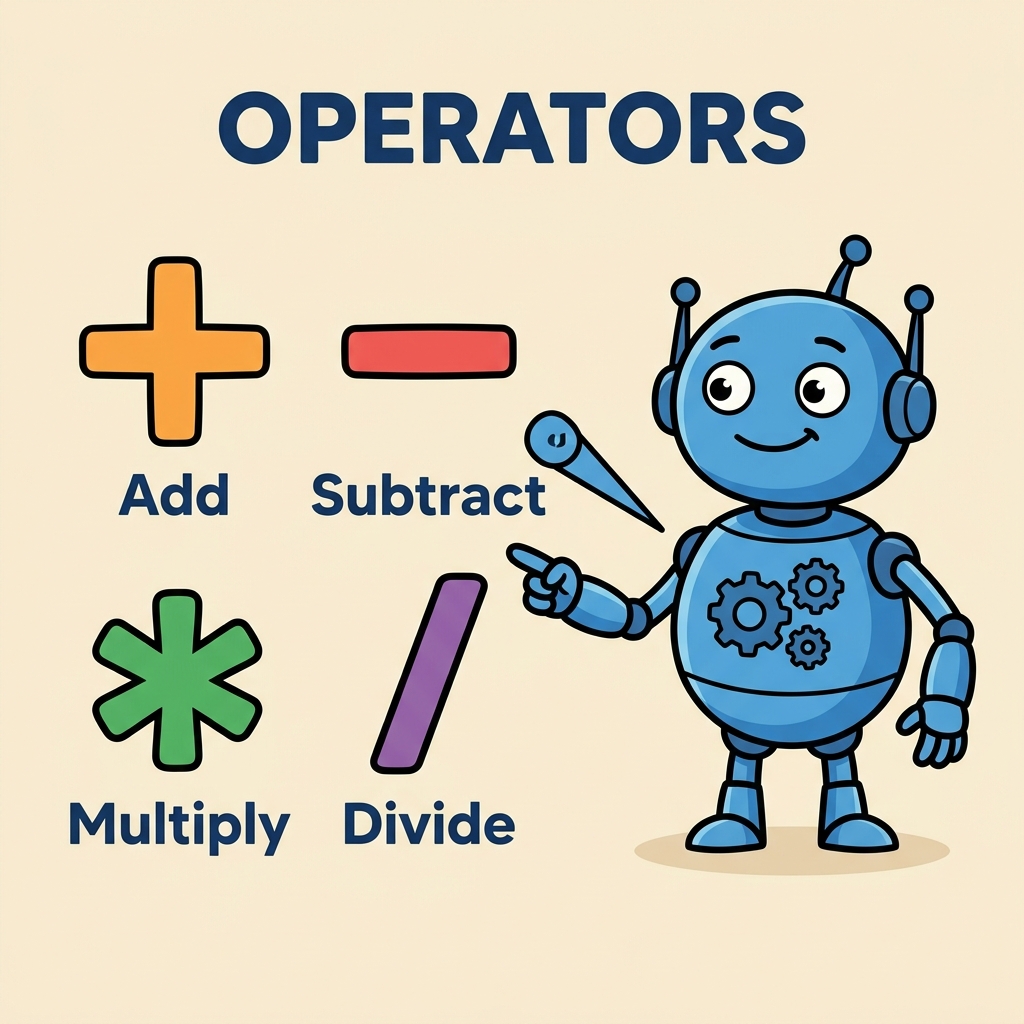
Arithmetic Operators
Arithmetic operators allow you to perform mathematical calculations. These are the most common operators you'll encounter when dealing with numbers.
| Operator | Description | Example | Result |
|---|---|---|---|
+ | Addition | 5 + 3 | 8 |
- | Subtraction | 5 - 3 | 2 |
* | Multiplication | 5 * 3 | 15 |
/ | Division (always float) | 5 / 3 | 1.666... |
// | Floor Division (integer quotient) | 5 // 3 | 1 |
% | Modulus (remainder) | 5 % 3 | 2 |
** | Exponentiation | 5 ** 3 | 125 |
Notice the subtle differences between / and //. The / operator always returns a floating-point number, even if the division is exact, while // returns the quotient after floor division (i.e., it discards the fractional part).
📌 Deep Dive: Arithmetic Examples
# Basic arithmetic operations
a = 15
b = 4

print("Addition:", a + b)          # 19
print("Subtraction:", a - b)       # 11
print("Multiplication:", a * b)    # 60
print("Division:", a / b)           # 3.75 (float result)
print("Floor Division:", a // b)   # 3 (integer quotient)
print("Modulus:", a % b)            # 3 (remainder)
print("Exponentiation:", a ** b) # 50625 (15^4)Subtraction: 11
Multiplication: 60
Division: 3.75
Floor Division: 3
Modulus: 3
Exponentiation: 50625
Assignment Operators
Assignment operators not only assign values to variables but can also perform operations on the variable and then assign the result back to it. This makes your code concise and readable.
| Operator | Equivalent To |
|---|---|
= | Assign value |
+= | x = x + y |
-= | x = x - y |
*= | x = x * y |
/= | x = x / y |
//= | x = x // y |
%= | x = x % y |
**= | x = x ** y |
These compound operators help to simplify and shorten your code when you need to update the value of a variable based on its current value.
📌 Deep Dive: Assignment Operators in Action
x = 10
print("Initial value:", x)

x += 5      # x = x + 5
print("After += 5:", x)

x *= 2      # x = x * 2
print("After *= 2:", x)

x %= 6      # x = x % 6
print("After %= 6:", x)After += 5: 15
After *= 2: 30
After %= 6: 0
Comparison Operators
Comparison operators are essential for decision-making in your programs. They compare two values and return a bool value — either True or False.
| Operator | Meaning | Example | Result |
|---|---|---|---|
== | Equal to | 5 == 3 | False |
!= | Not equal to | 5 != 3 | True |
> | Greater than | 5 > 3 | True |
< | Less than | 5 < 3 | False |
>= | Greater than or equal to | 5 >= 5 | True |
<= | Less than or equal to | 5 <= 3 | False |
Comparison operators are often used in if statements and loops, controlling the flow of your program based on conditions.
📌 Deep Dive: Using Comparison Operators
age = 20

if age >= 18:
    print("You are an adult.")
else:
    print("You are a minor.")

print("Is age equal to 20?", age == 20)
print("Is age not equal to 18?", age != 18)Is age equal to 20? True
Is age not equal to 18? True
Logical Operators
Logical operators combine multiple boolean expressions and return a boolean value. They are crucial for building complex decision-making conditions.
| Operator | Description | Example | Result |
|---|---|---|---|
and | True if both operands are True | True and False | False |
or | True if at least one operand is True | True or False | True |
not | Negates the boolean value | not True | False |
These operators are often used inside conditional statements to check multiple conditions simultaneously.
📌 Deep Dive: Logical Operators in Conditions
username = "admin"
password = "secret"

if username == "admin" and password == "secret":
    print("Access granted.")
else:
    print("Access denied.")

is_logged_in = False
if not is_logged_in:
print("Please log in first.")Please log in first.
Bitwise Operators
Bitwise operators work on the binary representation of integers. They are more advanced but extremely useful in certain domains like networking, cryptography, and performance optimization.
| Operator | Description | Example | Result (Decimal) |
|---|---|---|---|
& | Bitwise AND | 5 & 3 | 1 |
│ | Bitwise OR | 5 │ 3 | 7 |
^ | Bitwise XOR | 5 ^ 3 | 6 |
~ | Bitwise NOT (invert all bits) | ~5 | -6 |
<< | Left shift bits | 5 << 1 | 10 |
>> | Right shift bits | 5 >> 1 | 2 |
If you're unfamiliar with binary numbers, don't worry! You can think of bitwise operators as tools that manipulate the "bit patterns" that make up integers behind the scenes.
📌 Deep Dive: Bitwise Operator Usage
x = 5   # binary: 0101
y = 3   # binary: 0011

print("x & y:", x & y)    # 1 (0001)
print("x | y:", x | y)    # 7 (0111)
print("x ^ y:", x ^ y)    # 6 (0110)
print("~x:", ~x)          # -6 (two's complement)
print("x << 1:", x << 1)  # 10 (1010)
print("x >> 1:", x >> 1) # 2 (0010)x | y: 7
x ^ y: 6
~x: -6
x << 1: 10
x >> 1: 2
💡 Understanding Operator Precedence
Python follows a specific order when evaluating expressions with multiple operators, known as operator precedence. For example, multiplication has higher precedence than addition, so 3 + 4 * 2 is evaluated as 3 + (4 * 2) = 11, not (3 + 4) * 2 = 14.
When in doubt, use parentheses to make your code clear and explicit.
Operator Precedence Quick Overview
Here is a simplified list of operator precedence from highest to lowest:
- Parentheses:
( ) - Exponentiation:
** - Unary operators:
+x,-x,~x - Multiplication, Division, Floor Division, Modulus:
*, /, //, % - Addition and Subtraction:
+, - - Bitwise shifts:
<<, >> - Bitwise AND:
& - Bitwise XOR:
^ - Bitwise OR:
│ - Comparison operators:
==, !=, <, >, <=, >= - Logical NOT:
not - Logical AND:
and - Logical OR:
or - Assignment operators:
=, +=, -=, ...
⚠️ Beware of Confusing Equality and Assignment
Remember, = is an assignment operator, used to assign a value to a variable. The comparison for equality is done with ==. Mixing these two is a common mistake that leads to errors.
Putting It All Together: A Practical Example
Let's create a simple program that calculates the total price of items in a shopping cart, applies a discount, and determines if the total qualifies for free shipping.
📌 Deep Dive: Shopping Cart Total Calculation
# Prices of items in the cart
item1 = 29.99
item2 = 9.99
item3 = 4.99

# Calculate subtotal
subtotal = item1 + item2 + item3

# Apply a 10% discount
discount = 0.10
total_after_discount = subtotal * (1 - discount)

# Check if qualifies for free shipping (total >= 30)
free_shipping = total_after_discount >= 30

print(f"Subtotal: ${subtotal:.2f}")
print(f"Total after discount: ${total_after_discount:.2f}")
print("Free shipping:", free_shipping)

# If not free shipping, add shipping cost
if not free_shipping:
    shipping_cost = 5.99
    total_after_discount += shipping_cost
    print(f"Shipping cost added: ${shipping_cost:.2f}")
    print(f"Final total: ${total_after_discount:.2f}")
else:
print(f"Final total: ${total_after_discount:.2f}")Total after discount: $40.47
Free shipping: True
Final total: $40.47
This example used arithmetic operators to calculate totals, comparison operators to check if the total qualifies for free shipping, and logical operators to branch logic accordingly.
💡 Tip for Beginners
Practice combining different operators in small programs. Try changing values and adding new conditions to see how operators interact and affect your program's behavior.
Summary
Here’s what you should take away from this lesson:
- Arithmetic operators perform basic math operations.
- Assignment operators assign or update variable values succinctly.
- Comparison operators compare values and return boolean results.
- Logical operators combine boolean expressions to build complex conditions.
- Bitwise operators manipulate integers at the binary level.
- Operator precedence determines how expressions are evaluated; parentheses help control this order.
Mastering these operators is essential for writing effective and efficient Python code. As you continue your coding journey, you’ll use these operators daily to manipulate and compare data, control program flow, and implement logic.
Quick Knowledge Check
Test what you just learned
Question 1 of 2
Which operator would you use in Python to check if two values are equal?
Question 2 of 2
What is the output of the expression 7 // 3 in Python?
Loading results...