When you first look at Python code, one thing might immediately catch your eye: the way code is indented. Unlike many other programming languages that rely on braces {} or keywords to group statements, Python uses indentation — the spaces at the beginning of a line — to define blocks of code. This unique feature is central to Python’s design philosophy and contributes to its readability and simplicity.
In this lesson, we'll explore why indentation matters, how Python defines code blocks, and best practices to write clean, error-free indented code. By the end, you’ll understand how Python structures logic through indentation and how to avoid common pitfalls.
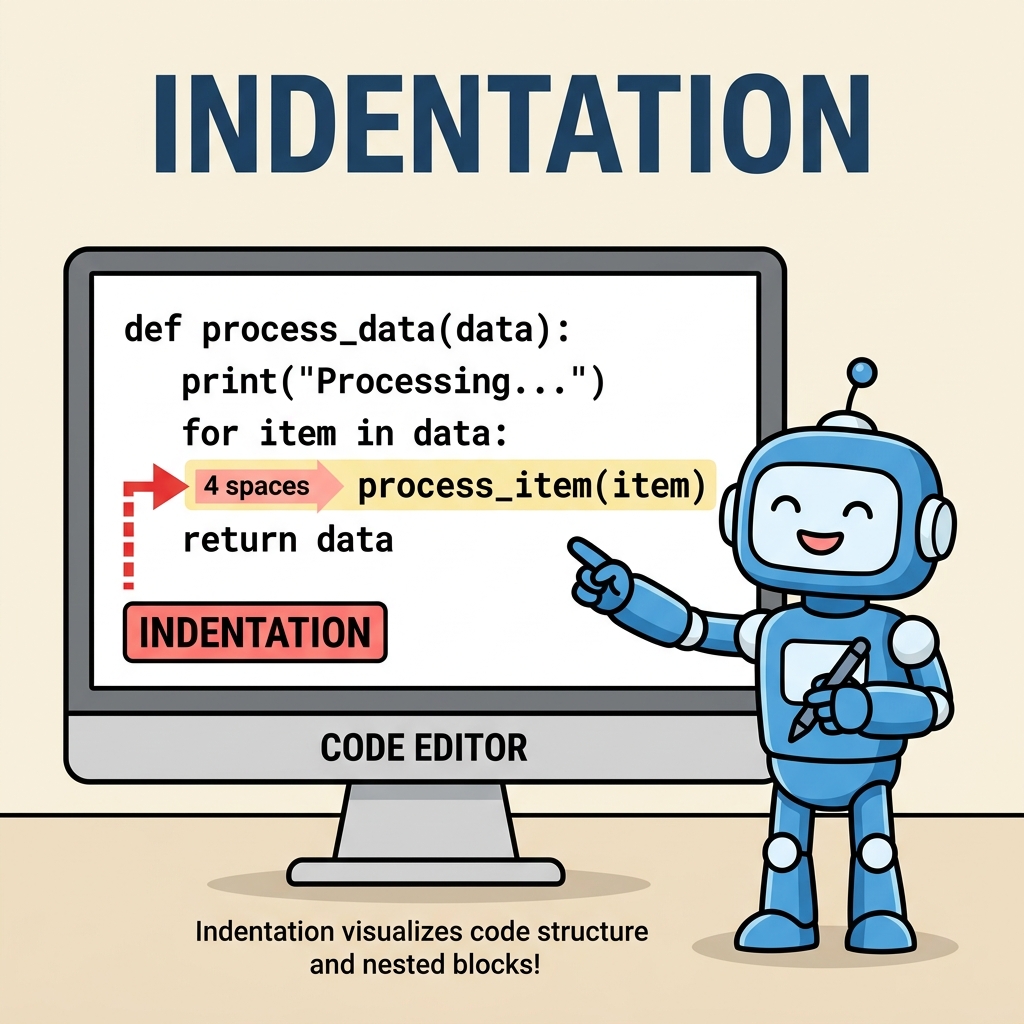
Understanding Indentation in Python
Indentation is the practice of adding spaces or tabs at the beginning of a line to indicate that the line of code belongs to a certain block. In Python, this is not optional. The amount of indentation tells Python which statements belong together.
For example, when you write a conditional statement or a loop, the indented lines underneath form the body of that statement. They execute only if the condition is met or the loop iterates.
📌 Deep Dive: Simple Indentation
x = 10
if x > 5:
    print("x is greater than 5")
    print("This is inside the if block")

print("This is outside the if block")Notice how the two print statements after the if line are indented to the same level. These lines form the code block that runs when the condition is true. The last print statement is not indented, so it runs regardless of the if condition.
Why Does Python Use Indentation?
Python emphasizes readability and simplicity, and indentation helps achieve that by:
- Clearly defining code structure: You can visually see which statements belong together.
- Reducing clutter: No need for extra symbols like braces or keywords to mark blocks.
- Enforcing consistency: All Python programmers follow the same style for blocks, making code more uniform and easier to maintain.
💡 Think of indentation like paragraphs in writing.
Just as paragraphs group related sentences, indentation groups lines of code that perform a specific task together. Without paragraphs, text becomes confusing; similarly, without indentation, Python code becomes unreadable or invalid.
What Exactly Is a Code Block?
A code block is a group of one or more statements that Python treats as a single unit. Code blocks are used after statements like if, for, while, def (functions), class, and others.
Python identifies a block by the indentation level. All lines indented at the same level after such a statement belong to the block. Once the indentation returns to a previous level, the block ends.
| Statement | Description |
|---|---|
if | Execute block if condition is True |
else | Execute block if preceding if is False |
elif | Execute block if previous if or elif is False and condition is True |
for | Execute block repeatedly for each item in a sequence |
while | Execute block repeatedly while condition is True |
def | Define a function block |
class | Define a class block |
Indentation levels are crucial. The amount of indentation is flexible (you can use 2, 4 spaces, or a tab), but you must be consistent within the same block.
⚠️ Mixing Tabs and Spaces: A Common Source of Errors
Python 3 disallows mixing tabs and spaces in indentation. Doing so will raise an IndentationError. Always configure your text editor to insert spaces (usually 4 spaces per indent) instead of tabs to avoid this problem.
Indentation Rules to Remember
- Every statement that introduces a new block ends with a colon
:. - All lines in the same block must be indented the same amount.
- Indentation must be consistent throughout the script — don't mix tabs and spaces.
- Code blocks can be nested by further indenting lines inside an existing block.
- When the block ends, indentation returns to the previous level.
Nested Code Blocks
Blocks can be nested inside other blocks by increasing the indentation level. This is common in complex logic such as conditions within loops or functions inside classes.
📌 Deep Dive: Nested Indentation Example
def check_numbers(numbers):
    for num in numbers:
        if num > 0:
            print(f"{num} is positive")
        elif num == 0:
            print(f"{num} is zero")
        else:
            print(f"{num} is negative")

check_numbers([3, 0, -2])Here’s how the indentation flows:
def check_numbers(numbers):introduces a function block.- The
forloop inside is indented once from the function. - The
if,elif, andelseconditions are indented further inside the loop.
This clear hierarchy makes the code easy to follow.
Common Indentation Errors and How to Fix Them
Python is very strict about indentation, so small mistakes can result in errors. Here are common issues beginners face:
- IndentationError: expected an indented block
This error occurs when Python expects a block (afterif,for, etc.) but the next line is not indented. - IndentationError: unindent does not match any outer indentation level
Happens when the indentation of a line does not align with any previous block level. - TabError: inconsistent use of tabs and spaces
Raised when mixing tabs and spaces in indentation.
📌 Deep Dive: Fixing IndentationError
# Incorrect indentation - causes error
if 10 > 5:
print("Ten is greater than five")  # Not indented

# Correct indentation
if 10 > 5:
    print("Ten is greater than five")
Always double-check that blocks following colons : are indented consistently.
How Many Spaces Should You Use?
PEP 8, Python's official style guide, recommends using 4 spaces per indentation level. Most Python developers follow this guideline because it balances readability and compactness.
Important: Never mix tabs and spaces! Configure your editor to insert spaces when you press the tab key.
💡 Editor Tips for Managing Indentation
- Use an editor or IDE that highlights indentation levels (e.g., VS Code, PyCharm).
- Enable "show whitespace" to visualize spaces and tabs.
- Use automatic formatting tools like
blackorautopep8to enforce consistent style.
Indentation and Code Blocks in Functions and Classes
Indentation is not only important for control flow but also for defining functions and classes:
📌 Deep Dive: Function and Class Blocks
class Animal:
    def __init__(self, name):
        self.name = name

    def speak(self):
        print(f"{self.name} makes a sound")

dog = Animal("Buddy")
dog.speak()Notice how the class body is indented once after the class line, and the methods inside the class are indented further. This nested indentation clearly defines the structure and hierarchy.
Summary: Key Takeaways
- Python uses indentation to define code blocks instead of braces or keywords.
- Indentation must be consistent and usually consists of 4 spaces per level.
- All statements inside a block must have the same indentation level.
- Indentation controls the flow of execution in conditionals, loops, functions, classes, and more.
- Mixing tabs and spaces causes errors — configure your editor to use spaces.
Mastering indentation is one of the first crucial steps to writing correct Python code. It's more than just style — it’s the foundation of Python's logic flow.
💡 Final Thought
Think of Python’s indentation as the invisible thread that weaves your code together. It tells Python where blocks start and end, making your programs not only run correctly but also easier for humans to read and maintain.
Quick Knowledge Check
Test what you just learned
Question 1 of 2
What does Python use to define the start and end of a block of code?
Question 2 of 2
Which of the following will cause an IndentationError in Python?
Loading results...