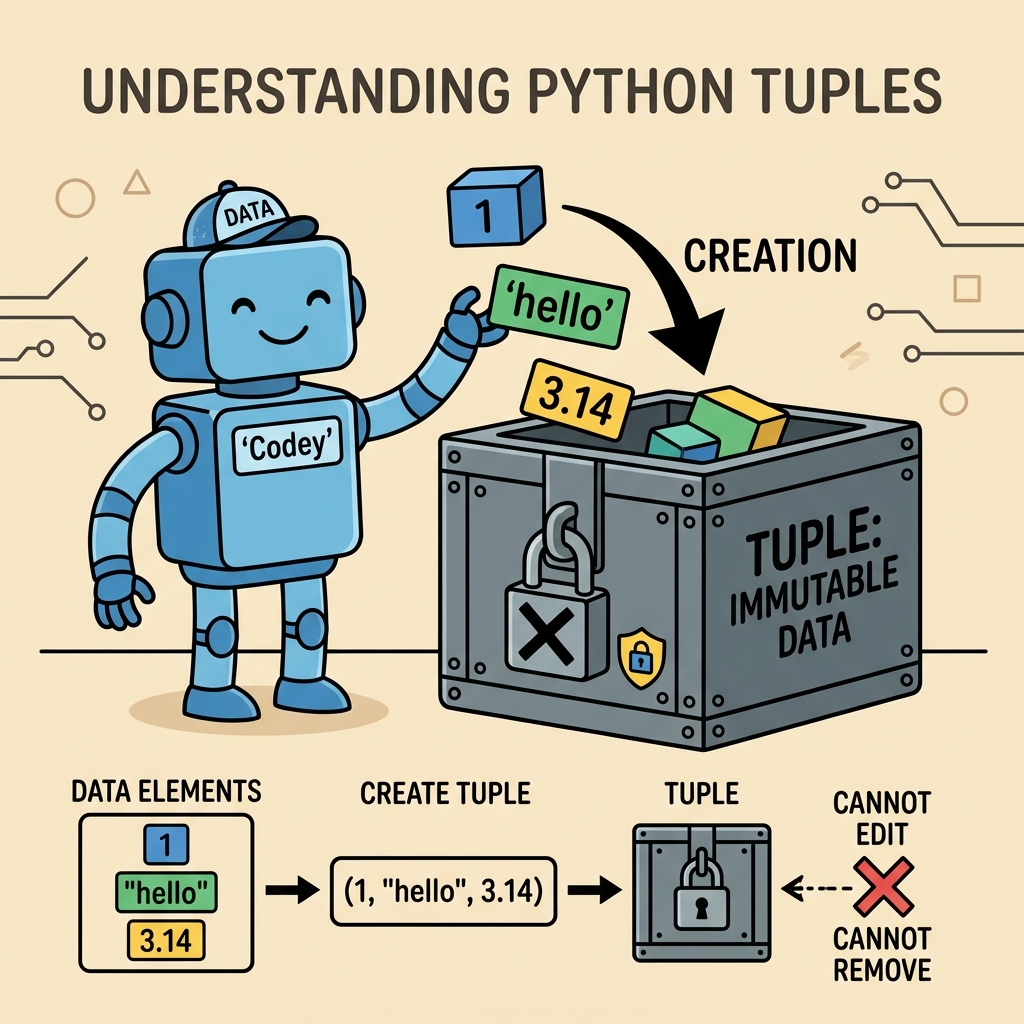
When working with data collections in Python, you’ll often reach for lists — a flexible, mutable way to store multiple values. But sometimes, you need a collection that doesn’t change once you create it. This is where tuples shine. Tuples provide a simple, efficient, and immutable way to group multiple values together, perfect for fixed collections or when data integrity is paramount.
What Are Tuples?
A tuple is a built-in Python data structure that holds an ordered sequence of elements. Unlike lists, tuples are immutable, which means you cannot modify, add, or remove elements after the tuple is created.
Tuples are defined by enclosing elements within parentheses ( ), separated by commas:
Notice the parentheses and the commas. Both are essential to define a tuple properly.
Tuple vs List: Key Differences
Tuples and lists are similar in that they both store ordered collections, but their core difference lies in mutability. Here’s a quick comparison:
Tuple vs List Comparison
Feature
Tuple
List
Syntax
(1, 2, 3)
[1, 2, 3]
Mutability
Immutable (cannot change)
Mutable (can change)
Performance
Faster (less overhead)
Slower (more flexible)
Use Cases
Fixed data, keys in dictionaries
Dynamic data, data manipulation
Choosing between a tuple and a list depends on whether you need to change the data after creation. If not, tuples can be more memory-efficient and faster.
Creating Tuples: Variations and Tricks
Empty Tuple
An empty tuple is just a pair of empty parentheses:
empty = ()
Single-Element Tuple
Defining a tuple with only one element requires a trailing comma; otherwise, Python treats it as a normal value inside parentheses:
You can also slice tuples to get a new tuple containing a subset of elements.
Tuple Immutability: What Does It Mean?
Once a tuple is created, its contents cannot be changed. This means you cannot add, remove, or modify elements directly. Attempting to do so will raise a TypeError.
📌 Deep Dive: Attempting to Modify a Tuple
PYTHON
t = (1, 2, 3)
try:
    t[1] = 5
except TypeError as e:
    print(e)
Output
'tuple' object does not support item assignment
This immutability makes tuples reliable for fixed data and allows Python to optimize their performance.
Why Use Tuples?
Data Integrity: When you want to ensure data remains constant throughout your program.
Dictionary Keys: Tuples can be used as keys in dictionaries because they are hashable; lists cannot.
Performance: Tuples are slightly faster and use less memory than lists.
Function Returns: Functions often return multiple values packed in a tuple.
Tuple Methods
Because tuples are immutable, they have fewer built-in methods than lists. The two most useful methods are:
count(value) — Returns how many times value appears in the tuple.
index(value[, start[, end]]) — Returns the first index of value. Raises ValueError if not found.
Although tuples themselves are immutable, they can contain mutable objects like lists or dictionaries. Modifying these nested mutable objects is allowed and will reflect inside the tuple.
📌 Deep Dive: Tuples Containing Mutable Objects
PYTHON
t = (1, [2, 3], 4)
t[1].append(5)
print(t)
Output
(1, [2, 3, 5], 4)
While you cannot reassign t[1] to a new list, you can modify the list itself.
When to Use Tuples in Your Code?
Here are some practical scenarios where tuples are the perfect choice:
Returning multiple values from a function: Functions can return several values grouped in a tuple.
Fixed configuration data: Storing coordinates, RGB colors, or any set of values that shouldn’t change.
Dictionary keys: When you need compound keys made of multiple values.
Data integrity: Ensuring data remains constant throughout your program.
Unpacking in Function Arguments
Tuples can be unpacked directly into function arguments using the * operator. This allows flexible calls with sequences.
📌 Deep Dive: Unpacking Tuples into Functions
PYTHON
def greet(first, last):
print(f"Hello, {first} {last}!")
name = ("John", "Doe")
greet(*name) # Unpacks the tuple into arguments
Output
Hello, John Doe!
Converting Between Lists and Tuples
Sometimes you need to convert tuples to lists or vice versa:
Tuples generally consume less memory and have faster iteration compared to lists because they are immutable. This makes them a good choice when you need a fixed collection of items and performance matters.
Architecture of Tuples
💡 Pro Tip
Use tuples whenever your data should stay constant. If you find yourself modifying a collection frequently, lists might be a better fit.
Summary
To recap:
Tuples are ordered, immutable collections defined with parentheses ( ) or by separating values with commas.
They are faster and use less memory than lists, making them ideal for fixed data.
Tuples can be used as dictionary keys because they are hashable.
Use tuple unpacking to assign elements to variables easily.
Remember the trailing comma for single-element tuples!
Mastering tuples is a foundational skill in Python programming and will help you write cleaner, more efficient, and safer code.
💡
Quick Knowledge Check
Test what you just learned
Question 1 of 2
How do you correctly define a single-element tuple containing the integer 7?