When you begin working with Python, one of the fundamental data types you’ll encounter is the tuple. Tuples are immutable sequences that store collections of items. Unlike lists, once a tuple is created, its contents cannot be changed.
Despite their immutability, tuples come equipped with a couple of powerful built-in methods that help you interact with and glean information from the data they hold. In this lesson, we’ll explore these tuple methods, understand how and when to use them, and see practical examples that will solidify your comprehension.
Understanding Tuple Immutability vs. Mutability of Methods
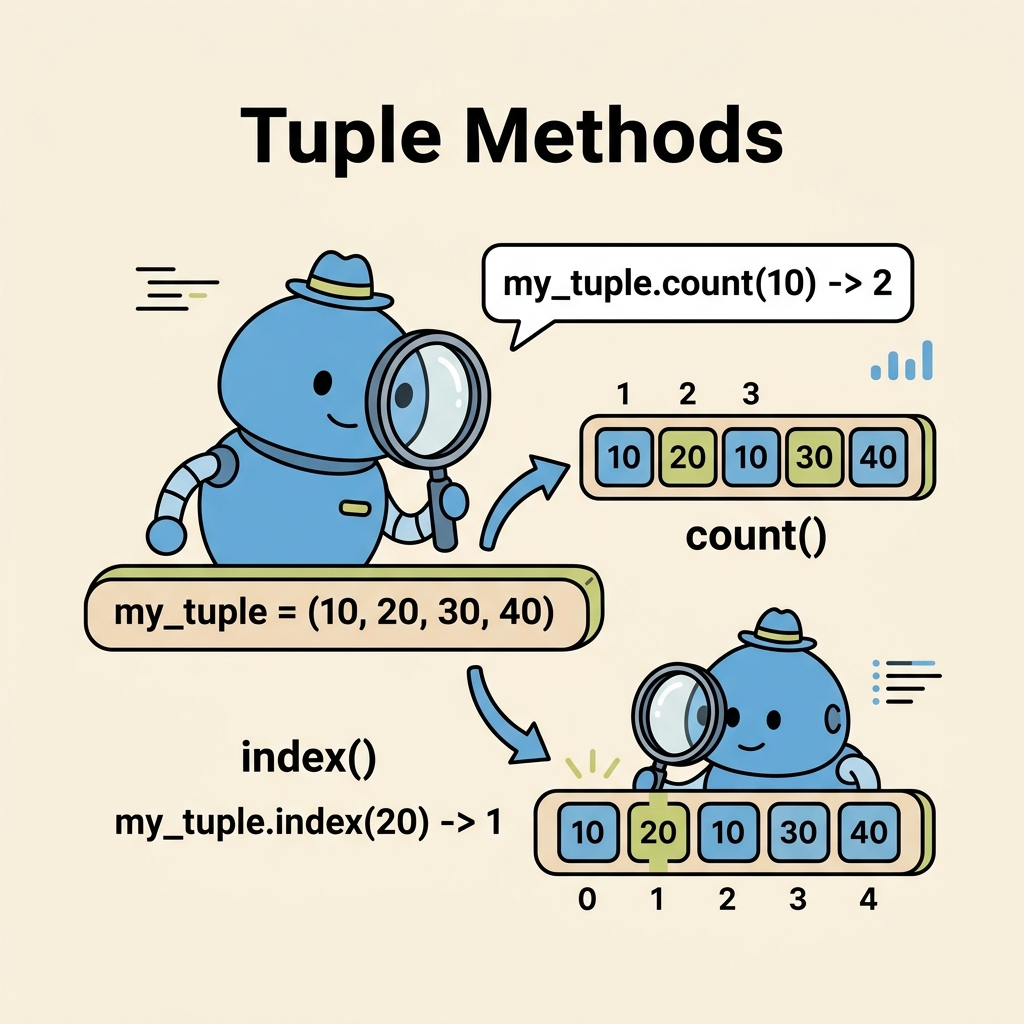
First, it’s important to clarify a common misconception: tuples themselves do not support methods that modify their contents. Because tuples are immutable, methods that would alter their size or values do not exist. Instead, Python provides two primary methods that allow you to query information about tuples:
count()— Count how many times a specific value appears.index()— Find the position (index) of the first occurrence of a value.
These methods do not change the tuple; they simply return data about it.
💡 Why only two methods?
Because tuples are designed to be immutable, Python limits their associated methods to those that don’t modify content. This enforces data integrity and predictability.
The count() Method
The count() method returns the number of times a given element appears in the tuple. It’s helpful when you want to find out the frequency of a particular item.
Syntax:
tuple_name.count(value)Here, value is the item to count within the tuple.
📌 Deep Dive: Using count()
# Define a tuple of fruits
fruits = ('apple', 'banana', 'orange', 'apple', 'banana', 'apple')

# Count how many times 'apple' appears
apple_count = fruits.count('apple')

print(f"Apple appears {apple_count} times.")In this example, we see that the tuple fruits contains three occurrences of the string 'apple'. The count() method quickly reveals this.
The index() Method
The index() method returns the index (position) of the first occurrence of a specified value in the tuple.
Syntax:
tuple_name.index(value[, start[, end]])value— The item to search for.start(optional) — The position to start searching from (default is 0).end(optional) — The position to end the search (default is the end of the tuple).
If the value is not found, Python raises a ValueError. This means you need to be careful when using index() on items that might not be present.
📌 Deep Dive: Using index() with Optional Parameters
# Define a tuple of numbers
numbers = (10, 20, 30, 20, 40, 50, 20)

# Find the first index of 20
first_20 = numbers.index(20)

print(f"The first 20 is at index: {first_20}")

# Find the index of 20 starting from position 3
second_20 = numbers.index(20, 3)

print(f"The next 20 after index 3 is at index: {second_20}Here, the first occurrence of 20 is at index 1. By specifying the optional start parameter, we can search for the next occurrence after a certain position.
⚠️ Handling ValueError with index()
If the value you're searching for is not in the tuple, index() will raise a ValueError. To prevent your program from crashing, consider using a try-except block.
📌 Deep Dive: Safe Usage of index()
animals = ('cat', 'dog', 'rabbit')

try:
    pos = animals.index('horse')
    print(f"'horse' found at index: {pos}")
except ValueError:
print("'horse' is not in the tuple.")Quick Comparison: Tuple Methods vs. List Methods
Since tuples and lists are both sequence types in Python, it’s natural to wonder how their methods compare. Here’s a quick overview:
| Method | Tuple | List |
|---|---|---|
count() | Available | Available |
index() | Available | Available |
append() | Not available (immutable) | Available |
remove() | Not available (immutable) | Available |
sort() | Not available (immutable) | Available |
reverse() | Not available (immutable) | Available |
As you can see, tuples focus on querying data rather than modifying it.
Practical Use Cases for Tuple Methods
Let’s consider some real-world scenarios where tuple methods prove useful:
- Counting occurrences: You might have a tuple of survey responses and want to know how many times a particular answer was given.
- Finding positions: If you receive a tuple of timestamps or event identifiers,
index()can help you locate the first time a specific event happened. - Data validation: Checking if a value exists before processing can be done efficiently using these methods.
Tips for Working With Tuple Methods
- Remember immutability: If you need to modify data, convert your tuple to a list using
list(), perform changes, then convert back if necessary. - Use
count()for frequency checks: This is much cleaner than manually iterating through the tuple. - Handle exceptions with
index(): Prepare for the possibility that an item may not be present. - Leverage slicing with
index(): The optional parameters let you search within specific sections of the tuple.
💡 Pro Tip
For large tuples, using count() and index() is efficient since they are implemented in C internally. But if you need frequent modifications, tuples might not be the best data structure.
Summary
In this lesson, we explored the two primary methods available for tuples:
count(value)— counts how many timesvalueappears.index(value[, start[, end]])— finds the first position ofvalue, optionally within a range.
Because tuples are immutable, these methods do not modify the tuple but provide valuable insights into its contents.
When working with tuples, always remember to handle exceptions with index() and consider converting to a list if you need to change data.
With this knowledge, you’re equipped to confidently utilize tuples and their methods in your Python projects!
Quick Knowledge Check
Test what you just learned
Question 1 of 2
Which tuple method would you use to find how many times a value appears?
Question 2 of 2
What happens if you call index() on a value not present in the tuple?
Loading results...