When you first start programming in Python, it’s natural to wonder how to accomplish common tasks without reinventing the wheel every time. Luckily, Python offers an extensive Standard Library—a rich collection of modules and packages bundled with every Python installation. These modules provide ready-made tools for everything from file handling and data manipulation to internet protocols and even complex mathematics.
In this lesson, we’ll explore what the Standard Library is, why it's so valuable, and how you can harness its power to write cleaner, more efficient Python code right away.
What Is the Python Standard Library?
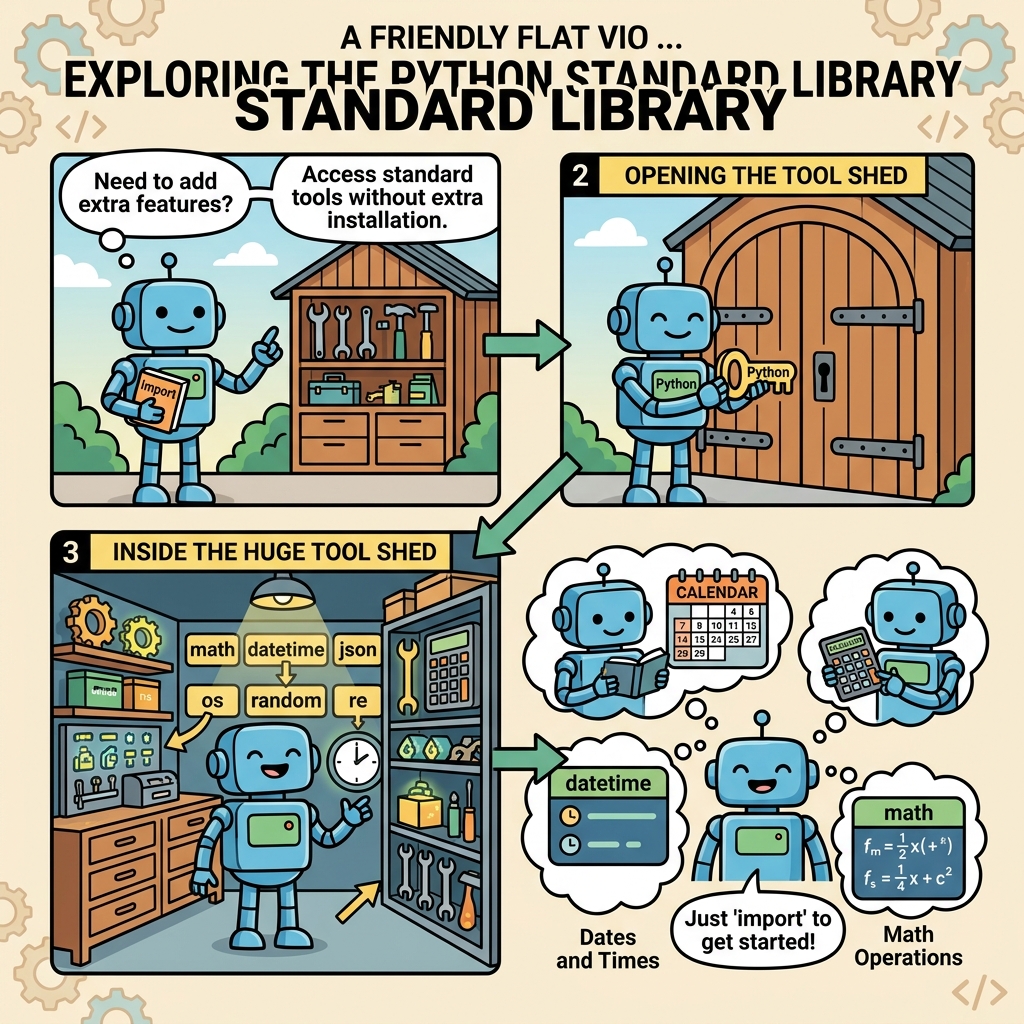
The Python Standard Library is a large suite of pre-written code that comes installed with Python itself. Unlike third-party libraries you install separately via tools like pip, the Standard Library is always available out-of-the-box. It covers a broad range of functionalities and is maintained by the core Python developers to ensure consistency and reliability.
Think of it as a toolbox that comes with your programming language — you don’t have to build every tool from scratch because the Standard Library already includes them.
Why Use the Standard Library?
- Reliability: Modules in the Standard Library are thoroughly tested and widely used by the Python community.
- Compatibility: Since it comes with Python itself, you don’t have to worry about extra installations or version mismatches.
- Efficiency: Save time by leveraging pre-built solutions instead of coding common functionalities yourself.
- Readability: Using well-known modules makes your code easier to understand and maintain.
💡 Quick Tip
Before reaching for an external package, always check if Python’s Standard Library already has what you need. It’s often the fastest and safest way to add functionality.
Exploring Popular Standard Library Modules
Let’s look at some of the most frequently used modules and what they can do for you.
| Module | Purpose | Example Use Case |
|---|---|---|
os |
Interact with the operating system | List files, create directories, or get environment variables |
sys |
Access system-specific parameters and functions | Read command-line arguments or exit the program |
math |
Mathematical functions | Calculate square roots, trigonometry, or constants like π |
datetime |
Work with dates and times | Get current date/time, time differences, formatting |
json |
Parse and generate JSON data | Store and load data in JSON format for APIs or files |
random |
Generate random numbers and choices | Simulate dice rolls, shuffle lists, or pick random samples |
How to Use a Standard Library Module
Using modules from the Standard Library is straightforward. You simply need to import the module at the top of your script and then call its functions or classes.
📌 Deep Dive: Using the math Module
import math

radius = 5
area = math.pi * math.pow(radius, 2)
print(f"Area of a circle with radius {radius} is {area:.2f}")In this example, we import math and use math.pi to get the value of π, and math.pow() to compute the radius squared. This short snippet performs a common mathematical calculation without any manual constants or formulas.
Import Variations for Flexibility
Python gives you multiple ways to import modules or specific items from them, depending on your coding style or project needs.
import module_name— Imports the whole module, accessed viamodule_name.function().from module_name import function_name— Imports just a specific function or class to use directly.import module_name as alias— Imports with a shorter alias for convenience.
📌 Deep Dive: Different Import Styles
# Import whole module
import random
print(random.choice(['apple', 'banana', 'cherry']))

# Import specific function
from math import sqrt
print(sqrt(16))

# Import with alias
import datetime as dt
print(dt.datetime.now())Exploring the Standard Library Documentation
With so many modules available, it’s useful to know how to quickly find what you need. The official Python documentation (https://docs.python.org/3/library/) is the definitive resource for the Standard Library. It provides detailed descriptions, usage examples, and references for every module.
Besides documentation, you can also explore modules interactively within your Python interpreter using the help() function. For example, to learn about the os module, simply type:
📌 Deep Dive: Using help() to Explore Modules
import os
help(os)
This will display a comprehensive overview of the os module’s functions, classes, and usage details directly in your terminal or console.
Common Standard Library Tasks with Sample Code
To help you get started, here are some practical examples of everyday tasks solved with the Standard Library.
Reading and Writing Files with open()
File I/O is a common requirement. Python’s built-in open() function allows you to read or write files easily.
📌 Deep Dive: File Handling
# Writing to a file
with open('example.txt', 'w') as file:
    file.write('Hello, Python Standard Library!
')

# Reading from a file
with open('example.txt', 'r') as file:
    content = file.read()
print(content)Working with Dates and Times
The datetime module makes managing dates and times intuitive and powerful.
📌 Deep Dive: Date and Time Formatting
from datetime import datetime, timedelta

now = datetime.now()
print("Current date & time:", now)

# Add 7 days
next_week = now + timedelta(days=7)
print("Date 7 days from now:", next_week.strftime('%Y-%m-%d'))JSON Data Handling
APIs, configuration files, and data interchange frequently use JSON. The json module lets you parse JSON strings and write Python objects as JSON.
📌 Deep Dive: Parsing and Writing JSON
import json

data = {
    'name': 'Alice',
    'age': 30,
    'is_student': False
}

# Convert Python dict to JSON string
json_str = json.dumps(data)
print("JSON string:", json_str)

# Parse JSON string back to Python dict
parsed_data = json.loads(json_str)
print("Parsed data:", parsed_data)⚠️ Important
Be mindful that some Standard Library modules behave differently on various operating systems (Windows, macOS, Linux). Always test your code if your project targets multiple platforms.
Discovering More Modules
The Standard Library is vast. Here are some other useful modules worth exploring as you advance:
collections— Specialized container datatypes likeCounteranddefaultdict.itertools— Tools for efficient looping and combinatorics.subprocess— Run and manage external processes.threadingandmultiprocessing— Implement concurrency and parallelism.urllib— Work with URLs and internet resources.logging— Create flexible logging for your applications.
As you grow your Python skills, you’ll naturally discover when and how to use these modules. The Standard Library is often the first place to look for robust, well-maintained solutions.
💡 Pro Tip
Use the interactive Python shell or tools like pydoc to browse available modules on your system: pydoc modules lists all installed modules, including the Standard Library.
Summary
The Python Standard Library is your trusted companion for everyday programming. It saves time, ensures code quality, and covers an incredible range of tasks without requiring third-party installations. By mastering how to access and utilize these modules effectively, you’ll become a more productive and confident Python developer.
Remember, the key is to explore, experiment, and refer to the official documentation regularly. With practice, you’ll find yourself reaching for the Standard Library first before writing custom code.
Quick Knowledge Check
Test what you just learned
Question 1 of 2
What is the primary advantage of using Python's Standard Library?
Question 2 of 2
How can you access a specific function from a module to avoid prefixing it with the module name?
Loading results...