Welcome to this comprehensive introduction to Strings in Python. Strings are one of the most fundamental and frequently used data types in programming, acting as containers for text. Whether you're displaying messages, processing user input, or working with files, understanding strings is essential. By the end of this lesson, you'll be able to create, manipulate, and transform strings with confidence.
Let's embark on a journey to see what strings are, how Python treats them, and how you can harness their power effectively.
What is a String in Python?
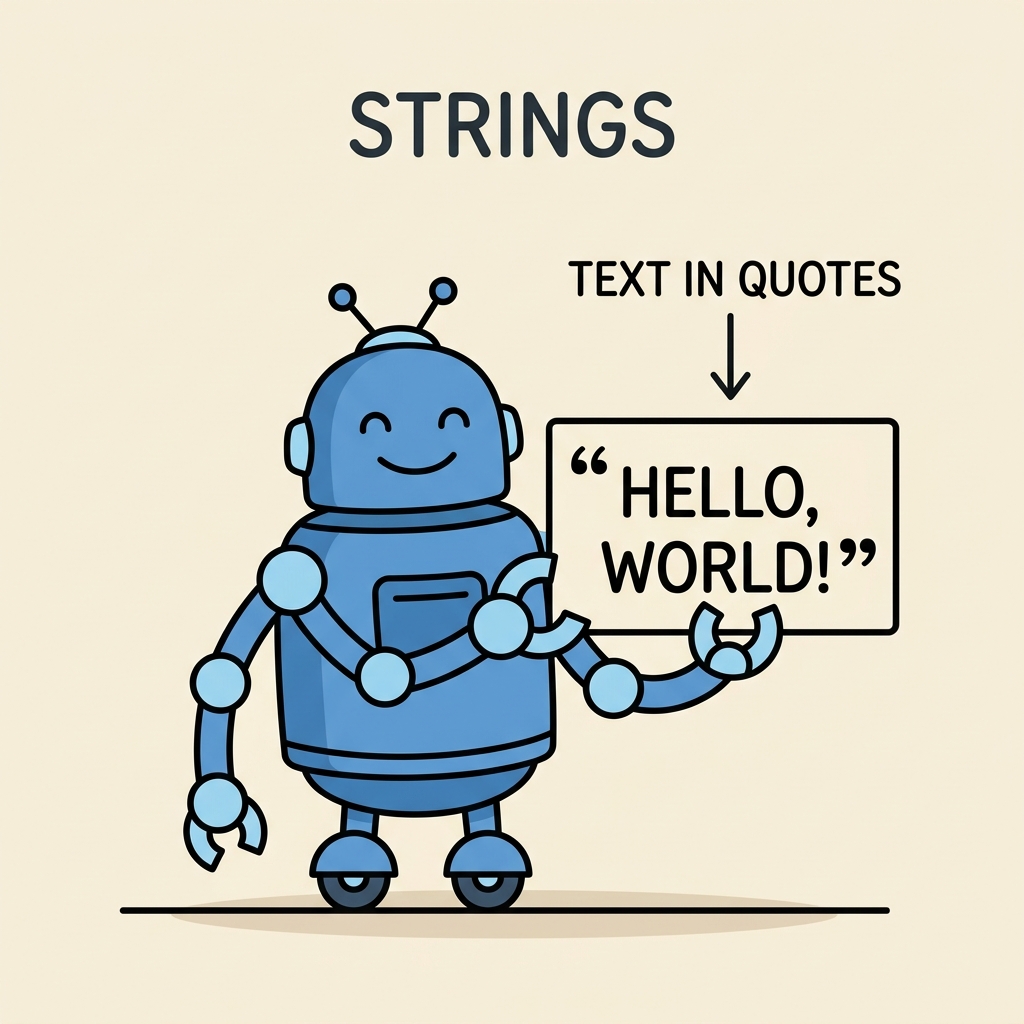
A string is a sequence of characters enclosed within quotes. These characters can be letters, numbers, symbols, or even whitespace. Python supports several ways to define strings, making it flexible and expressive.
| Syntax | Description |
|---|---|
| 'Hello' | Single quotes |
| "World" | Double quotes |
| '''Multiline string''' | Triple single quotes, for multiline strings |
| """Another multiline string""" | Triple double quotes, also for multiline strings |
Python treats all of these as valid strings. Choosing between single or double quotes is often a matter of convenience or style, especially when your string contains quotes.
💡 Why two types of quotes?
Using single or double quotes helps avoid escaping characters. For example, if your string contains a single quote (like an apostrophe), wrapping it in double quotes saves you from using backslashes.
📌 Deep Dive: Defining Strings
# Using single quotes
message1 = 'Hello, world!'

# Using double quotes
message2 = "Python is fun."

# Using triple quotes for multiline strings
message3 = '''This is a
multiline string.'''

message4 = """You can also
write multiline strings
with triple double quotes."""

print(message1)
print(message2)
print(message3)
print(message4)Strings Are Immutable
One core concept to understand is that strings in Python are immutable. This means once a string is created, you cannot change individual characters inside it.
For instance, trying to modify a character by index will cause an error:
📌 Deep Dive: Immutability Example
text = "Python"
# Attempting to change the first character
text[0] = 'J' # This will raise an errorHowever, you can create a new string by concatenation or other methods, which effectively replaces the original string variable.
Common String Operations
Python provides a rich set of operations to work with strings. Let's explore the most useful ones:
- Concatenation (+) — Combine strings.
- Repetition (*) — Repeat strings multiple times.
- Indexing and Slicing — Extract characters or substrings.
- Length (
len()) — Get the number of characters. - Membership (
in) — Check if substring exists.
📌 Deep Dive: String Operations
# Concatenation
greeting = "Hello, " + "Alice!"
print(greeting)  # Hello, Alice!

# Repetition
echo = "ha" * 3
print(echo)  # hahaha

# Indexing (0-based)
word = "Python"
print(word[0])  # P
print(word[-1])  # n (last character)

# Slicing
print(word[1:4])  # yth (from index 1 up to but not including 4)
print(word[:3])  # Pyt (start to index 3)
print(word[3:])  # hon (index 3 to end)

# Length
print(len(word))  # 6

# Membership
print('th' in word)  # True
print('z' in word) # FalseEscape Characters and Raw Strings
Sometimes strings contain special characters like newlines, tabs, or quotes that need to be treated carefully. Python uses escape sequences to represent these special characters inside strings.
\- New line\\t- Tab\\\\- Backslash\\'- Single quote\\"- Double quote
Alternatively, you can create raw strings by prefixing the string with r or R. Raw strings treat backslashes literally, which is useful for regular expressions, file paths on Windows, or any string heavy with backslashes.
📌 Deep Dive: Escape Characters vs Raw Strings
# Using escape sequences
path1 = "C:\\Users\\Alice\\Documents"

# Using raw strings
path2 = r"C:\Users\Alice\Documents"

print(path1)
print(path2)

# Newline and tab example
text = "Hello
\tWorld!"
print(text)Useful String Methods
Strings in Python come packed with many built-in methods that allow you to transform, analyze, and manipulate text easily. Here are some of the most commonly used string methods:
str.lower()– returns a lowercase versionstr.upper()– returns an uppercase versionstr.strip()– removes leading and trailing whitespacestr.replace(old, new)– replaces occurrences ofoldwithnewstr.split(separator)– splits the string into a list based on separatorstr.join(iterable)– joins elements of an iterable using the string as a separatorstr.find(substring)– returns index of first occurrence or -1 if not foundstr.startswith(prefix)andstr.endswith(suffix)– check if string starts or ends with substring
📌 Deep Dive: Working with String Methods
text = "  Python is Amazing!  "

# Trim whitespace
clean = text.strip()
print(f"'{clean}'")

# Case conversion
print(clean.lower())
print(clean.upper())

# Replace substring
replaced = clean.replace("Amazing", "awesome")
print(replaced)

# Split into words
words = replaced.split()
print(words)

# Join words with comma
joined = ", ".join(words)
print(joined)

# Find substring
pos = clean.find("is")
print(pos)

# Startswith and endswith
print(clean.startswith("Python"))
print(clean.endswith("!"))String Formatting
Creating dynamic strings by embedding variables or expressions is common. Python offers several ways to format strings:
- Old style using % operator:
"Hello, %s" % name - str.format() method:
"Hello, {}".format(name) - Formatted string literals (f-strings):
f"Hello, {name}"(Python 3.6+)
Among these, f-strings are the most modern, concise, and readable approach.
📌 Deep Dive: String Formatting with f-strings
name = "Alice"
age = 30
height = 1.68

# Old style
print("Name: %s, Age: %d" % (name, age))

# str.format
print("Name: {}, Age: {}".format(name, age))

# f-strings
print(f"Name: {name}, Age: {age}, Height: {height:.2f}m") # Height formatted to 2 decimals💡 Tip: Use f-strings whenever possible for clarity and performance. You can embed any valid Python expression inside the curly braces, including calculations or function calls.
Multiline Strings and Docstrings
Triple quotes not only allow you to create multiline strings but also serve as docstrings — documentation strings that describe modules, classes, or functions. When placed as the first statement inside such blocks, they become accessible via the .__doc__ attribute.
📌 Deep Dive: Docstrings
def greet(name):
    """
    Returns a greeting message for the given name.

    Parameters:
    name (str): The name of the person

    Returns:
    str: Greeting message
    """
    return f"Hello, {name}!"

print(greet.__doc__)
print(greet("Bob"))Common Pitfalls to Avoid
⚠️ Beware of Mutability Confusion
Remember that strings are immutable. Trying to change a character by direct assignment will cause errors. Instead, create new strings if you need modifications.
⚠️ Mixing Quote Types Incorrectly
Unmatched or improperly nested quotes will lead to syntax errors. Use different quote types inside strings or escape quotes properly.
⚠️ Forgetting to Use Raw Strings for Paths
When dealing with Windows file paths, forgetting to use raw strings or escape backslashes can produce unexpected results.
Summary: Strings in Python at a Glance
Strings are sequences of characters enclosed in quotes, immutable, and come with a variety of built-in operations and methods to manipulate text. Python’s flexibility with quotes, comprehensive string methods, and powerful formatting options make strings a joy to work with.
With these fundamentals, you’re now ready to dive deeper into text processing, user input handling, and many other Python programming tasks involving strings.
Quick Knowledge Check
Test what you just learned
Question 1 of 2
What will happen if you try to assign a new character to a specific index in a string?
Question 2 of 2
Which of these is the preferred way to embed variables inside strings in modern Python?
Loading results...