Welcome to the foundational lesson on strings in Python. Whether you're completely new to programming or just new to Python, understanding strings is a crucial building block for your coding journey. Strings let you work with text, which is everywhere—from simple messages to complex data processing.
In this lesson, we'll explore what strings are, how to create and manipulate them, and introduce common operations that will help you become comfortable working with text in Python.
What is a String?
Simply put, a string is a sequence of characters enclosed within quotes. These characters can be letters, numbers, symbols, or even spaces. For example, "Hello, World!" is a string containing letters, punctuation, and a space.
💡 Strings Are Immutable
Once a string is created, its content cannot be changed directly. Any manipulation creates a new string. This behavior is important to understand as you work with text data.
Creating Strings in Python
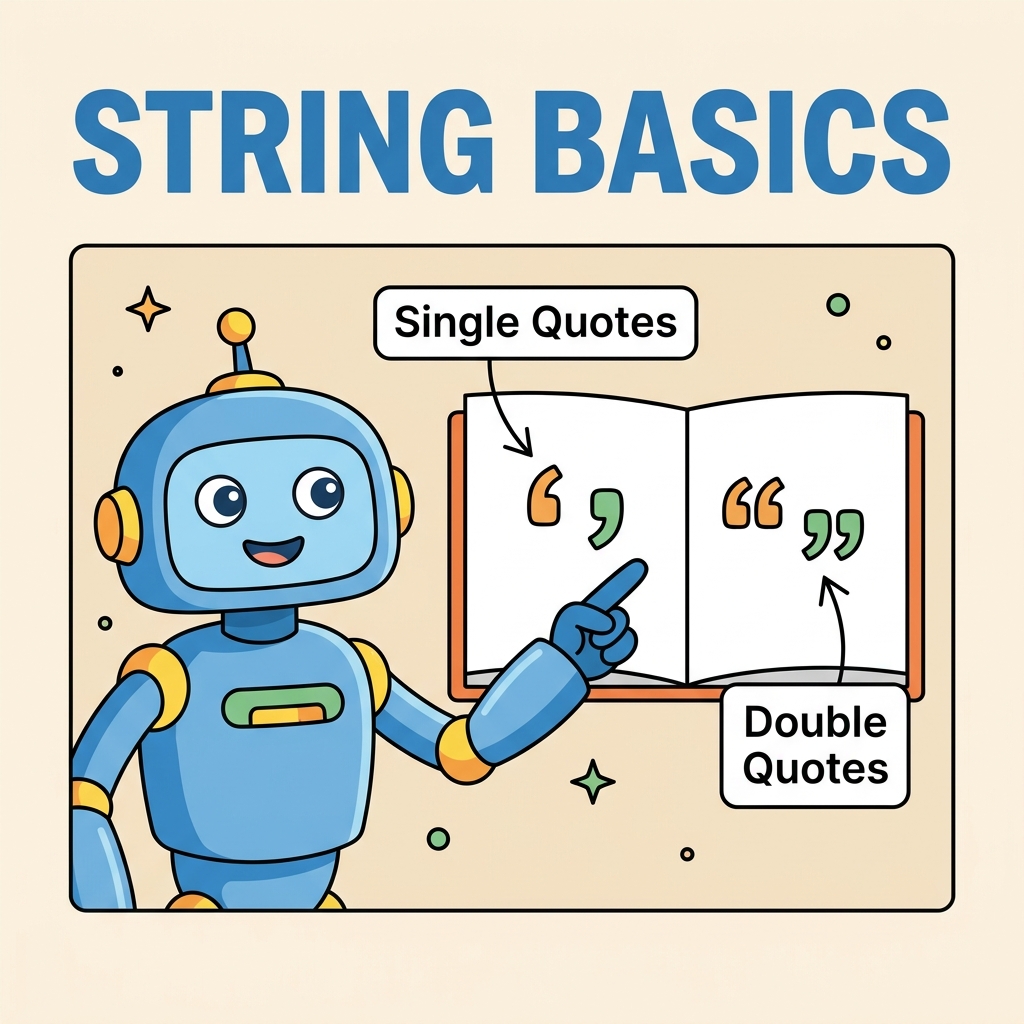
Python offers flexibility in how you define strings. You can use single quotes, double quotes, or triple quotes.
'Hello'— single quotes"World"— double quotes'''Multi-line string'''— triple single quotes"""Another multi-line string"""— triple double quotes
Why multiple options? Mainly for convenience. For example, if your string contains a single quote, using double quotes to define it helps avoid escaping characters, and vice versa.
📌 Deep Dive: String Creation Examples
greeting1 = 'Hello, world!'
greeting2 = "It's a sunny day"
multiline = '''This is a
multi-line string'''

print(greeting1)
print(greeting2)
print(multiline)Accessing Characters and Slices
Strings in Python behave like sequences, meaning you can access individual characters using indexing and extract parts of strings using slicing.
Indexing starts at 0 for the first character. Negative indexes count from the end, starting at -1.
For example, given text = "Python":
text[0]is'P'text[3]is'h'text[-1]is'n'
Slicing lets you extract substrings with the syntax string[start:stop], which returns characters from start up to but not including stop.
📌 Deep Dive: Indexing and Slicing
text = "Python"
first_char = text[0]
last_char = text[-1]
slice_part = text[1:4]

print("First character:", first_char)
print("Last character:", last_char)
print("Slice from index 1 to 3:", slice_part)Common String Operations
Strings come with many useful operations and methods. Let's explore some of the most essential ones:
- Concatenation: Joining two or more strings using the
+operator. - Repetition: Repeating a string multiple times using the
*operator. - Length: Finding the number of characters using
len(). - Changing Case: Using methods like
lower(),upper(), andtitle(). - Stripping: Removing whitespace with
strip(). - Splitting and Joining: Breaking strings into lists (
split()) and joining lists into strings (join()).
| Operation | Example |
|---|---|
| Concatenation | 'Hello' + ' ' + 'World' → 'Hello World' |
| Repetition | 'ha' * 3 → 'hahaha' |
| Length | len('Python') → 6 |
| Lowercase | 'PYTHON'.lower() → 'python' |
| Uppercase | 'python'.upper() → 'PYTHON' |
| Title Case | 'hello world'.title() → 'Hello World' |
| Strip Whitespace | ' hello '.strip() → 'hello' |
| Split | 'a,b,c'.split(',') → ['a', 'b', 'c'] |
| Join | ','.join(['a', 'b', 'c']) → 'a,b,c' |
📌 Deep Dive: Common String Operations
word1 = "Hello"
word2 = "World"
combined = word1 + " " + word2

laugh = "ha" * 5

length = len(combined)

print("Combined:", combined)
print("Laugh:", laugh)
print("Length of combined string:", length)

print("Lowercase:", combined.lower())
print("Uppercase:", combined.upper())
print("Title Case:", "hello world".title())

text_with_spaces = "   Python   "
print("Before strip:", repr(text_with_spaces))
print("After strip:", repr(text_with_spaces.strip()))

csv = "apple,banana,cherry"
fruits = csv.split(",")
print("Split list:", fruits)

joined = " | ".join(fruits)
print("Joined string:", joined)Escaping Characters and Raw Strings
Sometimes your string needs to include special characters like quotes or backslashes. To include these, you use an escape character — the backslash \\.
For example:
- Include a single quote inside single-quoted string:
'It\'s sunny' - Include newline:
"Hello World" - Include a backslash:
"C:\\Users\\Name"
Python also supports raw strings, which treat backslashes literally, useful for Windows paths or regular expressions. Raw strings start with r before the quotes.
📌 Deep Dive: Escape Sequences and Raw Strings
escaped_quote = 'It\'s easy to escape single quotes'
new_line = "First line
Second line"
path = "C:\\Users\\Admin"

raw_path = r"C:\Users\Admin"

print(escaped_quote)
print(new_line)
print(path)
print(raw_path)String Formatting
Creating strings that combine variables and text is a common task. Python offers several ways to do this, but the most modern and recommended is f-strings (formatted string literals), introduced in Python 3.6.
Example of using f-strings:
📌 Deep Dive: Using f-strings
name = "Alice"
age = 30
greeting = f"My name is {name} and I am {age} years old."

print(greeting)F-strings can also evaluate expressions inside the curly braces:
📌 Deep Dive: Expressions in f-strings
x = 5
y = 10
print(f"{x} + {y} = {x + y}")Why Strings Are So Important
Strings are the backbone of working with text data — from user input, file processing, web scraping, to database queries and beyond. Mastering string basics enables you to:
- Display messages and communicate with users
- Parse and analyze data in textual form
- Build dynamic content and reports
- Interact with APIs and handle JSON, XML, or HTML
⚠️ Common Pitfall: Mixing Quote Types
Be careful to match your opening and closing quotes. For example, "Hello' will cause a syntax error. If your string contains quotes, either escape them or use a different quote type to define the string.
Summary
Let's recap the key points:
- Strings are sequences of characters enclosed in quotes.
- Python supports single, double, and triple quotes for strings.
- Strings are immutable — operations create new strings.
- You can access characters via indexing and extract substrings with slicing.
- Common operations include concatenation, repetition, case changes, stripping, splitting, and joining.
- Escape sequences handle special characters; raw strings simplify backslash usage.
- F-strings provide a modern, expressive way to embed variables and expressions in strings.
Practice these concepts regularly to build confidence. Next up, you will learn how to manipulate strings further with methods to search, replace, and format text.
Quick Knowledge Check
Test what you just learned
Question 1 of 2
Which of the following is the correct way to create a string that contains the text: It's Python?
Question 2 of 2
What will the expression 'Hello' + ' ' + 'World' return?
Loading results...