Imagine you are playing a board game and you need to roll a die to decide your next move. How can your computer mimic that roll? The answer lies in generating random numbers. Random numbers are fundamental in programming, used in games, simulations, security, and anywhere unpredictability is needed.
In Python, the easiest way to generate random numbers is through the built-in random module. This module provides a suite of functions that produce pseudo-random numbers — numbers that appear random but are generated by deterministic algorithms.
Understanding Pseudo-Randomness
Before diving into code, it's important to grasp what "random" means in computing. True randomness is hard to achieve for a computer because it operates deterministically. Instead, Python uses pseudo-random number generators (PRNGs) which generate sequences of numbers that appear random.
💡 Why "Pseudo"?
Pseudo-random numbers are generated by a formula or algorithm, so if you know the starting point (called the seed), you can reproduce the exact sequence. This is useful for debugging and testing.
Getting Started: Using the random Module
First, let's import the module and generate a simple random number:
📌 Deep Dive: Basic Random Number
import random

# Generate a random float between 0 and 1
print(random.random())The random.random() function returns a floating-point number between 0.0 and 1.0, including 0.0 but excluding 1.0.
Generating Random Integers
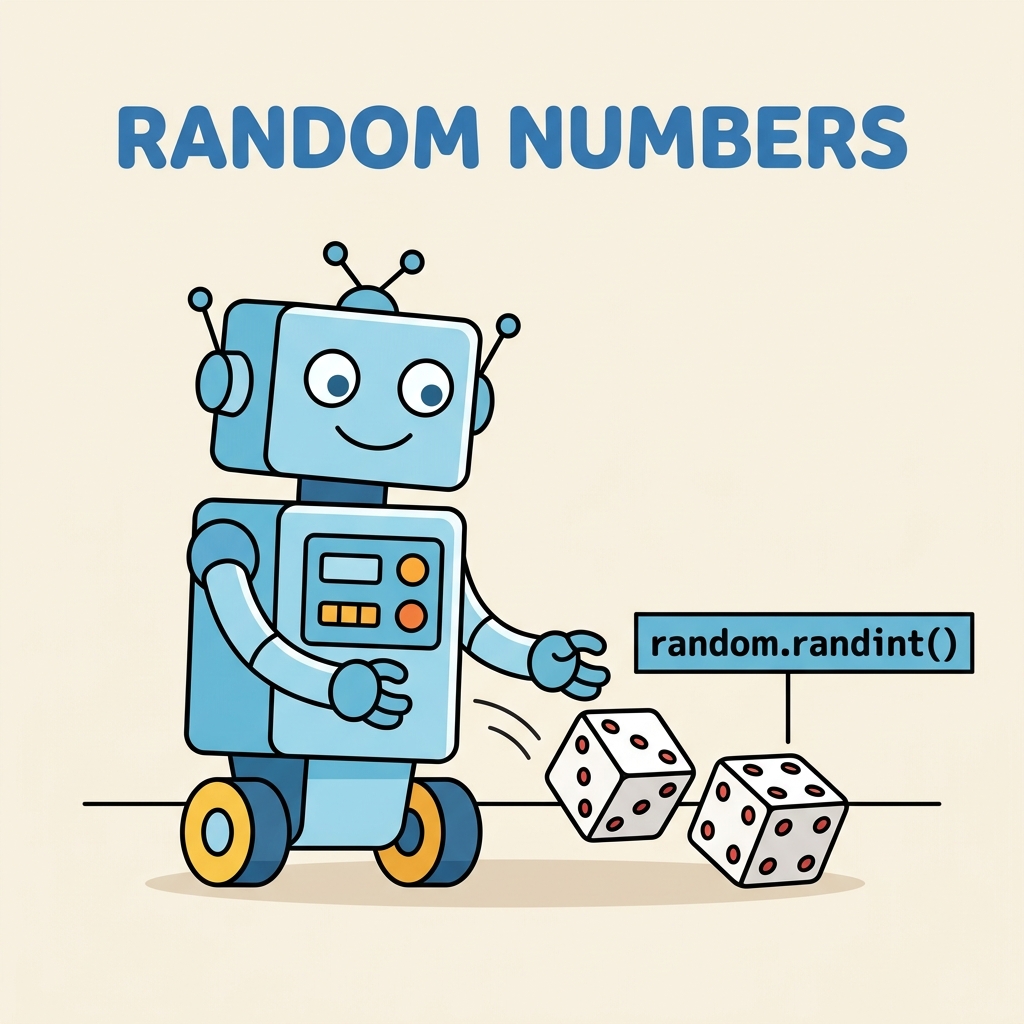
Often you need whole numbers in a specific range, such as simulating dice rolls (1 through 6). Python provides random.randint(a, b) which returns an integer N such that a ≤ N ≤ b.
📌 Deep Dive: Random Integers
import random

# Roll a six-sided die
die_roll = random.randint(1, 6)
print("You rolled a", die_roll)Alternatively, random.randrange(start, stop[, step]) can generate integers within a range with optional step intervals, similar to the built-in range() function.
Random Choices from a Sequence
What if you want to pick a random element from a list, such as choosing a random card from a deck or a random name?
The random.choice() function returns a single random element from a non-empty sequence.
📌 Deep Dive: Choosing Random Elements
import random

players = ['Alice', 'Bob', 'Charlie', 'Diana']
chosen = random.choice(players)
print("The selected player is", chosen)If you want multiple random elements, random.sample() can pick unique items without repetition, while random.choices() allows picking with replacement (allowing duplicates).
📌 Deep Dive: Sampling Multiple Items
import random

cards = ['Ace', 'King', 'Queen', 'Jack', '10', '9']

# Pick 3 unique cards
hand = random.sample(cards, 3)
print("Your hand:", hand)

# Pick 3 cards with possible repeats
hand_with_repeats = random.choices(cards, k=3)
print("Your hand with repeats:", hand_with_repeats)Your hand with repeats: ['Jack', 'Jack', 'Ace'] (varies)
Shuffling Collections
Randomizing the order of elements is common, for example when shuffling a deck of cards. The random.shuffle() function randomly reorders the elements of a mutable sequence in-place.
📌 Deep Dive: Shuffling a List
import random

deck = ['Ace', 'King', 'Queen', 'Jack', '10', '9']
random.shuffle(deck)
print("Shuffled deck:", deck)Note: The list is modified directly; no new list is returned.
Seeding the Random Number Generator
To produce reproducible results, you can set the seed of the random number generator using random.seed(). This is useful when you want to debug or share the same random sequence with others.
📌 Deep Dive: Using Seeds
import random

random.seed(42)  # Set seed to a fixed value
print(random.randint(1, 100))
print(random.random())0.6394267984578837
Running this code multiple times will always print the same numbers. Without setting the seed, outputs vary with each execution.
⚠️ Important:
Do not use the default random module for cryptographic or security purposes. For secure randomness, use the secrets module instead.
Comparison of Random Number Functions
| Function | Description |
|---|---|
random.random() | Returns a float between 0.0 (inclusive) and 1.0 (exclusive) |
random.randint(a, b) | Returns an integer N such that a ≤ N ≤ b |
random.randrange(start, stop[, step]) | Returns a randomly selected element from range(start, stop, step) |
random.choice(seq) | Returns a random element from a non-empty sequence |
random.sample(population, k) | Returns a list of k unique elements chosen from the population sequence |
random.choices(population, k) | Returns a list of k elements chosen with replacement (duplicates allowed) |
random.shuffle(seq) | Shuffles the sequence in place |
random.seed(a=None) | Initializes the random number generator with seed a |
Generating Random Numbers with Specific Distributions
Beyond uniform random numbers, sometimes you want numbers following particular statistical distributions, such as Gaussian (normal), exponential, or triangular.
The random module provides functions like random.gauss(mu, sigma) or random.expovariate(lambd) to generate such numbers.
📌 Deep Dive: Gaussian Distribution
import random

# Generate a random number with mean 0 and standard deviation 1
value = random.gauss(0, 1)
print("Gaussian random value:", value)These functions are useful in simulations, modeling, and statistical applications.
Summary
- Python's
randommodule provides many tools to generate pseudo-random numbers. random.random()gives a float between 0 and 1;random.randint()gives random integers.- You can select random elements or shuffle sequences easily.
- Setting seeds reproducibly controls randomness.
- For security, use the
secretsmodule instead.
💡 Pro Tip:
Explore the official Python documentation for random to discover many more functions and options.
Quick Knowledge Check
Test what you just learned
Question 1 of 2
Which function would you use to get a random integer between 10 and 20 inclusive?
Question 2 of 2
What is the purpose of setting a seed with random.seed()?
Loading results...