When you write a Python program, you’re essentially giving the computer a set of instructions. But what if you want the program to make decisions, repeat actions, or choose between alternatives? That’s where control flow comes in — it lets your program decide what to do next based on conditions and loops.
Understanding control flow is essential because it transforms simple scripts into smart programs that react dynamically to data and user input. In this lesson, we’ll explore the core control flow tools in Python: if statements, for loops, while loops, and how to control execution with break and continue.
Why Control Flow Matters
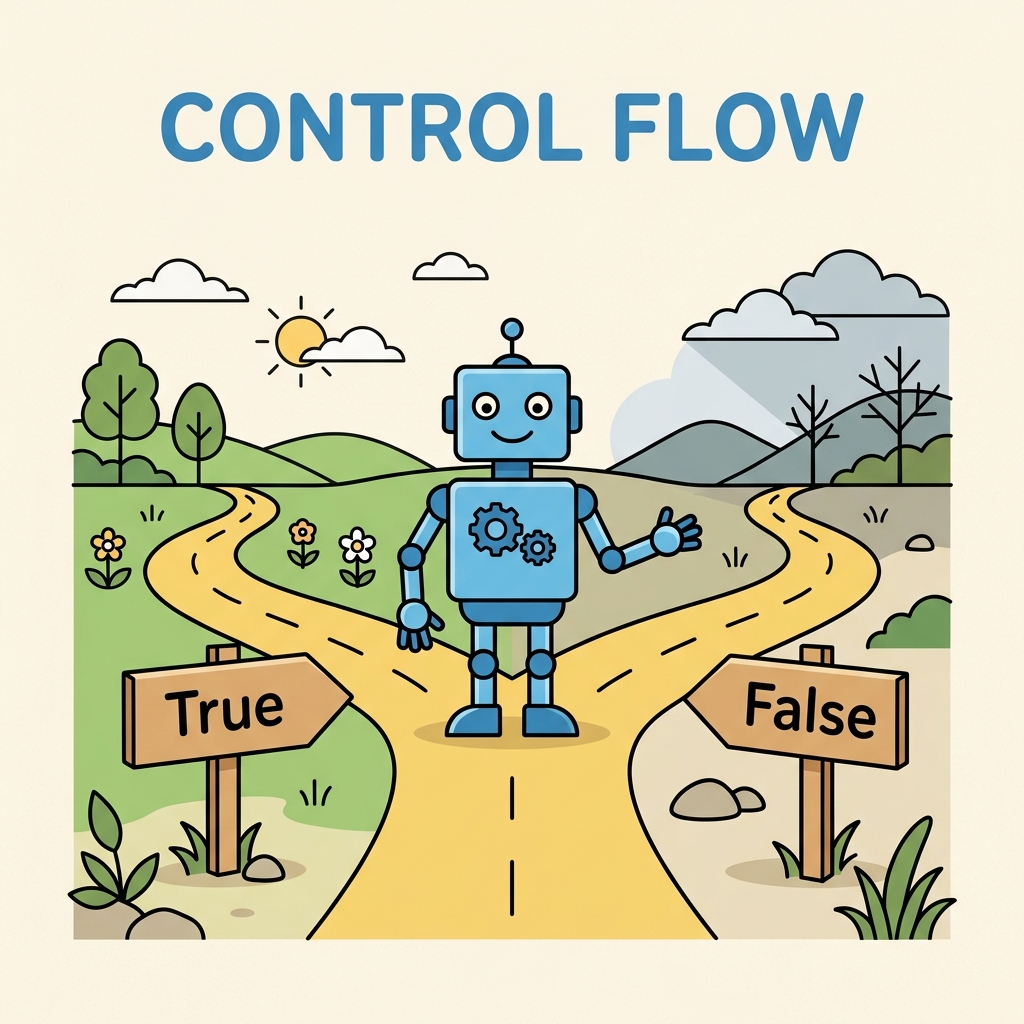
Think of control flow as the steering wheel of your program. Without it, your code would execute line by line, no matter what. But with control flow, your code can branch, repeat, and adapt:
- Make decisions: Choose one path or another, or even skip actions.
- Repeat tasks: Automatically do something multiple times.
- React to changing data: Process inputs and respond accordingly.
💡 Control Flow Analogy
Imagine you’re following a recipe. If you see that the dough is sticky (condition), you add more flour (action). If the dough is perfect, you proceed to the next step. You might knead the dough 10 times (loop). Control flow in Python is like the decision-making and repetition in cooking.
The Building Blocks of Control Flow
Python offers several ways to manage control flow. We’ll start with the simplest: conditional statements.
1. The if Statement — Making Decisions
The if statement lets your program choose whether or not to run a block of code based on a condition. Conditions are expressions that evaluate to True or False.
Basic syntax:
if condition:
    # code to run if condition is True
For example:
📌 Deep Dive: Simple If Statement
temperature = 30

if temperature > 25:
print("It's a hot day!")Here, the message prints only if the temperature is greater than 25. If the condition is False, Python skips the print statement.
Adding else and elif for More Choices
What if you want to do one thing if a condition is true, but something else if it's false? Use else:
if condition:
    # run if True
else:
    # run if False
For multiple conditions, use elif (short for “else if”):
📌 Deep Dive: if-elif-else Chain
score = 75

if score >= 90:
    print("Grade: A")
elif score >= 80:
    print("Grade: B")
elif score >= 70:
    print("Grade: C")
else:
print("Grade: F")Python checks each condition top to bottom and executes the first one that is true. If none are true, it runs the else block.
2. Loops — Repeating Actions
Loops allow you to repeat code multiple times — a fundamental concept for automation and processing collections.
The for Loop — Iterating Over Sequences
The for loop cycles through each item in a sequence (like a list, string, or range) and executes code for each item.
for variable in sequence:
    # code to run for each item
📌 Deep Dive: For Loop Over a List
fruits = ["apple", "banana", "cherry"]

for fruit in fruits:
print(f"I like {fruit}")Here, the loop runs 3 times, each time assigning a different fruit to the variable fruit.
Using range() with For Loops
range() generates a sequence of numbers, which is helpful for looping a specific number of times:
📌 Deep Dive: Loop with range()
for i in range(5):
print(i)range(5) produces numbers from 0 to 4 — the loop runs 5 times total.
The while Loop — Loop While a Condition Is True
Unlike for loops, while loops repeat as long as a condition remains true. Be careful to avoid infinite loops!
while condition:
    # code to repeat
📌 Deep Dive: While Loop Example
count = 0

while count < 3:
    print(f"Count is {count}")
count += 1 # increment count to avoid infinite loopThe key is updating the variable count within the loop so the condition eventually becomes false.
3. Controlling Loops: break and continue
Sometimes you want to exit a loop early or skip to the next iteration. Python provides two keywords for this:
break: Immediately stops the loop and moves on.continue: Skips the rest of the current loop iteration and starts the next one.
📌 Deep Dive: break and continue Usage
for num in range(10):
    if num == 5:
        break  # stop loop when num is 5
    if num % 2 == 0:
        continue  # skip even numbers
print(num)Explanation:
- When
numreaches 5,breakstops the loop entirely. - When
numis even,continueskips the print statement.
Control Flow Summary Table
| Keyword | Purpose |
|---|---|
if | Run code only if a condition is true |
elif | Check additional conditions if previous if or elif was false |
else | Run code if all previous conditions were false |
for | Repeat code for each item in a sequence |
while | Repeat code while a condition is true |
break | Exit the nearest enclosing loop immediately |
continue | Skip the rest of the current loop iteration and proceed to the next |
Common Pitfalls and Best Practices
⚠️ Avoid Infinite Loops
When using while loops, ensure the condition eventually becomes False. Otherwise, your program will run forever, causing it to freeze or crash.
Example of an infinite loop (do NOT run):
while True:
    print("This will print forever!")
To stop such a loop, you need to use break or fix the condition.
⚠️ Indentation Matters
Python uses indentation to define blocks of code inside if statements and loops. Improper indentation will cause syntax errors or unexpected behavior.
Always keep your code blocks consistently indented (usually 4 spaces).
Practice: Writing a Simple Control Flow Program
Let’s combine what we’ve learned by writing a program that asks the user for their age and prints a message depending on the age group.
📌 Deep Dive: Age Group Classifier
age = int(input("Enter your age: "))

if age < 13:
    print("You are a child.")
elif age < 20:
    print("You are a teenager.")
elif age < 65:
    print("You are an adult.")
else:
    print("You are a senior.")
This program demonstrates:
- Using
input()and converting toint. - Multiple conditional checks with
if,elif, andelse.
Extending Control Flow: Nested Statements and Loops
You can combine control flow structures by nesting them inside each other. For example, an if inside a for loop or vice versa.
📌 Deep Dive: Nested Loop and Condition
numbers = [1, 2, 3, 4, 5]

for num in numbers:
    if num % 2 == 0:
        print(f"{num} is even")
    else:
print(f"{num} is odd")Nesting allows you to create complex logic to handle real-world programming tasks.
Summary: Mastering Control Flow Unlocks Program Power
By controlling the flow of your Python programs, you bring your code to life — making it interactive, responsive, and capable of handling a wide range of scenarios.
- Use
if,elif, andelseto make decisions. - Use
forloops to iterate over sequences. - Use
whileloops to repeat based on conditions. - Use
breakandcontinueto fine-tune loop behavior. - Indent carefully to define your blocks.
Practice these concepts frequently by writing small programs and experimenting with different conditions and loops. Soon, controlling flow will feel natural.
Quick Knowledge Check
Test what you just learned
Question 1 of 2
Which Python keyword allows you to execute a block of code only if a specific condition is true?
Question 2 of 2
What does the continue statement do inside a loop?
Loading results...