When you start programming in Python, you quickly realize that working with numbers goes beyond simple addition or subtraction. Whether you’re calculating angles, logarithms, or just trying to find the square root of a number, Python provides a powerful built-in resource: the math module. This module unlocks a treasure trove of mathematical functions and constants, helping you solve complex problems with ease.
In this lesson, we’ll explore the math module in detail, understand how to use its functions, and see practical examples of how it can enhance your programs.
Getting Started: Importing the math Module
Before you can access any of the mathematical functions or constants, you need to import the math module. This is done with a simple import statement:
📌 Deep Dive: Importing math
import math

print(math.sqrt(16)) # Output: 4.0The import math statement loads the module, letting you use any of its functions with the math. prefix.
Core Categories of math Module Functions
The math module can be broadly categorized into the following groups:
- Constants: Predefined mathematical constants like
piande. - Basic numeric functions: Such as
abs(),ceil(), andfloor(). - Power and logarithmic functions: Like
pow(),log(), andsqrt(). - Trigonometric functions: Including
sin(),cos(),tan(), and their inverses. - Angular conversion: Functions to convert between radians and degrees.
- Special functions: More advanced functions like gamma functions and factorial.
Constants: Use Mathematical Constants with Ease
Mathematical constants are fixed values that are widely used in calculations. Instead of hardcoding their values, use the math module constants to ensure precision and readability.
| Constant | Description | Value |
|---|---|---|
math.pi | Ratio of circumference to diameter of a circle | 3.141592653589793 |
math.e | Base of natural logarithm | 2.718281828459045 |
math.tau | Ratio of circle circumference to radius (2 * pi) | 6.283185307179586 |
math.inf | Floating-point positive infinity | inf |
math.nan | Floating-point “Not a Number” value | nan |
Using these constants helps avoid magic numbers in your code and makes your intentions clear.
Basic Numeric Functions: Rounding and Absolute Values
The math module offers functions that help with rounding and handling numbers:
math.ceil(x): Returns the smallest integer greater than or equal tox.math.floor(x): Returns the largest integer less than or equal tox.abs(x): Returns the absolute value ofx(this is built-in but often used with math functions).
📌 Deep Dive: Rounding Numbers
import math

print(math.ceil(4.2))   # Output: 5
print(math.floor(4.8))  # Output: 4
print(abs(-7)) # Output: 74
7
Power, Roots, and Logarithms
Calculating powers or roots is common in programming tasks. The math module has handy functions:
math.pow(x, y): Returnsxraised to the poweryas a float.math.sqrt(x): Returns the square root ofx.math.log(x[, base]): Returns the logarithm ofxto the givenbase. Default base ise(natural log).math.log10(x): Base-10 logarithm ofx.math.exp(x): Returnseraised to the power ofx.
📌 Deep Dive: Powers and Logarithms
import math

print(math.pow(2, 3))        # 2^3 = 8.0
print(math.sqrt(25))         # 5.0
print(math.log(8, 2))        # log base 2 of 8 = 3.0
print(math.log10(1000))      # log base 10 of 1000 = 3.0
print(math.exp(1)) # e^1 = 2.7182818284590455.0
3.0
3.0
2.718281828459045
Note: The built-in pow() function is similar to math.pow(), but math.pow() always returns a float.
Trigonometric Functions: Angles Made Easy
If you’re working with angles, circles, or periodic functions, the trigonometric functions in the math module are invaluable:
math.sin(x),math.cos(x),math.tan(x): Compute sine, cosine, and tangent of x (x in radians).- Inverse functions like
math.asin(x),math.acos(x), andmath.atan(x). math.atan2(y, x): Returns the angle between the x-axis and the point (x, y), useful for Cartesian to polar conversions.
Since these functions expect angles in radians, converting from degrees is often necessary.
Angular Conversion: Degrees and Radians
Python’s math module provides two simple functions to convert between degrees and radians:
math.radians(x): Converts degrees to radians.math.degrees(x): Converts radians to degrees.
📌 Deep Dive: Working with Angles
import math

angle_degrees = 90
angle_radians = math.radians(angle_degrees)

print(f"Sine of {angle_degrees}° is {math.sin(angle_radians)}")  # Should be 1.0

# Convert back to degrees
print(math.degrees(angle_radians)) # 90.090.0
Special Functions: Factorials and More
The math module also provides some special mathematical functions that are widely used in statistics, combinatorics, and more:
math.factorial(n): Returns the factorial of a non-negative integern(n!).math.gcd(a, b): Returns the greatest common divisor of two integers.math.isclose(a, b, rel_tol=..., abs_tol=...): Checks if two floating-point numbers are close to each other.
📌 Deep Dive: Factorials and GCD
import math

print(math.factorial(5))   # 5! = 120
print(math.gcd(12, 18))    # Greatest common divisor = 6

# Check if two floats are close
print(math.isclose(0.1 + 0.2, 0.3)) # True due to floating-point precision6
True
Practical Use Cases: When to Use the math Module
The math module is excellent for:
- Scientific calculations requiring precision, such as physics simulations or engineering computations.
- Geometry, including calculations involving circles, triangles, and angles.
- Financial calculations where logarithms and exponents are needed.
- Algorithm development, especially when working with factorials, permutations, or greatest common divisors.
Its functions are implemented in C for performance, so using them is much faster and more reliable than writing your own versions.
Comparison: math vs Built-in Functions
Sometimes Python’s built-in functions overlap with the math module functions. Here’s a quick comparison:
| Function | Built-in | math Module | Difference |
|---|---|---|---|
| Absolute Value | abs() | math.fabs() | abs() works with int, float, complex; math.fabs() only floats, always returns float |
| Power | pow() | math.pow() | pow() supports ints and can return int; math.pow() always returns float |
| Rounding | round() | math.ceil(), math.floor() | round() rounds to nearest int, ceil() and floor() round up or down respectively |
Important Tips and Gotchas
⚠️ Angles in Radians
All trigonometric functions in math expect angles in radians, not degrees. Forgetting this is a common source of errors.
⚠️ Floating Point Precision
Because of how computers store decimal numbers, some results may not be exact (e.g., 0.1 + 0.2 != 0.3 exactly). Use math.isclose() to compare floats reliably.
Visualizing the math Module Structure
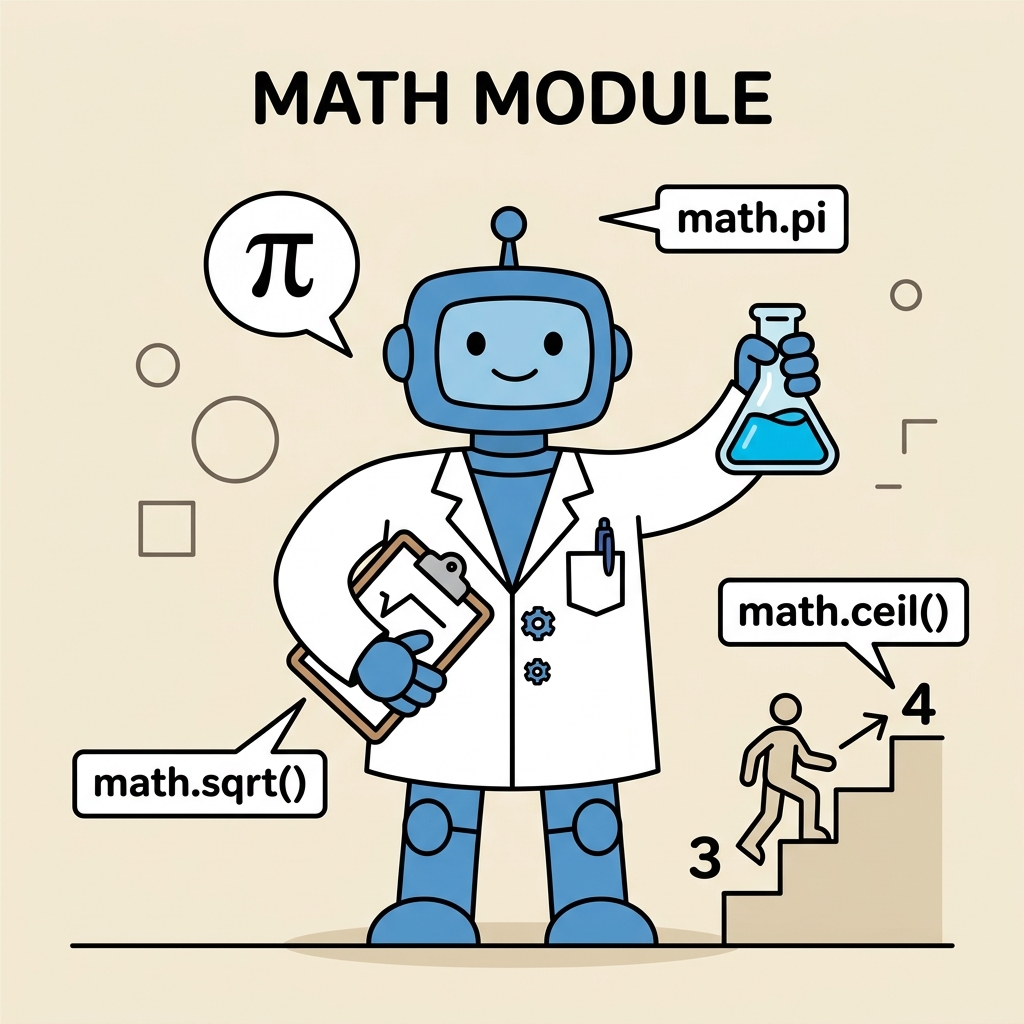
Understanding this structure can help you quickly find the function you need when working on your projects.
Summary
The math module is a fundamental Python library that brings powerful mathematical functions and constants right to your fingertips. By mastering it, you unlock a world of possibilities from simple calculations to complex scientific computations. Remember to:
- Always import the module before use.
- Use constants like
math.pifor precision. - Convert degrees to radians when using trigonometric functions.
- Leverage special functions like factorial and gcd for advanced tasks.
- Beware of floating-point arithmetic quirks and use
math.isclose()when necessary.
Practice these concepts regularly, and soon you'll write cleaner, more efficient Python code for any task involving mathematics!
Quick Knowledge Check
Test what you just learned
Question 1 of 2
Which of the following functions converts degrees to radians?
Question 2 of 2
What does math.factorial(5) return?
Loading results...