💡 A Simple Analogy: Language Evolution
Think of Python 2 and Python 3 like two editions of a book written in the same language but published years apart. Python 2 is the "classic edition," widely read and referenced, while Python 3 is the "updated edition" with clearer explanations, corrected errors, and new chapters. Although the core story remains the same, some words, grammar, and style have changed, requiring readers to adjust their understanding to the new edition.
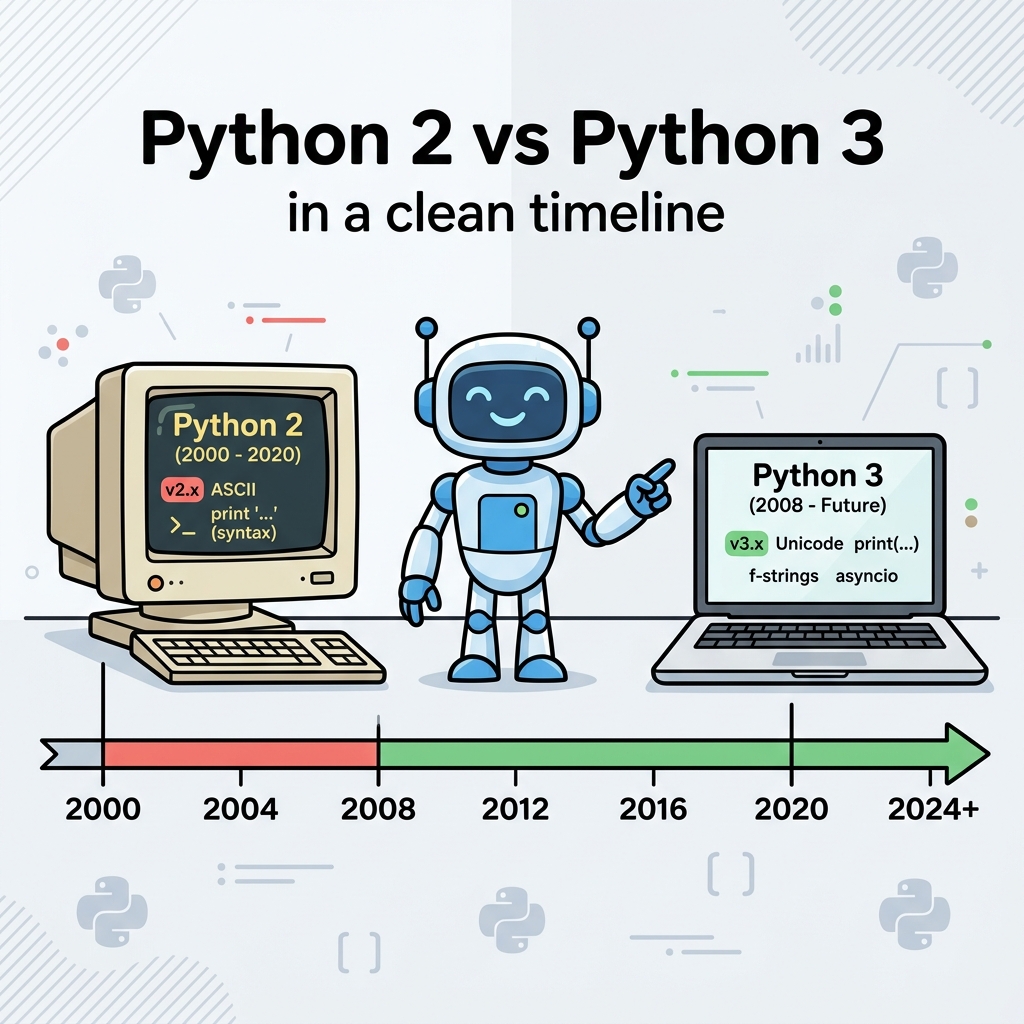
Python has undergone significant evolution over the years. The transition from Python 2 (released in 2000) to Python 3 (released in 2008) was massive. In fact, Python 3 was intentionally designed to break backward compatibility in order to fix deep architectural flaws that had accumulated in the language over the years.
The End of an Era
For a decade, the Python community was fractured. Many developers refused to upgrade to Python 3 because it meant rewriting their old code. However, official support for Python 2 officially ended on January 1, 2020. There are no more security patches or updates for it. Today, Python 3 is the undisputed standard, and all new projects should use it.
| Feature | Python 2 (Legacy) | Python 3 (Modern) |
|---|---|---|
| Print Statement | print "Hello" |
print("Hello") (Requires parentheses) |
| Division | 3 / 2 = 1 (Truncates decimals) |
3 / 2 = 1.5 (True division by default) |
| Strings (Text) | ASCII by default (Requires u"text" for Unicode) |
Unicode by default (Easily handles global languages/emojis) |
| Generators | xrange(10) |
range(10) (Behaves like the old xrange) |
| Error Handling | except IOError, e: |
except IOError as e: |
⚠️ Common Pitfall: Mixing Print Syntax
If you find code on an old forum (like StackOverflow answers from 2012) written as print "Result", pasting it into a modern Python 3 environment will immediately cause a SyntaxError. Always add the parentheses when porting old code!
📌 Deep Dive: The __future__ Module
If you are ever forced to work in a legacy Python 2 codebase, you can actually import Python 3 behaviors into Python 2 to make future migrations easier. You do this using the magical __future__ module.
# By importing this at the top of a Python 2 script...
from __future__ import print_function

# You can now safely use Python 3 syntax in your old code!
print("Hello, this works perfectly in Python 2 now!")
🎯 Real-World Use Case: The Great Migration
Companies like Instagram and Dropbox were originally built on massive millions-of-lines-of-code Python 2 codebases. When Python 2 reached end-of-life, these companies spent years and millions of dollars running automated tools (like 2to3) to migrate their codebases. Understanding these historical differences is crucial for any senior developer tasked with maintaining legacy enterprise code.
Quick Knowledge Check
Test what you just learned
Question 1 of 2
In modern Python 3, what does the expression 3 / 2 return?
Question 2 of 2
If you are looking at an old tutorial and see print "Status OK", which version of Python is it written in?
Loading results...