Welcome to the world of Python lists! If you've ever wanted to extract a portion of a list, rearrange elements effortlessly, or create quick copies, then list slicing is the tool you need. This lesson will walk you through everything you need to know about slicing lists, from the basics to slightly advanced techniques, ensuring you can wield this powerful feature confidently.
What is List Slicing?
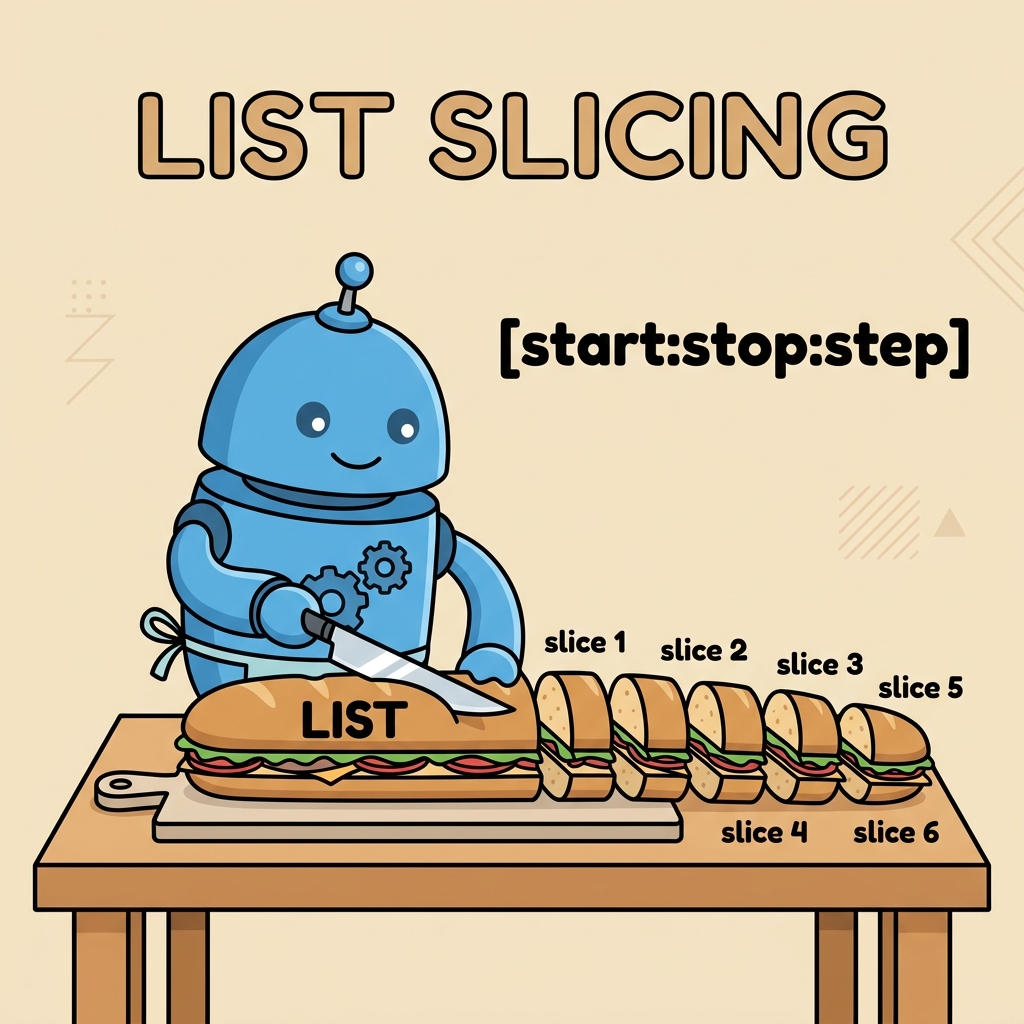
In Python, list slicing refers to the process of extracting a subset of elements from a list using a special syntax. Unlike accessing a single element via its index, slicing allows you to grab multiple elements at once, creating a new list with those elements.
Imagine a list as a row of boxes, each containing an item. Slicing is like selecting a continuous range of boxes rather than just one.
Basic Syntax of List Slicing
The general syntax for slicing a list lst is:
lst[start:stop]Here:
startis the index where the slice begins (inclusive).stopis the index where the slice ends (exclusive).
The slice lst[start:stop] extracts elements from index start up to, but not including, stop.
📌 Deep Dive: Basic slicing example
fruits = ['apple', 'banana', 'cherry', 'date', 'elderberry']

# Extract elements from index 1 to 3 (excluding index 4)
slice_1 = fruits[1:4]
print(slice_1)Indexing Refresher: Why Stop is Exclusive?
Python uses zero-based indexing, meaning the first element is at position 0. The stop index is exclusive, which sometimes confuses newcomers. This design allows for convenient length calculations and chaining slices.
For example, the number of elements in the slice lst[start:stop] will be stop - start.
💡 Why exclusive stop?
The exclusive stop index makes slicing consistent and easy to reason about, especially when splitting lists or concatenating slices. It also aligns with Python’s range behavior.
Omitting Start or Stop
You don't always need to specify both start and stop. Python allows you to omit one or both, with default values that make slicing flexible:
lst[:stop]— starts from the beginning (index 0) up tostop(exclusive).lst[start:]— starts fromstartup to the end of the list.lst[:]— creates a slice of the entire list (essentially a copy).
📌 Deep Dive: Omitting indices
numbers = [10, 20, 30, 40, 50, 60]

# From start to index 3 (excluding 3)
print(numbers[:3])  # [10, 20, 30]

# From index 2 to end
print(numbers[2:])  # [30, 40, 50, 60]

# Full copy of the list
copy_numbers = numbers[:]
print(copy_numbers) # [10, 20, 30, 40, 50, 60]Negative Indices in Slicing
Python supports negative indices, which count from the end of the list backward:
-1refers to the last element.-2refers to the second to last element, and so on.
Negative indices can be used in slicing, making it easy to grab elements relative to the list’s end.
📌 Deep Dive: Using negative indices
letters = ['a', 'b', 'c', 'd', 'e', 'f']

# Last three elements
print(letters[-3:])  # ['d', 'e', 'f']

# From index -5 to -2 (excluding -2)
print(letters[-5:-2]) # ['b', 'c', 'd']The Step Parameter: Skipping Elements
List slicing has an optional third argument called step, which lets you skip elements or reverse the list.
Syntax:
lst[start:stop:step]step=1(default) means grab every element in the range.step=2grabs every second element.- A negative step reverses the slice.
| Step Value | Effect |
|---|---|
| 1 | Grab every element (default) |
| 2 | Grab every second element |
| -1 | Reverse the list |
| -2 | Reverse and grab every second element |
📌 Deep Dive: Step parameter in action
nums = [0, 1, 2, 3, 4, 5, 6, 7, 8, 9]

# Every second element from index 1 to 7 (excluding 7)
print(nums[1:7:2])  # [1, 3, 5]

# Reverse the entire list
print(nums[::-1])  # [9, 8, 7, 6, 5, 4, 3, 2, 1, 0]

# Reverse every second element
print(nums[::-2]) # [9, 7, 5, 3, 1]Common Use Cases for List Slicing
Understanding slicing unlocks several practical uses:
- Extracting sublists: To work with a portion of data.
- Reversing lists: Useful for algorithms or simply displaying in reverse order.
- Copying lists: Slicing with
[:]creates shallow copies. - Skipping elements: Extracting elements at regular intervals.
💡 Tip: Use slicing instead of loops for concise, efficient code when working with list segments.
Slicing vs. Indexing vs. Copying
It’s important to differentiate these operations:
| Operation | Syntax | Result |
|---|---|---|
| Indexing | lst[2] | Single element (not a list) |
| Slicing | lst[1:4] | Sublist (new list) |
| Copying | lst[:] | Shallow copy of entire list |
Beware of Common Slicing Pitfalls
⚠️ Index Out of Range?
Unlike direct indexing, slicing is forgiving. If you specify stop beyond the list length, Python simply returns up to the available elements without error.
⚠️ Modifying Slices Does Not Affect Original List
Slices create new lists. Changing a slice won’t change the original list. To modify the original list, you need to assign to the slice explicitly.
📌 Deep Dive: Modifying original list with slice assignment
colors = ['red', 'green', 'blue', 'yellow']

# This changes a slice of the original list
colors[1:3] = ['purple', 'orange']
print(colors)  # ['red', 'purple', 'orange', 'yellow']

# Modifying a slice copy does NOT change the original
sub_colors = colors[1:3]
sub_colors[0] = 'pink'
print(colors)      # ['red', 'purple', 'orange', 'yellow']
print(sub_colors) # ['pink', 'orange']Advanced Slicing: Multi-Dimensional Lists
In Python, lists can contain other lists, forming a matrix-like structure. Slicing still applies but only to the top-level list unless you explicitly slice inner lists.
📌 Deep Dive: Slicing a 2D list
matrix = [
    [1, 2, 3],
    [4, 5, 6],
    [7, 8, 9],
    [10, 11, 12]
]

# Slice rows 1 to 3 (excluding 3)
row_slice = matrix[1:3]
print(row_slice)
# [[4, 5, 6], [7, 8, 9]]

# Slice columns in each row (first two columns)
col_slice = [row[:2] for row in matrix]
print(col_slice)
# [[1, 2], [4, 5], [7, 8], [10, 11]]Summary: Key Points to Remember
- Slicing extracts a portion of a list using
lst[start:stop:step]syntax. startis inclusive;stopis exclusive.- You can omit
startorstopto use defaults (start or end of list). - Negative indices count from the end, enabling flexible slicing.
- The
stepparameter controls the stride and can reverse the list. - Slices create new lists; modifying a slice doesn’t modify the original list unless you assign the slice back.
- Slicing works with multi-dimensional lists, but usually only at the top-level unless combined with nested slicing.
Mastering list slicing opens up cleaner, more Pythonic ways to handle sequences, making your code shorter and more readable.
Quick Knowledge Check
Test what you just learned
Question 1 of 2
What is the output of lst[2:5] when lst = [10, 20, 30, 40, 50, 60]?
Question 2 of 2
What does the slice lst[::-1] do?
Loading results...