Lists are one of the most versatile and widely used data structures in Python. They allow you to store an ordered collection of items, which can be modified dynamically. But simply having a list is just the beginning—what makes lists truly powerful is the set of built-in methods that let you manipulate, query, and transform them efficiently.
In this lesson, we will explore the essential list methods in Python, understand what they do, and see practical examples of how to use them. Whether you're adding new items, removing unwanted elements, or searching for values, these methods will become your go-to tools for working with lists.
Understanding List Methods: What Are They?
List methods are functions that belong specifically to list objects. You call them using dot notation on a list variable, and they often modify the list in place or return some relevant information about the list.
For example:
📌 Deep Dive: Calling a List Method
fruits = ['apple', 'banana', 'cherry']
fruits.append('orange')  # Adds 'orange' to the end of the list
print(fruits)Here, append() is a list method that adds a new item to the end of the list.
Commonly Used List Methods
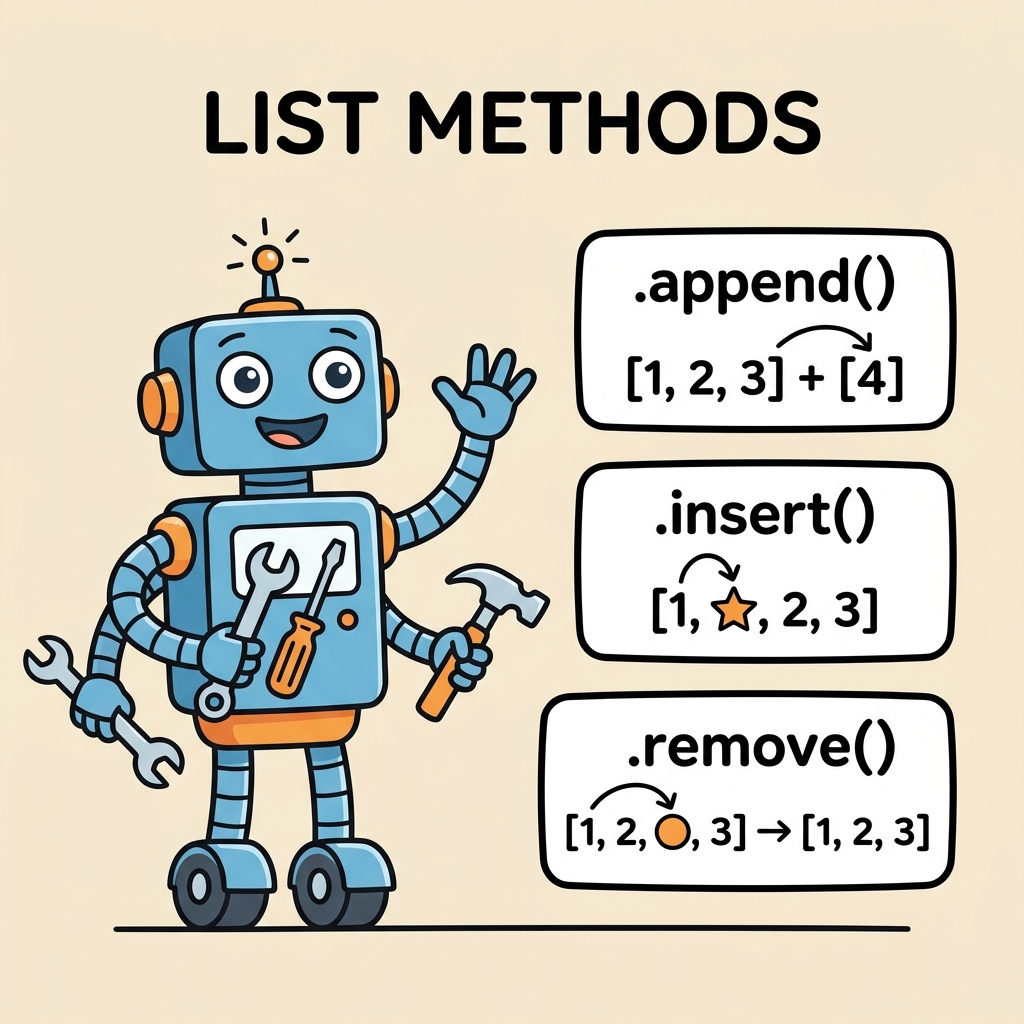
Let’s dive deeper into the most frequently used list methods and what they do:
- append(x): Adds an item
xto the end of the list. - extend(iterable): Extends the list by appending elements from the iterable.
- insert(i, x): Inserts an item
xat a given positioni. - remove(x): Removes the first item from the list whose value is
x. Raises an error if not found. - pop([i]): Removes and returns the item at position
i(default is the last item). - clear(): Removes all items from the list.
- index(x[, start[, end]]): Returns the index of the first item whose value is
x. Raises ValueError if not found. - count(x): Returns the number of times
xappears in the list. - sort(key=None, reverse=False): Sorts the items of the list in place.
- reverse(): Reverses the elements of the list in place.
- copy(): Returns a shallow copy of the list.
How To Choose Between append() and extend()?
Both append() and extend() add elements to a list, but they behave differently:
| Method | Effect |
|---|---|
append(x) | Adds one element x to the end of the list |
extend(iterable) | Adds all elements from another iterable to the end of the list |
📌 Deep Dive: append() vs extend()
numbers = [1, 2, 3]
numbers.append([4, 5])
print(numbers)  # [1, 2, 3, [4, 5]]

numbers = [1, 2, 3]
numbers.extend([4, 5])
print(numbers) # [1, 2, 3, 4, 5][1, 2, 3, 4, 5]
Notice that append() treats the argument as a single object and adds it as-is, while extend() iterates over the argument and adds each element individually.
Adding and Removing Items from Lists
Manipulating list content is a common task, and Python provides intuitive methods to do so.
Inserting Items at Specific Positions
The insert() method lets you add an element anywhere in the list.
📌 Deep Dive: insert()
colors = ['red', 'green', 'blue']
colors.insert(1, 'yellow')  # Insert 'yellow' at index 1
print(colors)Removing Items
To remove items, you can use:
remove(x): Deletes the first occurrence ofx.pop([i]): Removes and returns the item at indexi. If no index is specified, it removes the last item.clear(): Empties the entire list.
📌 Deep Dive: remove(), pop(), and clear()
animals = ['cat', 'dog', 'rabbit', 'dog']

animals.remove('dog')  # Removes the first 'dog'
print(animals)  # ['cat', 'rabbit', 'dog']

popped = animals.pop()  # Removes and returns last item
print(popped)  # 'dog'
print(animals)  # ['cat', 'rabbit']

animals.clear()  # Removes all items
print(animals) # []dog
['cat', 'rabbit']
[]
⚠️ Common Pitfall with remove()
If the element you try to remove does not exist in the list, remove() raises a ValueError. To avoid this, you can check if the item exists using in before removing it.
Searching and Counting Items
Python lists provide quick ways to find elements or count their occurrences.
index(x): Returns the index of the first occurrence ofx.count(x): Returns how many timesxappears in the list.
📌 Deep Dive: index() and count()
letters = ['a', 'b', 'c', 'a', 'b', 'a']

first_a = letters.index('a')
count_a = letters.count('a')

print(f"First 'a' is at index: {first_a}")
print(f"'a' appears {count_a} times")'a' appears 3 times
Sorting and Reversing Lists
Two common operations on lists are sorting and reversing, which can be done in place with:
sort(): Sorts the list ascending by default, but you can customize it with parameters.reverse(): Reverses the order of the list items.
📌 Deep Dive: sort() and reverse()
numbers = [5, 3, 8, 1, 2]

numbers.sort()
print(numbers)  # [1, 2, 3, 5, 8]

numbers.reverse()
print(numbers) # [8, 5, 3, 2, 1][8, 5, 3, 2, 1]
You can also sort by custom logic using the key parameter. For example, sorting strings by their length:
📌 Deep Dive: sort() with key parameter
words = ['banana', 'pie', 'Washington', 'book']

words.sort(key=len)
print(words) # ['pie', 'book', 'banana', 'Washington']Copying Lists
Sometimes you want to work with a copy of a list, leaving the original unchanged. The copy() method creates a shallow copy of the list.
📌 Deep Dive: copy()
original = [1, 2, 3]
copied = original.copy()

copied.append(4)
print("Original:", original)
print("Copied:", copied)Copied: [1, 2, 3, 4]
Note that copy() creates a shallow copy. If your list contains mutable objects (like other lists), changes to those inner objects will affect both the original and the copy.
💡 Pro Tip: When to Use List Methods
Use list methods whenever you want to modify your list efficiently and cleanly. Methods like append(), remove(), and sort() are optimized and often easier to read compared to manual loops or slicing.
Summary of List Methods
Here’s a quick overview of key list methods to keep handy:
| Method | Description |
|---|---|
| append(x) | Adds x to the end of the list |
| extend(iterable) | Adds all elements from iterable |
| insert(i, x) | Insert x at index i |
| remove(x) | Remove first occurrence of x |
| pop([i]) | Remove and return item at index i (default last) |
| clear() | Remove all items |
| index(x[, start[, end]]) | Return first index of x |
| count(x) | Count occurrences of x |
| sort(key=None, reverse=False) | Sort the list in place |
| reverse() | Reverse the list in place |
| copy() | Return a shallow copy of the list |
Mastering these methods will enable you to handle most common list operations with confidence and clarity.
💡 Remember
Most list methods modify the list in place and return None. This means you should call them on the list directly and avoid assigning their result to a variable, which can lead to unexpected None values.
Practical Tips for Using List Methods
- Chain cautiously: Since most list methods return
None, chaining them likemylist.append(5).sort()will cause errors. - Check existence before removal: Use
if x in mylist:beforeremove(x)to avoid exceptions. - Use slicing for copying: Besides
copy(), you can also donew_list = old_list[:]to create a shallow copy.
⚠️ Important
Remember, list methods like sort() and reverse() modify the list directly and do not return a new list. If you need a sorted copy without changing the original, use the built-in sorted() function instead.
📌 Deep Dive: sorted() vs list.sort()
nums = [3, 1, 4, 2]

sorted_nums = sorted(nums)  # Returns a new sorted list
print("sorted():", sorted_nums)
print("Original:", nums)

nums.sort()  # Sorts in place
print("sort():", nums)Original: [3, 1, 4, 2]
sort(): [1, 2, 3, 4]
Wrapping Up
List methods are fundamental tools in Python programming. By familiarizing yourself with these methods, you will be able to write cleaner, more efficient, and more Pythonic code. From adding or removing elements, searching, counting, sorting, to copying lists—each method has its unique role and power.
Practice applying these methods in your code to build confidence. As you grow more comfortable, you’ll find lists and their methods indispensable for everyday Python tasks.
Quick Knowledge Check
Test what you just learned
Question 1 of 2
Which list method would you use to add multiple elements from another list to the end of your current list?
Question 2 of 2
What does the pop() method return when called without arguments?
Loading results...