Welcome to this comprehensive lesson on Importing Modules in Python, a fundamental skill that lets you leverage the vast ecosystem of pre-built functionality and organize your code in a clean, reusable way. If you’re starting with Python, understanding modules will unlock the power to write efficient programs and tap into libraries for everything from math to web development.
Imagine you’re building a complex machine. Instead of crafting every tiny gear yourself, you buy ready-made parts that fit perfectly. In Python, modules are those ready-made parts — collections of code others wrote (or you wrote earlier) that you can include in your own projects.
What is a Module?
At its core, a module is simply a file containing Python definitions and statements. The file name is the module name with a .py extension. Modules can define functions, classes, and variables, and can also include runnable code.
For example, a file called math_utils.py could contain:
📌 Deep Dive: Example Module File
def add(a, b):
    return a + b

def subtract(a, b):
    return a - b
Now, how do you use these functions in another Python script? That’s where importing comes in.
Basic Syntax for Importing Modules
In Python, you can import a module using the import statement:
📌 Deep Dive: Basic Import
import math

print(math.sqrt(16)) # Output: 4.0Here, Python loads the built-in math module, and you access its sqrt function by prefixing it with math.. This style keeps your namespace clean and avoids conflicts.
Importing Specific Functions or Variables
Sometimes you want only a specific function or class from a module — not the entire module. Use the from ... import ... syntax:
📌 Deep Dive: Import Specific Items
from math import pi, sqrt

print(pi)          # Output: 3.141592653589793
print(sqrt(25)) # Output: 5.05.0
Notice you no longer need to prefix with math. because you imported those names directly.
Renaming Modules and Functions with as
To avoid naming conflicts or shorten long module names, you can rename the module or function during import with as:
📌 Deep Dive: Aliasing Imports
import numpy as np

print(np.array([1, 2, 3]))
Here, numpy is imported as np, a common alias that saves typing and improves readability.
How Python Finds Modules
When you run import, Python searches for the module in a specific order:
- The current directory where your script runs
- Directories listed in the
PYTHONPATHenvironment variable - Standard library directories
- Installed third-party packages
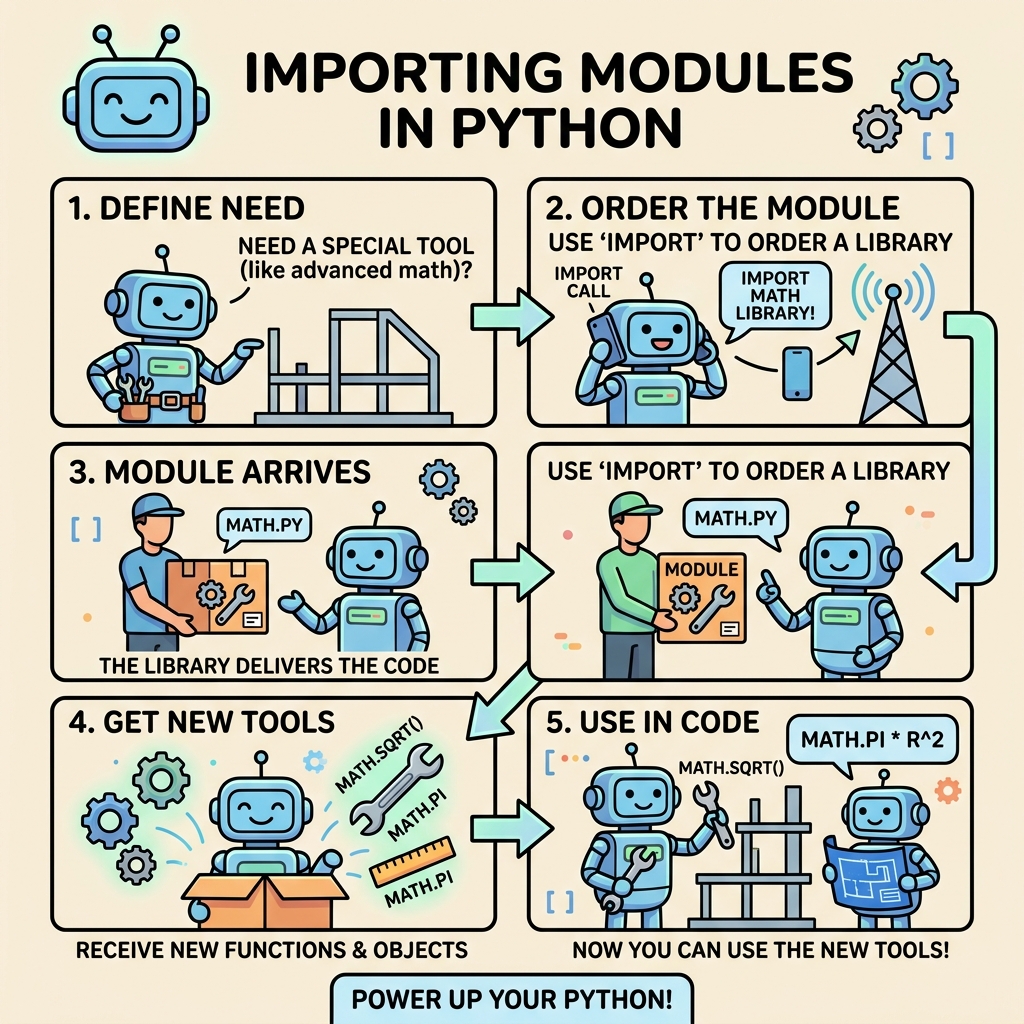
If Python can’t find the module, it raises a ModuleNotFoundError. To help understand this process, here’s a simple diagram:
Importing Your Own Modules
In addition to built-in and third-party modules, you can create your own to organize your project.
Suppose you have two files in the same directory:
calculator.py— your module containing functionsmain.py— your main script to use those functions
calculator.py:
def multiply(x, y):
    return x * y

def divide(x, y):
    if y == 0:
        raise ValueError("Cannot divide by zero")
return x / ymain.py:
import calculator

result = calculator.multiply(10, 5)
print("Multiplication Result:", result)Running python main.py will import your custom module and use its functions smoothly.
💡 Side Tip: Modules vs. Packages
A module is a single Python file, while a package is a directory containing multiple modules and a special __init__.py file. Packages help organize larger codebases into hierarchical structures.
Importing All Names with *
Python lets you import everything from a module using the asterisk * operator:
📌 Deep Dive: Import All
from math import *

print(sin(pi/2)) # Output: 1.0⚠️ Warning: Using from module import * is discouraged in larger programs because it pollutes your namespace with many identifiers and can cause naming conflicts. It also makes the code less readable, as it’s unclear which names come from which module.
Reloading Modules Dynamically
When working interactively, you might modify a module and want to reload it without restarting your Python session. Use the importlib module:
📌 Deep Dive: Reloading a Module
import calculator
import importlib

# After editing calculator.py
importlib.reload(calculator)
This is useful during development or in interactive environments like Jupyter notebooks.
Managing Third-Party Modules
Beyond built-in modules, Python’s power comes from thousands of third-party libraries. You install them using pip, Python’s package manager.
For example, to install the popular requests library for HTTP calls:
📌 Deep Dive: Installing and Importing Third-Party Modules
pip install requestsThen in your Python code:
import requests

response = requests.get('https://api.github.com')
print(response.status_code)Comparing Import Styles
Here’s a quick reference comparing common import styles and their implications:
| Import Style | Usage |
|---|---|
import module | Access with module.name, keeps namespace clean |
from module import name | Access name directly, cleaner but can cause conflicts |
from module import * | Import all names, not recommended for large projects |
import module as alias | Shortens or avoids conflicts with module names |
from module import name as alias | Rename specific items for clarity or conflict avoidance |
Organizing Code with Packages
As your projects grow, you’ll want to organize modules into packages — directories with an __init__.py file that signals to Python that this directory is a package.
For example, a project structure might be:
- my_project/
- math_tools/
__init__.pyalgebra.pygeometry.pymain.py
You can import from these submodules like this:
📌 Deep Dive: Import from a Package
from math_tools.algebra import solve_quadratic

result = solve_quadratic(1, -3, 2)
print(result)
Common Pitfalls and How to Avoid Them
⚠️ Circular Imports
A circular import happens when two modules import each other. This can cause errors or unexpected behavior. To avoid this:
- Refactor shared code into a separate module
- Import inside functions instead of at the top-level if necessary
⚠️ Name Conflicts
Importing names directly or using from module import * can cause conflicts if different modules have identically named functions or variables. Use explicit imports or aliasing to keep names clear.
Summary: Best Practices for Importing Modules
- Prefer
import modulefor clarity and namespace management. - Use
from module import namewhen you only need specific items. - Avoid
from module import *except for quick experiments or interactive work. - Use aliases with
asto simplify or avoid conflicts. - Organize your code into modules and packages for maintainability.
- Keep import statements at the top of files for readability.
Mastering importing modules is a gateway to writing modular, maintainable, and powerful Python code. As you explore more libraries and build larger projects, you’ll find this knowledge invaluable.
Quick Knowledge Check
Test what you just learned
Question 1 of 2
What is the preferred way to import a module if you want to keep your namespace clean and avoid naming conflicts?
Question 2 of 2
If you have a module named calculator.py with a function add(), how do you import and use the add function directly in your script?
Loading results...