Welcome to the essential building block of Python programming: for loops. Whether you're automating repetitive tasks, processing data collections, or simply navigating through items one by one, for loops provide a clean, readable, and powerful way to execute your code repeatedly.
In this lesson, we'll explore the anatomy of for loops, see them in action with various data types, and understand their practical applications. By the end, you’ll be comfortable creating for loops that make your Python programs more efficient and expressive.
Understanding the Purpose of For Loops
Imagine you have a list of names, and you want to greet each person individually. Without loops, you would have to write repetitive code for each name:
📌 Deep Dive: Greeting Without a Loop
print("Hello, Alice!")
print("Hello, Bob!")
print("Hello, Charlie!")
print("Hello, Diana!")This approach quickly becomes unmanageable as the number of items grows or changes dynamically. Instead, using a for loop allows you to repeat an action for each item in a collection efficiently:
Basic Syntax of a For Loop
The general structure of a for loop in Python is:
for variable in iterable:
    # do something with variable
Here:
variableis a temporary name you assign for the current item in the loop.iterableis any sequence or collection (like a list, string, or range) you want to iterate over.
Each time the loop runs, variable takes on the next value from iterable, and the indented block inside the loop executes.
Looping Over a List
Let's put this into practice by looping over a list of fruits and printing each one:
📌 Deep Dive: Looping Over a List
fruits = ["apple", "banana", "cherry", "date"]

for fruit in fruits:
print(fruit)Notice how the loop automatically takes each element from the list and assigns it to the variable fruit, which you can then use inside the loop body.
Looping Over Other Iterables: Strings and Ranges
For loops are not limited to lists. You can iterate over any iterable object, such as strings and ranges:
- Strings: Iterate over each character.
- Ranges: Generate a sequence of numbers.
📌 Deep Dive: Looping Over a String
for letter in "Python":
print(letter)📌 Deep Dive: Looping Using range()
for num in range(5):
print(num)range(5) generates numbers from 0 up to (but not including) 5.
Why Use For Loops? Efficiency and Readability
For loops help avoid repetitive code and make your programs scalable. Instead of writing tens or hundreds of lines for repetitive tasks, you write concise loops that automatically handle iteration.
💡 Tip:
Using for loops also reduces human error — imagine manually typing repetitive lines; a small typo can cause bugs. Loops ensure consistent execution for each iteration.
Controlling Loop Execution
Within a for loop, you can use control statements like break and continue to alter the flow:
breakstops the loop entirely.continueskips the current iteration and moves to the next one.
📌 Deep Dive: Using break and continue
numbers = [1, 2, 3, 4, 5, 6]

for num in numbers:
    if num == 4:
        print("Found 4, stopping loop.")
        break
    if num % 2 == 0:
        print(f"{num} is even, skipping.")
        continue
print(f"Number: {num}")In this example:
- Even numbers are skipped with
continue. - When the loop reaches 4, it prints a message and exits with
break.
Looping with Indexes
Sometimes you need the index of the current item in addition to its value. Python’s built-in enumerate() function makes this easy:
📌 Deep Dive: Using enumerate()
colors = ["red", "green", "blue"]

for index, color in enumerate(colors):
print(f"Color {index}: {color}")Here, enumerate() returns pairs of (index, value), which you unpack directly in the loop.
Comparing For Loops with While Loops
Both for and while loops repeat code, but they serve different purposes:
| For Loop | While Loop |
|---|---|
| Iterates over a sequence or iterable directly. | Repeats while a condition remains true. |
| Great for finite, known collections. | Ideal for unknown or condition-based repetitions. |
| Less prone to infinite loops. | Requires careful condition management to avoid infinite loops. |
In practice, use for loops when you have a collection or a known sequence. Use while loops when you want to continue until some condition changes.
Nesting For Loops
You can place a for loop inside another for loop to iterate over nested structures like lists of lists.
📌 Deep Dive: Nested For Loops
matrix = [
    [1, 2, 3],
    [4, 5, 6],
    [7, 8, 9]
]

for row in matrix:
    for num in row:
        print(num, end=" ")
print()Here, the outer loop iterates through each row (which itself is a list), while the inner loop iterates through each element in that row.
Common Pitfalls and How to Avoid Them
⚠️ Beware of Modifying the Iterable While Looping
Changing the size of a list (e.g., adding or removing items) while iterating can cause unexpected behavior or runtime errors. Instead, create a copy of the list or collect changes to apply after the loop.
⚠️ Indentation Matters
Python’s for loops use indentation to define the loop body. Make sure all statements inside the loop are properly indented; otherwise, your code may not execute as expected or raise errors.
Practical Examples and Use Cases
Example 1: Summing Numbers
Calculate the sum of numbers from 1 to 10:
📌 Deep Dive: Summing with a For Loop
total = 0
for i in range(1, 11):
    total += i
print("Sum:", total)Example 2: Building a List with For Loops
Create a list of squares of numbers from 1 to 5:
📌 Deep Dive: Creating a List Using a For Loop
squares = []
for num in range(1, 6):
    squares.append(num ** 2)
print(squares)Example 3: Iterating Through Dictionaries
You can loop through dictionaries to access keys, values, or both:
📌 Deep Dive: Looping Over a Dictionary
person = {"name": "Alice", "age": 30, "city": "Paris"}

for key, value in person.items():
print(f"{key}: {value}")Summary: Mastering For Loops
Let's recap what you’ve learned about for loops:
- They iterate over items in sequences or iterables like lists, strings, ranges, and more.
- The syntax is simple:
for variable in iterable:followed by an indented block. - Control statements
breakandcontinueallow you to alter loop execution. enumerate()helps access item indexes alongside their values.- Nested for loops enable iterating complex nested data structures.
- Be mindful of modifying iterables during iteration and maintain proper indentation.
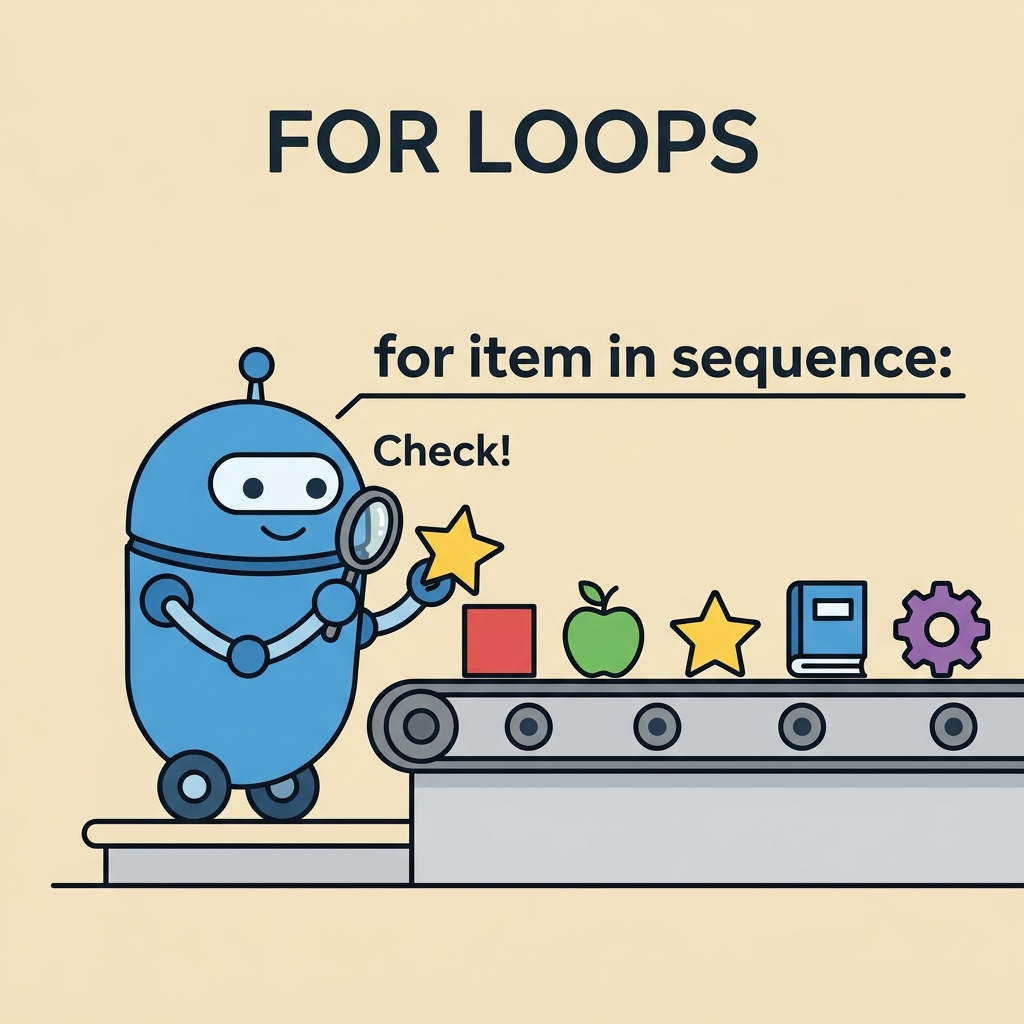
For loops are fundamental to writing efficient Python code. Practice writing loops with different data types and control flow to deepen your understanding.
Quick Knowledge Check
Test what you just learned
Question 1 of 2
Which of these is the correct syntax for a for loop in Python?
Question 2 of 2
What does the continue statement do inside a for loop?
Loading results...