When programming in Python, you often work with text — strings — that need to include special characters. But what if you want to include a character in your string that would normally have a different meaning in code? For example, how do you include a newline or a quotation mark inside a string without confusing Python? This is where escape characters come into play.
Escape characters allow you to insert characters that are otherwise difficult to type directly into strings or that have special purposes. They start with a backslash \\, signaling Python to treat the next character differently.
Why Are Escape Characters Important?
Imagine you want to print a sentence that includes quotation marks:
📌 Deep Dive: Including Quotes in Strings
print("She said, "Hello, world!")The above code throws an error because Python thinks the string ends at the second quote, confusing the interpreter. To solve this, you use the escape character \\ before the inner quotes:
📌 Deep Dive: Escaping Double Quotes
print("She said, \"Hello, world!\"")Common Escape Characters in Python
Python supports several escape sequences, each representing a special character or function:
| Escape Sequence | Represents |
|---|---|
\
| Newline (move to next line) |
\\t | Tab (horizontal tab space) |
\\' | Single quote (') |
\\" | Double quote (") |
\\\\ | Backslash (\\) |
\\r | Carriage return (return to start of line) |
\\b | Backspace (deletes previous character) |
\\f | Form feed (new page) |
\\v | Vertical tab |
\\0 | Null character |
Let's explore some of the most frequently used ones in detail.
Newline (\
)
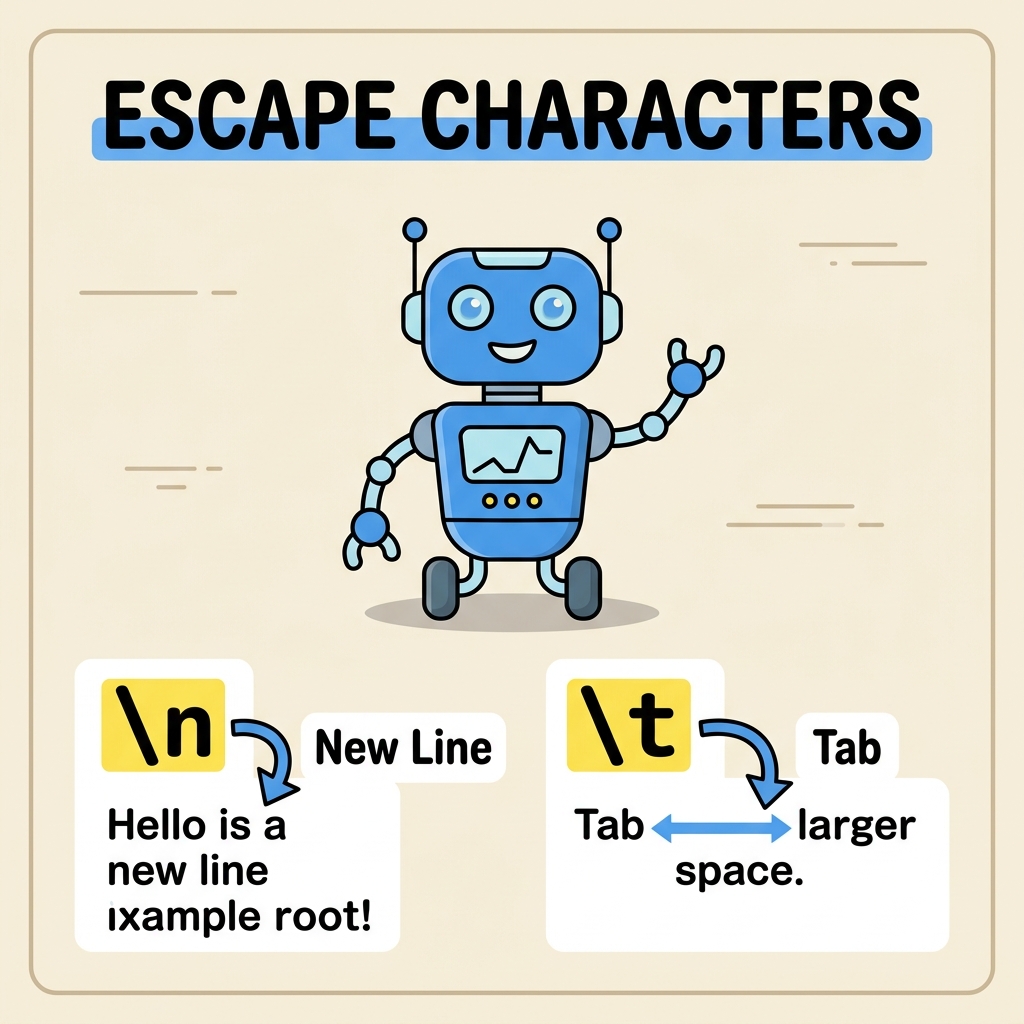
The newline escape character inserts a line break in a string. Instead of printing everything on one line, it splits the output onto multiple lines.
📌 Deep Dive: Using Newline Character
print("Hello
World")Notice how the output splits “Hello” and “World” onto separate lines.
Tab (\\t)
The tab escape character inserts a horizontal tab space, which is useful for aligning text or indenting output.
📌 Deep Dive: Using Tab Character
print("Name:\tJohn")The tab space moves “John” to the right, creating a neat separation.
Quotes (\\' and \\")
Escape characters for quotes allow you to include quotation marks in strings without ending the string early.
📌 Deep Dive: Using Single and Double Quote Escapes
print('It\'s a beautiful day!')  # Single quote escaped
print("He said, \"Wow!\"") # Double quote escapedBoth single and double quotes are safely included inside their respective strings.
Backslash (\\\\)
Since the backslash is the escape character itself, what if you want to print a literal backslash? You escape the backslash with another backslash!
📌 Deep Dive: Escaping the Backslash
print("This is a backslash: \\")Raw Strings: When You Don’t Want Escape Characters to Apply
Sometimes, especially when working with Windows file paths or regular expressions, you want Python to treat backslashes literally and not as escape characters. Python allows this with raw strings, which are prefixed with an r or R.
For example, a Windows path with backslashes:
📌 Deep Dive: Raw String for File Paths
file_path = r"C:\Users\John\Documents
otes.txt"
print(file_path)Without the r, Python would interpret \U or
as escape sequences, which could cause errors or unexpected output.
⚠️ Important Note About Raw Strings
Raw strings cannot end with an odd number of backslashes because the final backslash escapes the closing quote, causing a syntax error. For example, r"C:\folder\" is invalid. You can fix this by doubling the last backslash: r"C:\folder\\".
Using Escape Characters in Multiline Strings
Python supports multiline strings using triple quotes (''' or """). This reduces the need for escape characters for newlines, but escape characters can still enhance formatting.
📌 Deep Dive: Multiline String with Escape Characters
poem = """Roses are red,
Violets are blue,
Sugar is sweet,
And so are you."""
print(poem)Even though triple-quoted strings can span multiple lines, using \
inside them explicitly inserts line breaks at specific points, offering precise control.
Advanced Escape Characters and Unicode
Escape sequences can also represent Unicode characters with \\u or \\U followed by hexadecimal digits:
📌 Deep Dive: Unicode Escape Sequences
print("Heart symbol: \u2764")
print("Smiley face: \U0001F600")These escape sequences allow you to embed any Unicode character directly in your strings, which is powerful for internationalization and emoji support.
Common Pitfalls When Using Escape Characters
Escape characters are handy, but they can sometimes cause confusion.
- Unintended Escapes: Accidentally typing
- Mixing Quotes: Using single quotes inside single-quoted strings without escaping will cause errors.
- File Paths on Windows: Always prefer raw strings for Windows paths to avoid accidental escape sequences.
⚠️ Syntax Error Example
Trying to write print('I'm learning Python!') throws an error because the single quote in I'm ends the string. The fix is to escape it: print('I\'m learning Python!') or use double quotes to enclose the string.
Summary: Mastering Escape Characters
Escape characters are your toolkit for including special characters inside strings. Remember these key points:
- Use
\\to escape special meaning and include characters like quotes or newlines. - Common escapes include
\for newline,\\tfor tab, and\\'or\\"for quotes. - Raw strings (
r"") treat backslashes literally, perfect for file paths and regex. - Unicode escapes allow embedding special international characters.
By mastering escape characters, you can handle strings flexibly and avoid common syntax pitfalls.
💡 Pro Tip
Experiment with escape sequences in your code editor to see how they affect string output. This hands-on practice will deepen your understanding and make you more confident working with strings.
Quick Knowledge Check
Test what you just learned
Question 1 of 2
Which escape character would you use to insert a tab space in a Python string?
Question 2 of 2
What prefix do you use before a string to treat backslashes literally, avoiding escape sequence processing?
Loading results...