When you start coding in Python, you'll often find yourself working with strings — sequences of characters enclosed in quotes. But what happens when your string spans multiple lines? How can you include line breaks or create blocks of text that keep their formatting? This is where multiline strings come into play.
In this lesson, we'll explore what multiline strings are, how to create and manipulate them, and their practical uses in Python programming. By the end, you'll be comfortable working with strings that span across multiple lines, making your programs more readable and expressive.
Understanding Multiline Strings in Python
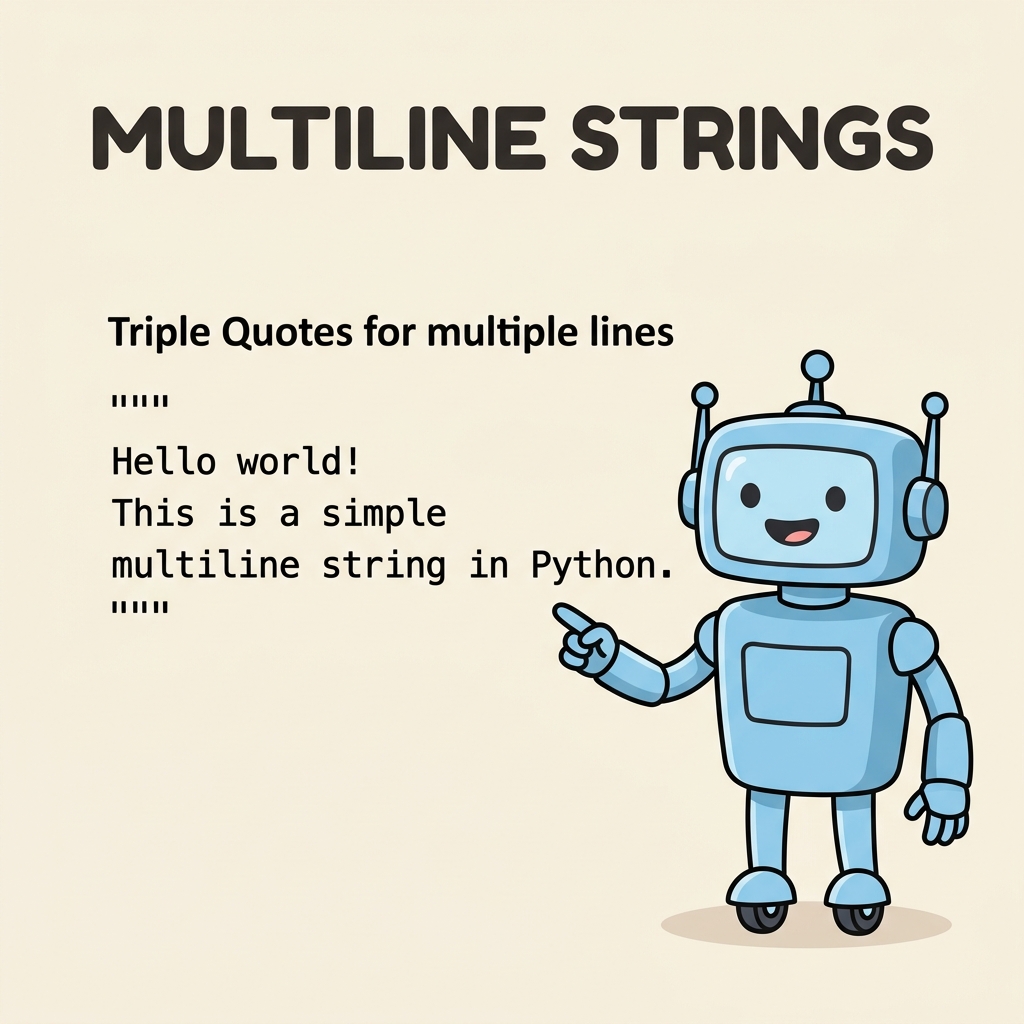
In Python, a multiline string is a string literal that spans more than one line of source code. Unlike single-line strings enclosed by single ('') or double ("") quotes, multiline strings are enclosed by triple quotes — either triple single quotes (''') or triple double quotes (""").
This allows you to write blocks of text directly in your code without needing to concatenate multiple strings or use escape characters for newlines.
| Type | Delimiter | Example |
|---|---|---|
| Single-line string | ' or " | 'Hello, World!' |
| Multiline string | ''' or """ | '''Hello World''' |
Both ''' and """ work the same way for multiline strings. The choice between them is mostly a matter of style or convenience, especially when your string contains quotes.
Creating Your First Multiline String
Let’s see a simple example of a multiline string in action:
📌 Deep Dive: Basic Multiline String
poem = '''Roses are red,
Violets are blue,
Sugar is sweet,
And so are you.'''

print(poem)Notice how the line breaks within the triple quotes appear exactly as output. Python preserves the formatting, so your string looks just like the way you typed it.
Why Use Multiline Strings?
- Readability: Writing long text blocks or messages in your code is clearer and less cluttered.
- Preserving Formatting: Multiline strings keep line breaks and spacing intact without special escape sequences.
- Docstrings: They are used to write documentation strings for functions, classes, and modules.
- Embedding Text: Useful when embedding SQL queries, HTML snippets, or JSON data directly in Python.
How Are Line Breaks Handled?
Inside multiline strings, line breaks are preserved as \
newline characters. This means when you print them, they display on separate lines. You don't need to explicitly add \
as you would with single-line strings.
💡 Note on Escape Characters
While multiline strings preserve newlines, you can still include escape characters like \\t for tabs or \\' and \\" for quotes inside them.
Including Quotes Within Multiline Strings
One common challenge when working with strings is including quotes inside the string without causing syntax errors. Multiline strings provide a handy solution.
If your string contains single quotes, you can enclose it in triple double quotes to avoid the need for escaping:
📌 Deep Dive: Using Quotes Inside Multiline Strings
quote = """She said, 'Python is awesome!'"""

print(quote)Similarly, if your string contains double quotes, you can use triple single quotes:
📌 Deep Dive: Alternate Quote Usage
quote = '''He replied, "Let's learn Python today."'''

print(quote)Indentation and Whitespace in Multiline Strings
One subtlety when writing multiline strings inside indented blocks (like functions or loops) is that the indentation space is preserved as part of the string. This can sometimes lead to unexpected leading spaces in your string output.
⚠️ Watch Out for Indentation in Multiline Strings
Indentation used for code readability can become part of the string and affect formatting. If you want to avoid this, you can use the textwrap.dedent() function from Python’s textwrap module to clean up indentation.
Example demonstrating indentation preserved:
📌 Deep Dive: Indentation Effects
def show_message():
    message = '''This is line one.
    This line is indented.
    This line too.'''
    print(message)

show_message()The second and third lines are indented because of the function’s indentation level. If this is not what you want, consider using textwrap.dedent():
📌 Deep Dive: Removing Indentation
import textwrap

def show_message():
    message = '''\
        This is line one.
        This line is indented.
        This line too.'''
    print(textwrap.dedent(message))

show_message()Note the use of the backslash (\) right after the opening triple quotes. This suppresses the initial newline that would otherwise be part of the string.
Multiline Strings vs. String Concatenation
Before multiline strings, a common way to create long strings spanning multiple lines was through concatenation or using escape characters for newlines. Multiline strings simplify this process dramatically.
| Method | Example | Advantages |
|---|---|---|
| Multiline String | '''Line 1 |
Preserves formatting, readable, easy to write |
| Concatenation | 'Line 1 ' + 'Line 2 ' + 'Line 3' |
Verbose, harder to read, no line breaks unless added |
| Escape Characters | 'Line 1
Line 2
Line 3' |
Preserves newlines but less readable, escape sequences clutter text |
Using Multiline Strings as Docstrings
One of the most important uses of multiline strings in Python is to write docstrings. These are special strings placed at the beginning of modules, classes, or functions to describe their purpose and behavior.
Docstrings help document your code for others (and yourself) and can be accessed using the built-in help() function or the .__doc__ attribute.
📌 Deep Dive: Function Docstring
def greet(name):
    """Greets the person with the given name.

    Args:
        name (str): The name of the person.

    Returns:
        None
    """
    print(f"Hello, {name}!")

print(greet.__doc__)Docstrings are written using triple quotes so they can span multiple lines, allowing detailed descriptions.
Embedding Large Text Blocks or Code Snippets
Multiline strings are also great for embedding large blocks of text or code snippets, such as SQL queries, HTML templates, or JSON data, inside your Python scripts. This way, you can keep everything in one place without losing formatting.
📌 Deep Dive: Embedding SQL Query
query = """
SELECT id, name, email
FROM users
WHERE active = 1
ORDER BY name ASC;
"""

print(query)Triple Quotes Inside Multiline Strings
What if you need to include triple quotes inside a multiline string? This is rare but possible. To do this, you can:
- Use the alternate triple quote style to enclose the string. For example, use
'''if the string contains""". - Escape triple quotes by breaking them up or using concatenation.
Example:
📌 Deep Dive: Including Triple Quotes
text = '''This string contains triple double quotes: """
But it works fine.'''

print(text)Summary: When to Use Multiline Strings
- When you need to include paragraphs or blocks of text in your code.
- To write docstrings that describe your code elements.
- Embedding formatted code, SQL, HTML, or JSON snippets.
- When readability and preserving line breaks are important.
💡 Pro Tip:
Use multiline strings not only to hold text but also to improve the clarity and maintainability of your Python programs. They are one of the simplest yet most powerful features for handling textual data.
Quick Knowledge Check
Test what you just learned
Question 1 of 2
Which of the following is the correct way to create a multiline string in Python?
Question 2 of 2
What happens to line breaks inside a multiline string?
Loading results...