When crafting Python code, clarity and maintainability are just as crucial as functionality. One of the simplest yet most powerful tools for achieving clarity is the use of comments. Comments help you—and others who read your code—understand the intent behind your program's logic, making debugging, collaboration, and future updates much easier.
In this lesson, we’ll explore how comments work in Python, different styles of commenting, best practices, and practical tips to leverage comments effectively in your code.
Understanding What Comments Are
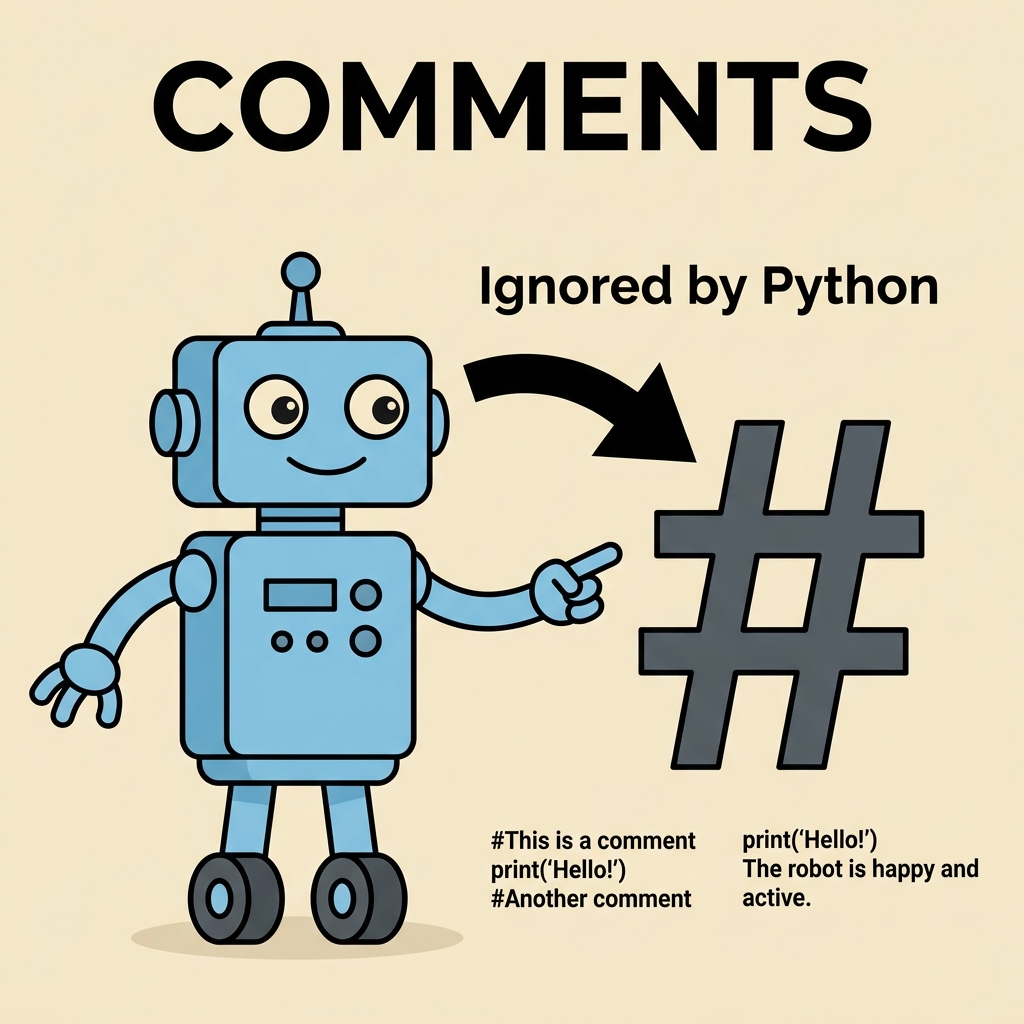
A comment is a piece of text embedded in your source code that the Python interpreter ignores when running your program. They serve solely for human readers. Comments can explain the purpose of code blocks, clarify complex logic, or leave reminders for future improvements.
Imagine comments as sticky notes attached to your code, offering insights without affecting the program’s operation.
💡 Why Use Comments?
Comments improve code readability, facilitate teamwork, help you remember your own thought process, and assist in troubleshooting. Well-commented code is like a well-marked map—easy to follow and understand.
The Basic Single-Line Comment in Python
Python uses the hash symbol # to indicate a comment. Everything that appears on the line after # is ignored by the interpreter.
📌 Deep Dive: Single-Line Comments
# This is a comment explaining the next line of code
print("Hello, world!") # This comment is after a statementNotice that comments can stand alone on a line or be placed after a Python statement. Both are valid and useful depending on context.
Inline Comments: When and How to Use Them
Inline comments directly follow a statement on the same line. They’re brief notes that clarify what a particular line or expression does.
Example:
📌 Deep Dive: Inline Comments
x = 10  # Initialize x with 10
y = 5   # Initialize y with 5
sum = x + y # Calculate sum of x and yTip: Keep inline comments short and relevant. If you need to explain complex logic, prefer using block comments above the code instead.
Block Comments: Explaining Larger Code Segments
When you want to describe a section of code or provide detailed explanations, block comments are ideal. They consist of multiple single-line comments stacked consecutively.
📌 Deep Dive: Block Comments
# This function calculates the factorial of a number recursively.
# It takes one integer input 'n' and returns the factorial value.
# Factorial of 0 or 1 is 1 by definition.

def factorial(n):
    if n == 0 or n == 1:
        return 1
    else:
return n * factorial(n-1)Using block comments like this helps readers understand the purpose and logic before diving into the code itself.
Multi-Line Comments: The Triple-Quote Trick
Python does not have a dedicated syntax for multi-line comments like some other languages. However, a common practice is to use multi-line strings (triple quotes) as comments.
Triple quotes ''' ... ''' or """ ... """ can span multiple lines, and if not assigned to any variable or used as a docstring, they act as multi-line comments because Python ignores them during execution.
📌 Deep Dive: Multi-Line Comments
"""
This is a multi-line comment.
It spans several lines.
Useful for detailed explanations.
"""

print("Hello!")Important: While this works, triple-quoted strings are technically string literals. Their primary use is for docstrings (documentation strings), which we'll cover shortly. For regular comments, using # is preferred.
Comments vs. Docstrings: Understanding the Difference
While comments are notes for developers, docstrings serve as documentation for modules, classes, functions, and methods. They are written using triple quotes and are accessible programmatically via the __doc__ attribute.
Here is a quick comparison:
| Aspect | Comments | Docstrings |
|---|---|---|
| Syntax | Start with # | Triple quotes """...""" or '''...''' |
| Purpose | Explain code to developers | Document modules, classes, functions |
| Accessible at runtime? | No | Yes, via __doc__ |
| Ignored by interpreter? | Yes | Depends: assigned docstrings are kept, unassigned strings ignored |
Where to Place Comments for Best Effect
Good placement of comments can dramatically improve code readability. Here are some common guidelines:
- At the top of your file or module: Describe the file’s purpose or author information.
- Before functions and classes: Use docstrings for formal documentation, supplemented by comments if needed.
- Above complex code blocks: Explain why the code exists or what it achieves.
- Inline for tricky lines: Short notes explaining expressions or decisions.
💡 Pro Tip
Always write comments that add value. Avoid stating the obvious or repeating what the code itself clearly expresses.
Common Pitfalls: When Comments Can Hurt More Than Help
While comments are helpful, misuse can cause confusion:
- Outdated Comments: Code evolves but comments often don’t. Mismatched comments mislead readers.
- Over-commenting: Too many comments clutter the code, making it harder to read.
- Obvious Comments: Comments like
# increment x by 1onx += 1are unnecessary.
⚠️ Warning
Never rely solely on comments to explain bad or complicated code. Instead, strive to write clear, self-explanatory code first, then use comments to clarify the “why” rather than the “what.”
Special Comment Directives in Python
Python also recognizes some special comments that affect tooling or interpreter behavior.
# TODO:Mark places where work is pending.# FIXME:Highlight known bugs or issues to fix.# noqa(in linters): Ignore a specific warning on a line.# pylint:Control pylint linter behavior.
These conventions help maintainers and tools track code quality and outstanding tasks effectively.
How Comments Impact Code Execution
Because comments are ignored by the Python interpreter, they have no effect on the program’s output or performance. They are stripped out during execution.
However, excessive or very large comments in source code can slightly increase file size or parsing time, but this is negligible in typical programs.
Best Practices for Writing Comments
- Be concise but clear: Write enough to clarify but avoid verbosity.
- Use proper grammar and spelling: This improves professionalism and readability.
- Keep comments up-to-date: Regularly review and revise comments as code changes.
- Explain “why” rather than “what”: The code itself shows what it does; comments should explain reasoning.
- Use consistent style: Follow your team or community conventions for comment formatting.
Summary: Mastering Comments in Python
Comments are a fundamental feature that makes your Python code maintainable, understandable, and professional. By using single-line and block comments effectively, understanding docstrings, and following best practices, you communicate your intent clearly to anyone reading your code, including your future self.
Remember, comments are your code’s storytellers—make sure the story they tell is clear, accurate, and helpful.
💡 Final Tip
Combine clean, readable code with thoughtful comments. Together, they form the foundation of great programming.
Quick Knowledge Check
Test what you just learned
Question 1 of 2
Which symbol starts a single-line comment in Python?
Question 2 of 2
What is the main difference between comments and docstrings in Python?
Loading results...