When you start programming in Python, almost inevitably, you will encounter errors. Some are simple typos, others more complex logical mistakes. But Python has a robust mechanism to handle such errors gracefully — exceptions. Understanding Python’s built-in exceptions is crucial for writing resilient code that can anticipate and handle potential issues without crashing abruptly.
In this lesson, you’ll explore the most common built-in exceptions in Python, learn how they arise, and see practical examples of each. You’ll also understand how exceptions fit into Python’s error-handling system, enabling you to write cleaner, more reliable programs.
What Are Exceptions?
In Python, an exception is an event that interrupts the normal flow of a program because something unexpected has happened. When an exception occurs, Python stops the current task and looks for special code, called an exception handler, to deal with the problem.
Exceptions are objects derived from the base class BaseException, but most user-defined and built-in exceptions inherit from Exception. Python comes with many built-in exceptions designed to catch typical errors encountered during programming.
Why Use Built-in Exceptions?
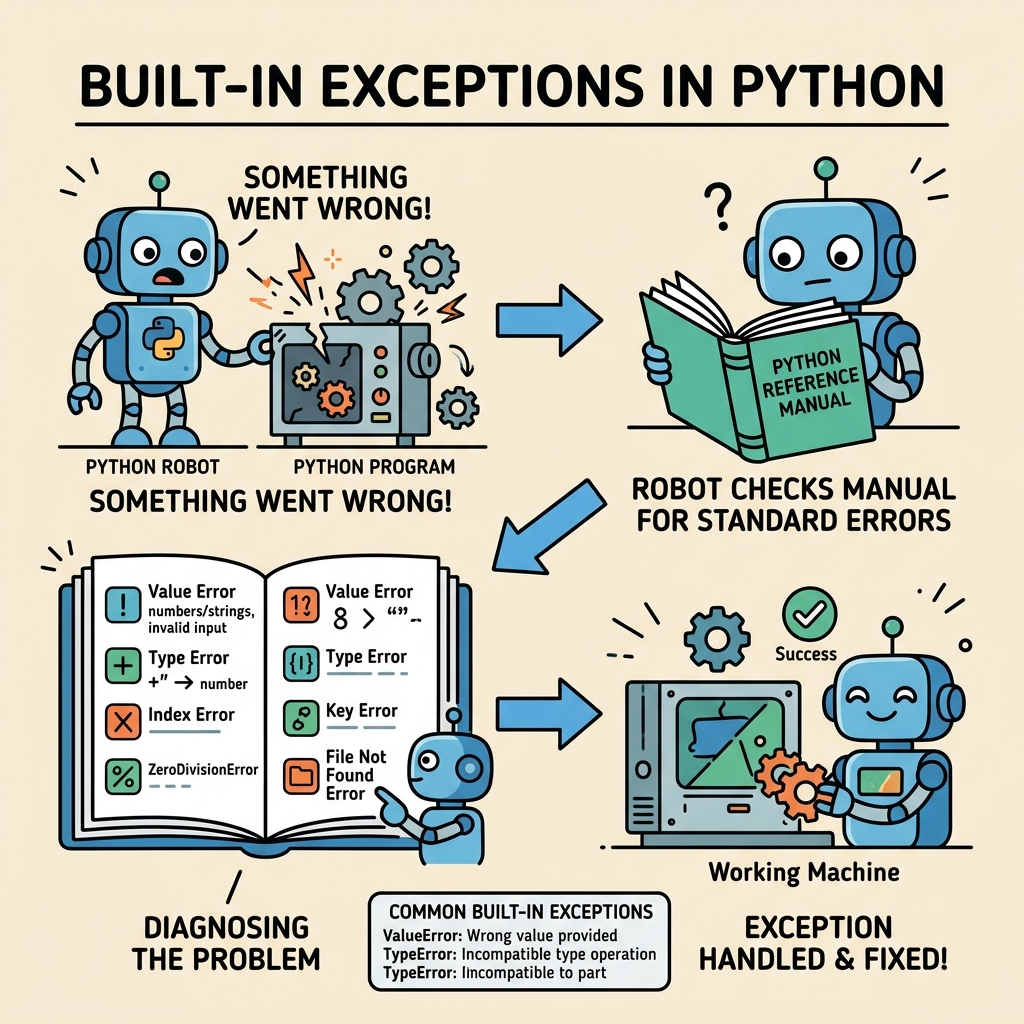
Python's built-in exceptions provide a standardized way to identify specific error types. For example, a ZeroDivisionError signals a division by zero, whereas a FileNotFoundError indicates a missing file. This specificity helps you pinpoint and handle errors effectively.
💡 Exception Handling Best Practice
Always catch the most specific exception you expect rather than using a generic except: clause. This prevents unintentionally hiding bugs and makes debugging easier.
Common Built-in Exceptions and When They Occur
| Exception | Description & Typical Cause |
|---|---|
SyntaxError | Occurs when Python encounters incorrect syntax — usually caught at compile time. |
TypeError | Raised when an operation or function is applied to an object of inappropriate type. |
NameError | Happens when a local or global name is not found (e.g., using an undefined variable). |
IndexError | Occurs when trying to access an index that is out of the range of a list or tuple. |
KeyError | Raised when a dictionary key is not found. |
ValueError | Occurs when a function receives an argument of correct type but inappropriate value. |
ZeroDivisionError | Raised when division or modulo by zero is attempted. |
FileNotFoundError | Occurs when trying to open a file that does not exist. |
AttributeError | Raised when an attribute reference or assignment fails (e.g., accessing non-existent method). |
ImportError | Occurs when an import statement fails to find the module or fails to load it. |
Understanding Exceptions Through Examples
Let's explore some of these exceptions with practical Python snippets to see how they arise and how you might handle them.
📌 Deep Dive: Handling a ZeroDivisionError
try:
    numerator = 10
    denominator = 0
    result = numerator / denominator
except ZeroDivisionError:
    print("You can't divide by zero!")
else:
print(f"Result is {result}")In the example above, attempting to divide by zero triggers a ZeroDivisionError. The try-except block catches the exception and prints a user-friendly message instead of crashing.
📌 Deep Dive: Catching a FileNotFoundError
filename = "non_existent_file.txt"
try:
    with open(filename, 'r') as file:
        content = file.read()
except FileNotFoundError:
print(f"Oops! The file '{filename}' was not found.")How Exceptions Are Organized in Python
Python's built-in exceptions are organized in a hierarchy, with BaseException at the top. Most user-level exceptions inherit from Exception, which itself inherits from BaseException. This structure allows catching broad categories of errors or specific exceptions as needed.
For example, catching Exception will intercept almost all errors except system-exiting exceptions like SystemExit or KeyboardInterrupt, which inherit directly from BaseException.
⚠️ Beware of Catch-All Exception Handling
Using a bare except: or catching BaseException can capture system-exiting exceptions and interrupt program termination. This can cause your program to behave unpredictably or hang.
Grouping Multiple Exceptions
Sometimes, you want to handle several exceptions with the same code. Python lets you specify a tuple of exceptions in an except clause to catch any of them.
📌 Deep Dive: Handling Multiple Exceptions Together
try:
    value = int(input("Enter a number: "))
    result = 10 / value
except (ValueError, ZeroDivisionError) as e:
    print(f"An error occurred: {e}")
else:
print(f"Success! 10 divided by {value} is {result}")This code handles both invalid input (non-integer) and division by zero with one except clause by specifying a tuple of exception types.
Exception Attributes and Custom Messages
Exceptions can carry additional information that helps you understand what went wrong. When catching an exception with as e, the variable e holds the exception instance, which usually has a message describing the error.
📌 Deep Dive: Accessing Exception Details
try:
    x = int("abc")
except ValueError as e:
    print("Exception type:", type(e).__name__)
print("Exception message:", e)Knowing the exception message or type can help you log errors or decide on recovery strategies dynamically.
Summary: Best Practices for Using Built-in Exceptions
- Catch specific exceptions: This avoids hiding bugs and makes your code easier to debug.
- Use
try-exceptblocks wisely: Only wrap the code that might raise an exception, not large chunks. - Leverage exception messages: Use the exception object to get details about the error.
- Group related exceptions: When handling multiple exceptions similarly, group them in one
exceptclause. - Avoid bare
except:clauses: These catch all exceptions, including system-exit signals.
By mastering Python’s built-in exceptions, you gain control over your program’s error handling, enabling you to write code that can anticipate and respond to unexpected situations gracefully.
💡 Think of exceptions like traffic signals:
They alert your program when something unusual happens, giving you a chance to slow down, stop, or take a detour instead of crashing.
Further Exploration
After becoming comfortable with built-in exceptions, consider learning about:
- Creating your own custom exceptions by subclassing
Exception. - Using the
finallyblock to execute code regardless of exceptions. - Chaining exceptions and using
raise ... from ...syntax.
Quick Knowledge Check
Test what you just learned
Question 1 of 2
Which built-in exception is raised when you try to access a dictionary key that does not exist?
Question 2 of 2
What is the recommended practice when catching exceptions?
Loading results...