In Python, lists are one of the most fundamental and versatile data structures you will work with. They allow you to store multiple items in a single variable, making it easy to organize, manipulate, and process collections of data. Whether you want to store a sequence of numbers, names, or even mixed data types, lists are your go-to tool.
Let's dive deep into understanding what lists are, how to create them, access their elements, modify them, and leverage their powerful methods to write clean and efficient Python code.
What is a List?
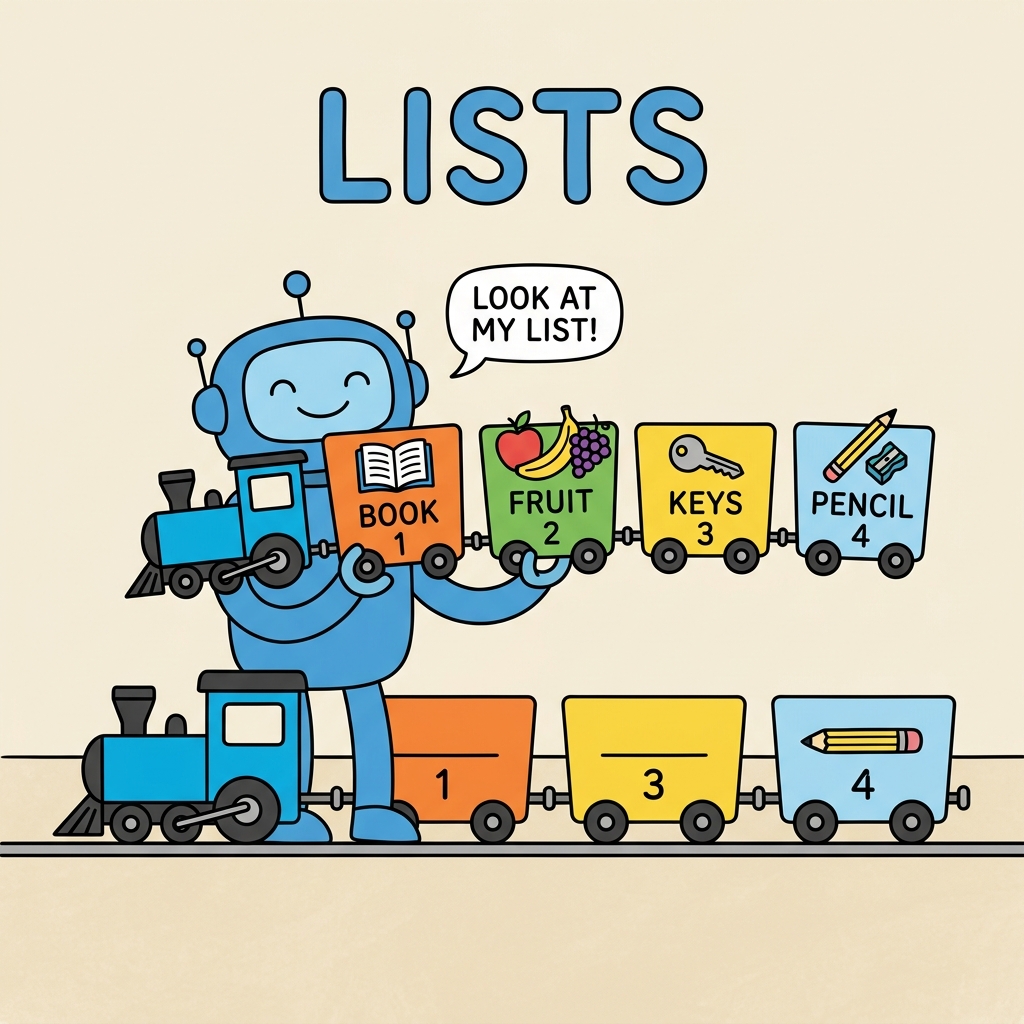
A list is an ordered and mutable collection of items. "Ordered" means the items have a defined sequence, and "mutable" means you can change the contents of the list after it is created.
In Python, lists are defined by enclosing items in square brackets [ ], separated by commas.
📌 Deep Dive: Creating a List
# A list of fruits
fruits = ["apple", "banana", "cherry"]

# A list of numbers
numbers = [10, 20, 30, 40]

# A mixed list containing different data types
mixed = [1, "hello", 3.14, True][10, 20, 30, 40]
[1, 'hello', 3.14, True]
Key Characteristics of Lists
- Ordered: Items have a specific order that will not change unless you explicitly reorder the list.
- Mutable: You can add, remove, or modify items after the list is created.
- Allow duplicates: Lists can contain the same value multiple times.
- Heterogeneous: Items can be of different data types.
💡 Why Ordered and Mutable Matter
Being ordered means you can reliably access elements by their position (index). Mutability means lists are dynamic, allowing you to easily update your data without creating new lists from scratch.
Accessing List Elements
Each item in a list has an index, starting at 0 for the first element. You can access elements by their index using square brackets:
📌 Deep Dive: Indexing Lists
colors = ["red", "green", "blue", "yellow"]

print(colors[0])  # Output: red
print(colors[2])  # Output: blue

# Negative indexing starts from the end
print(colors[-1])  # Output: yellow
print(colors[-3]) # Output: greenblue
yellow
green
Notice that negative indices count backward from the end of the list, with -1 representing the last item.
Modifying Lists
Since lists are mutable, you can change their content by assigning new values to specific indices:
📌 Deep Dive: Updating List Items
numbers = [1, 2, 3, 4, 5]
numbers[2] = 10  # Change the third element (index 2) to 10
print(numbers) # Output: [1, 2, 10, 4, 5]You can also add or remove elements from a list, which we will explore next.
Adding Elements to a List
Python provides several methods to add items to a list:
append(): Adds a single item to the end.insert(): Inserts an item at a specified index.extend(): Adds multiple items from another list or iterable.
📌 Deep Dive: Adding Items
colors = ["red", "green", "blue"]

# Append adds to the end
colors.append("yellow")
print(colors)  # Output: ['red', 'green', 'blue', 'yellow']

# Insert adds at the specified index
colors.insert(1, "orange")
print(colors)  # Output: ['red', 'orange', 'green', 'blue', 'yellow']

# Extend adds multiple items at once
colors.extend(["purple", "brown"])
print(colors) # Output: ['red', 'orange', 'green', 'blue', 'yellow', 'purple', 'brown']['red', 'orange', 'green', 'blue', 'yellow']
['red', 'orange', 'green', 'blue', 'yellow', 'purple', 'brown']
Removing Elements from a List
To remove items, Python provides useful methods:
remove(value): Removes the first occurrence of a value.pop(index): Removes and returns the item at the specified index (defaults to the last item).clear(): Removes all items from the list.
📌 Deep Dive: Removing Items
fruits = ["apple", "banana", "cherry", "banana"]

# Remove first occurrence of 'banana'
fruits.remove("banana")
print(fruits)  # Output: ['apple', 'cherry', 'banana']

# Pop removes and returns the last item by default
last_item = fruits.pop()
print(last_item)  # Output: banana
print(fruits)     # Output: ['apple', 'cherry']

# Clear empties the entire list
fruits.clear()
print(fruits) # Output: []banana
['apple', 'cherry']
[]
⚠️ Remove vs Pop
Be careful using remove() if the value might not be in the list—it will raise a ValueError. Similarly, pop() without an index on an empty list raises an IndexError. It’s good practice to handle these cases or check before removing.
Slicing Lists
Just like strings, lists support slicing, which means extracting a part (sublist) by specifying a start and stop index.
📌 Deep Dive: List Slicing
numbers = [0, 1, 2, 3, 4, 5, 6, 7, 8, 9]

# Get items from index 2 up to (but not including) 5
print(numbers[2:5])  # Output: [2, 3, 4]

# From the start to index 4
print(numbers[:5])  # Output: [0, 1, 2, 3, 4]

# From index 5 to the end
print(numbers[5:])  # Output: [5, 6, 7, 8, 9]

# Using negative indices
print(numbers[-3:])  # Output: [7, 8, 9]

# Every second item in the list
print(numbers[::2]) # Output: [0, 2, 4, 6, 8][0, 1, 2, 3, 4]
[5, 6, 7, 8, 9]
[7, 8, 9]
[0, 2, 4, 6, 8]
Common List Methods
Lists come with a rich set of built-in methods to help with common tasks such as counting elements, finding indices, sorting, and reversing.
| Method | Description |
|---|---|
count(value) | Returns the number of times value appears in the list. |
index(value) | Returns the index of the first occurrence of value. |
sort() | Sorts the list in ascending order (in-place). |
reverse() | Reverses the order of items in the list (in-place). |
copy() | Returns a shallow copy of the list. |
📌 Deep Dive: Using List Methods
letters = ["a", "b", "c", "a", "b", "a"]

print(letters.count("a"))  # Output: 3
print(letters.index("b"))  # Output: 1

letters.sort()
print(letters)  # Output: ['a', 'a', 'a', 'b', 'b', 'c']

letters.reverse()
print(letters)  # Output: ['c', 'b', 'b', 'a', 'a', 'a']

letters_copy = letters.copy()
print(letters_copy) # Output: ['c', 'b', 'b', 'a', 'a', 'a']1
['a', 'a', 'a', 'b', 'b', 'c']
['c', 'b', 'b', 'a', 'a', 'a']
['c', 'b', 'b', 'a', 'a', 'a']
Lists vs Tuples: A Quick Comparison
Lists are often compared to tuples. While both can store ordered collections, tuples are immutable—once created, you cannot change their content.
| Feature | List | Tuple |
|---|---|---|
| Mutable | Yes | No |
| Syntax | Square brackets [ ] | Parentheses ( ) |
| Use Case | When data needs to change | When data must remain constant |
Iterating Over Lists
One of the most common operations with lists is iterating through each item. Python's for loop makes this straightforward:
📌 Deep Dive: Looping Through a List
fruits = ["apple", "banana", "cherry"]

for fruit in fruits:
print(fruit.upper())BANANA
CHERRY
Nested Lists
Lists can also contain other lists as elements, allowing you to create complex data structures like matrices or grids.
📌 Deep Dive: Working with Nested Lists
matrix = [
    [1, 2, 3],
    [4, 5, 6],
    [7, 8, 9]
]

# Access element in second row, third column
print(matrix[1][2])  # Output: 6

# Iterate through rows and columns
for row in matrix:
    for value in row:
        print(value, end=" ")
print()1 2 3
4 5 6
7 8 9
💡 Think of nested lists as lists within lists — like rows inside a table.
Common Pitfall: Copying Lists
Because lists are mutable, copying them requires some care. Assigning one list to another variable does not create a new list but a new reference to the same list.
📌 Deep Dive: Copy vs Reference
original = [1, 2, 3]
copy_ref = original  # Both variables point to the same list

copy_ref.append(4)
print(original)  # Output: [1, 2, 3, 4]

# To create a true copy, use copy() or list()
copy_true = original.copy()
copy_true.append(5)
print(original)   # Output: [1, 2, 3, 4]
print(copy_true) # Output: [1, 2, 3, 4, 5][1, 2, 3, 4]
[1, 2, 3, 4, 5]
Why Use Lists?
Lists are indispensable because they provide a flexible way to organize data. Here are some typical scenarios where lists shine:
- Storing sequences of data like user input, sensor readings, or items in a shopping cart.
- Manipulating collections dynamically—adding, removing, or updating data as your program runs.
- Representing multi-dimensional data structures such as grids, tables, or adjacency lists for graphs.
💡 Remember: Lists are your "Swiss Army knife" for grouping data in Python.
Summary: Mastering Lists
Here’s a quick recap of what you’ve learned about lists:
- Lists are ordered, mutable collections of items.
- They can hold different data types and allow duplicates.
- You can access elements by positive or negative indices.
- Lists support slicing to obtain sublists.
- They provide powerful methods to add, remove, sort, and manipulate data.
- Nested lists enable multi-dimensional data structures.
- Be careful when copying lists to avoid unwanted side effects.
By mastering lists, you unlock one of Python’s most powerful features for data handling. Practice creating and manipulating lists regularly to build your confidence and fluency.
Quick Knowledge Check
Test what you just learned
Question 1 of 2
What is the result of my_list[-2] if my_list = [10, 20, 30, 40, 50]?
Question 2 of 2
Which method would you use to add multiple elements from another list to an existing list?
Loading results...