Python is one of the most popular and versatile programming languages in the world today. Known for its simplicity and readability, Python makes programming accessible to beginners while also providing powerful tools for experienced developers. This lesson introduces you to Python’s core concepts, its usage, and how you can start writing your own Python code. Whether you want to build websites, automate tasks, analyze data, or develop games, Python is a great place to start.
Python was created by Guido van Rossum and first released in 1991. Since then, it has grown into a language favored by a wide variety of fields including web development, scientific research, machine learning, artificial intelligence, automation, and more. Its extensive standard library and vibrant community support make it an ideal first programming language.
In this lesson, you will learn about Python’s syntax, how to run Python code, and explore fundamental programming concepts such as variables, data types, control flow, and functions. By the end, you’ll have a solid foundation to continue your Python journey.
💡 A Simple Analogy: Python as a Universal Language
Imagine Python as a universal language like English that many people around the world use to communicate. Just like English helps people from different countries understand each other, Python’s simple syntax allows programmers from diverse backgrounds to write code that is easy to read and share. This universality is one reason why Python is widely adopted across many industries.
🛠️ Real-World Use Case: Automating Repetitive Tasks
One of Python’s most practical uses is automation. For example, you can write a Python script to automatically rename a batch of files, download data from the internet, or send emails. This saves time and reduces human error, making daily workflows more efficient.
⚠️ Common Pitfall: Indentation Errors
Python uses indentation (spaces or tabs) to define code blocks instead of braces or keywords. Beginners often struggle with inconsistent indentation, which causes syntax errors. Always ensure your code blocks are consistently indented, typically with four spaces per level, and avoid mixing tabs and spaces.
Installing Python To start coding, first install Python from the official website (https://www.python.org/downloads/). Choose the version compatible with your operating system (Windows, macOS, or Linux). During installation, enable the option to add Python to your system PATH for easier command-line usage.
Running Python Code You can run Python code interactively using the Python REPL (Read-Eval-Print Loop) by typing python or python3 in your terminal. Alternatively, write your code in a text editor and save it with a .py extension, then run it via terminal using python filename.py.
Understanding Variables and Data Types Variables store information that your program can use and manipulate. Python supports various data types including integers, floats, strings, booleans, lists, tuples, and dictionaries. Python is dynamically typed, so you don’t need to declare variable types explicitly.
Writing Your First Python Program The traditional first program is printing “Hello, World!” to the screen using the print() function. This introduces the concept of functions and output.
Control Flow Basics Learn how to make decisions with if statements and repeat actions using loops like for and while. These constructs allow your programs to respond dynamically based on conditions and iterate over data.
Defining Functions Functions help organize code into reusable blocks. You define functions using def followed by the function name and parentheses. Functions can take parameters and return values.
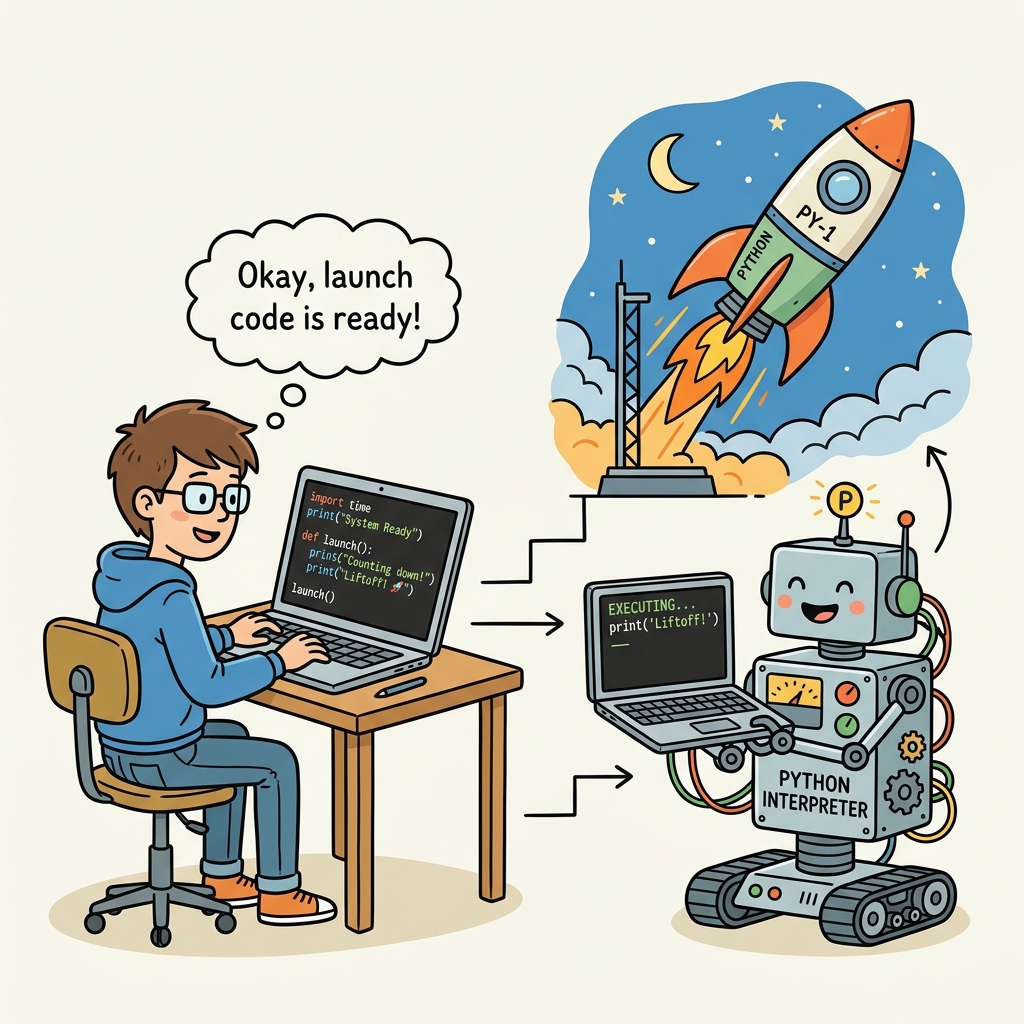
📌 Deep Dive: Your First Python Program
# This is a simple Python program that prints a greeting to the console
print("Hello, World!")
Quick Knowledge Check
Test what you just learned
Question 1 of 2
Which of the following is the correct way to print "Hello, Python!" in Python?
Question 2 of 2
What is a common cause of indentation errors when writing Python code?
Loading results...