When you first start programming in Python, one of the foundational concepts you will encounter is how to work with numeric data types. Numbers are everywhere in code — from simple calculations to complex algorithms — and understanding how Python manages numbers is essential to writing efficient and correct programs.
In this lesson, we'll explore the core numeric data types in Python, how they differ, and how to use them effectively. By the end, you’ll be confident in handling numbers in your Python projects.
What Are Numeric Data Types?
Numeric data types represent numbers. Unlike strings or booleans, these data types store values that you can perform mathematical operations on:
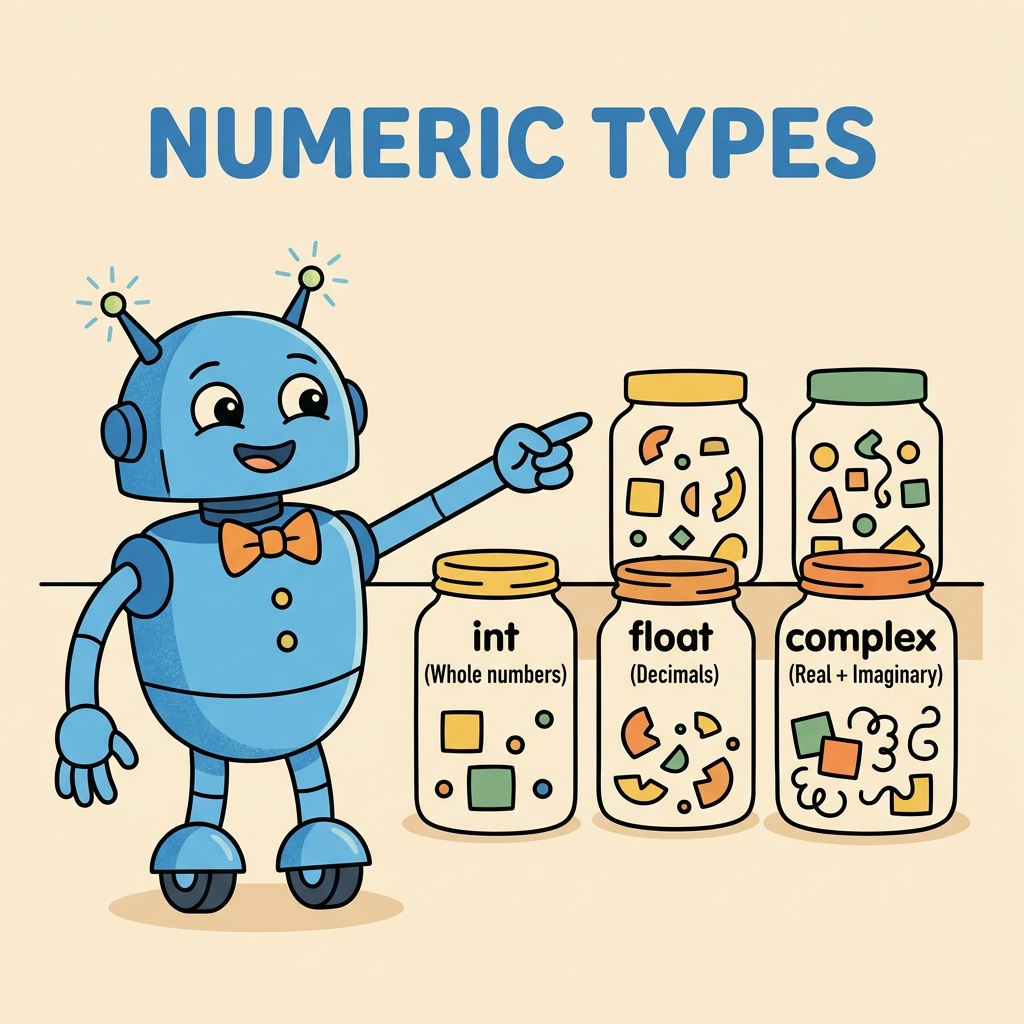
- Integers (int): Whole numbers without a decimal point, e.g., 7, -42, 0.
- Floating-point numbers (float): Numbers with decimal points, e.g., 3.14, -0.001, 2.0.
- Complex numbers (complex): Numbers with a real and imaginary part, e.g., 3 + 4j.
Each type serves a unique purpose and behaves differently under the hood.
Integers: The Whole Numbers
Integers are the simplest numeric type. They represent whole numbers, positive or negative, without any fractional or decimal component.
Python’s integer type can handle arbitrarily large numbers — there’s no limit like in some other languages where integers have fixed byte sizes.
📌 Deep Dive: Working with Integers
# Simple integer assignment
x = 10
y = -25

# Arithmetic with integers
sum_ = x + y
product = x * y

print("Sum:", sum_)
print("Product:", product)Integers are perfect when you need to count items, index lists, or perform discrete mathematics.
Floats: Decimal Numbers
Floating-point numbers represent real numbers with a decimal point. They are used when precision with fractions or decimals is necessary, like financial calculations, scientific measurements, or averages.
However, floats have some limitations due to how computers represent decimal numbers in binary — sometimes you might notice small rounding errors.
📌 Deep Dive: Floating Point Numbers in Action
pi = 3.14159
radius = 5.5

area = pi * (radius ** 2)
print("Area of circle:", area)

# Floating point precision example
print("0.1 + 0.2 =", 0.1 + 0.2)💡 Floating Point Precision
The tiny discrepancy in the sum of 0.1 + 0.2 is due to how floating-point numbers are stored in binary. If you need exact decimal representation (e.g., for currency), consider using Python’s decimal module.
Complex Numbers: Real + Imaginary
Complex numbers consist of a real part and an imaginary part and are written in Python with a j suffix to denote the imaginary unit. They are widely used in fields like engineering, physics, and signal processing.
Python supports complex numbers natively with the complex type.
📌 Deep Dive: Complex Number Basics
z1 = 2 + 3j
z2 = complex(1, -1)

sum_z = z1 + z2
product_z = z1 * z2

print("Sum:", sum_z)
print("Product:", product_z)

print("Real part of z1:", z1.real)
print("Imaginary part of z1:", z1.imag)Complex numbers behave like any other Python number in arithmetic operations, but they have additional real and imaginary attributes for accessing their components.
Comparing Numeric Types in Python
It helps to understand how numeric types relate and differ. Below is a quick comparison table summarizing key points:
| Type | Description | Example | Operations Supported |
|---|---|---|---|
int | Whole numbers, unlimited size | 42, -7, 0 | Add, subtract, multiply, divide, modulo, power |
float | Decimal numbers, approximate precision | 3.14, -0.001, 2.0 | All arithmetic + trigonometric functions (via math module) |
complex | Numbers with real and imaginary parts | 3+4j, 1-2j | Arithmetic + complex-specific methods like conjugate() |
Type Conversion Between Numeric Types
Sometimes you need to convert between numeric types explicitly. Python provides built-in functions for this:
int()converts floats or strings to integers (truncates decimals).float()converts integers or strings to floating-point numbers.complex()converts integers or floats to complex numbers (imaginary part zero by default).
📌 Deep Dive: Numeric Type Conversion
a = 7.9
b = int(a)       # Converts float to int by truncation
c = float(b)     # Converts int to float
d = complex(c)   # Converts float to complex number

print("a:", a)
print("b (int):", b)
print("c (float):", c)
print("d (complex):", d)Note how converting from float to int removes the decimal part without rounding.
Mathematical Operations and Numeric Types
Python supports a rich set of arithmetic operators you can use with numeric types:
+Addition-Subtraction*Multiplication/Division (always returns a float)//Floor division (truncates the quotient to an integer)%Modulus (remainder after division)**Exponentiation
Understanding the difference between / and // is especially important when working with integers.
📌 Deep Dive: Dividing Numbers
print("7 / 3 =", 7 / 3)    # Standard division
print("7 // 3 =", 7 // 3)  # Floor division
print("7 % 3 =", 7 % 3) # Modulus - remainderThese operators work seamlessly with all numeric types, but their results depend on the operands’ types. For example, dividing two integers with / returns a float, while // returns an integer.
Using Python’s math Module for Advanced Numeric Operations
While basic arithmetic is built into Python, the math module provides many additional functions for working with floats, such as trigonometric functions, logarithms, exponentials, and constants like pi and e.
📌 Deep Dive: Math Module Functions
import math

print("Square root of 16:", math.sqrt(16))
print("sin(π/2):", math.sin(math.pi / 2))
print("log(100, 10):", math.log(100, 10)) # log base 10Keep in mind the math module functions expect floats and return floats, so type conversion may be necessary.
Behind the Scenes: How Python Stores Numeric Types
Briefly, Python integers are implemented as arbitrary precision, meaning they can grow as large as memory allows. Floats are implemented as double-precision floating-point numbers following the IEEE 754 standard. Complex numbers combine two floats for their real and imaginary parts.
This design gives Python flexibility and power but also means you need to be mindful of precision and performance when working with very large or highly precise numbers.
Summary: Key Takeaways
- Integers (int) are whole numbers with unlimited size. Use them for counting, indexing, or math without fractions.
- Floating-point numbers (float) represent decimals but can have precision limitations.
- Complex numbers (complex) store real and imaginary parts, useful for advanced math and engineering.
- Use
int(),float(), andcomplex()to convert between types. - Python supports many arithmetic operators and the
mathmodule for advanced calculations.
💡 Remember
Choosing the right numeric type is crucial for both correctness and performance. Always consider what kind of number you need before picking a type.
Next Steps
Now that you understand Python’s numeric data types, try experimenting with them. Write small scripts to perform calculations, convert between types, and explore the math module functions.
In upcoming lessons, we will explore how to store and manipulate collections of numbers, and eventually how to work with numeric data in real-world applications.
Quick Knowledge Check
Test what you just learned
Question 1 of 2
Which Python numeric type would you use to represent the number 3.14159?
Question 2 of 2
What is the result type of the expression 7 / 3 in Python?
Loading results...